23.0 Profiles
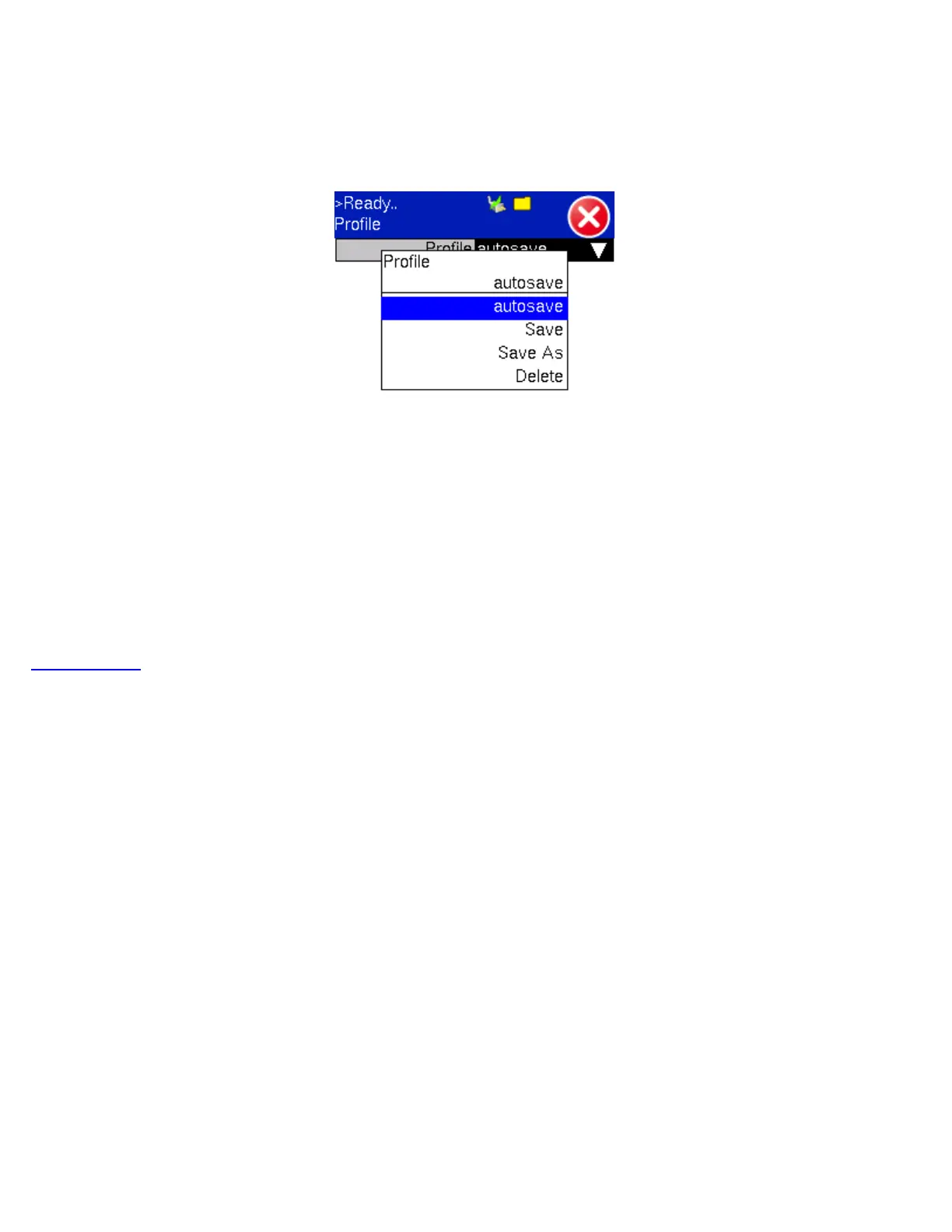
Profiles can be created in any application that has a 'Profiles' pull-down menu available. The PDH & DS1/3 applications all have
the ability to save profiles. Profiles can be viewed and loaded in the Profiles folder located in the Files folder structure.
Profile Menu
To save a new profile from the PDH & DS1/3 applications mentioned above, select the 'Save as New' pull-down menu option.
This will bring up an alpha-numeric keypad to name the profile. When the profile is saved, all of the test configurations that apply
to the particular application (PDH & DS1/3) are saved. This allows for fast access to pre-configured test configurations.
Go back to ToC
TX130M+_e-manual_D07-00-051P_RevD00


 To Next Page