Go back to top Go back to ToC
6.4 Profiles
Profiles Tab:
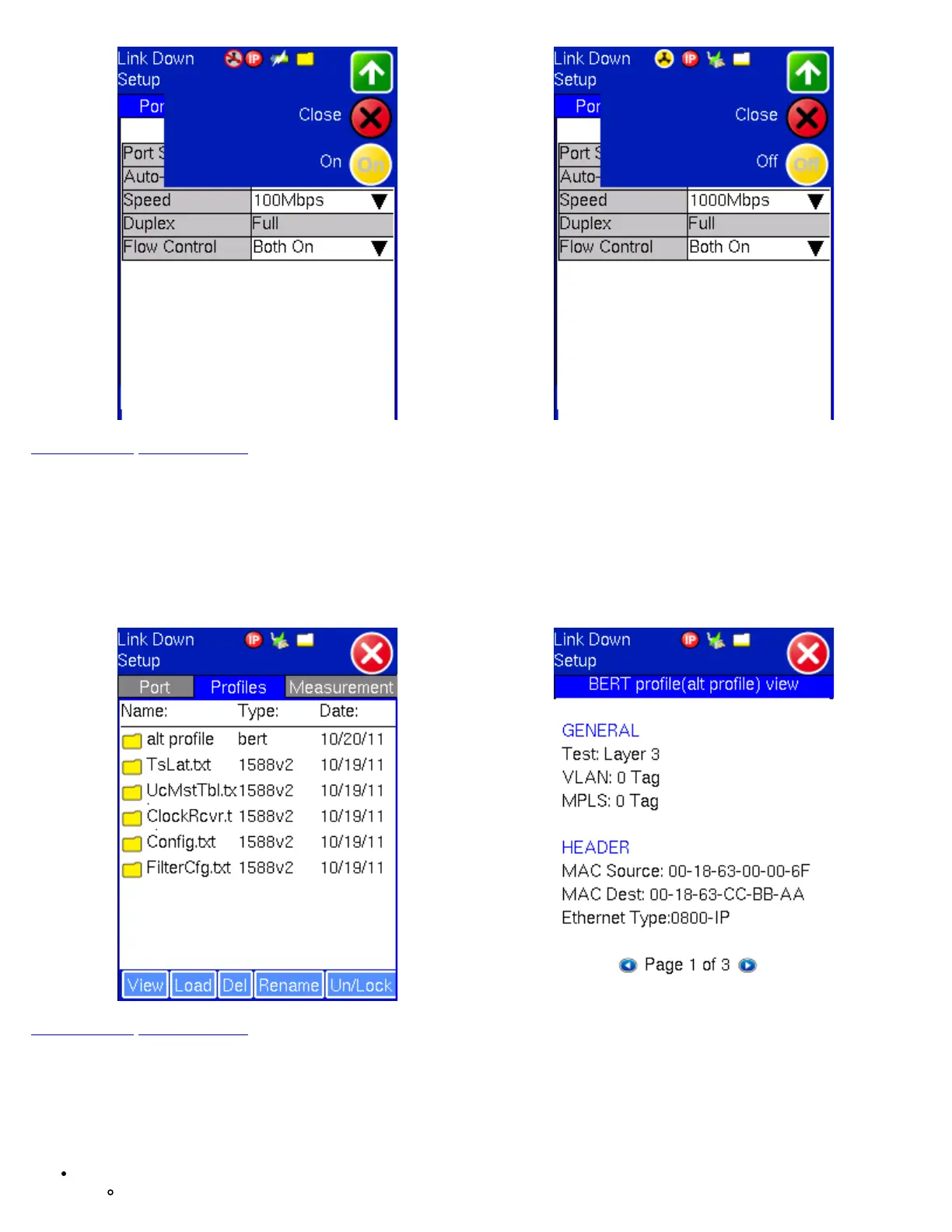
Previously stored profiles can be viewed, deleted and loaded from this screen. When the user loads a profile, the screen will
change automatically to the application that the profile corresponds to.
TX130M+ Profile Selection Viewing a Profile
Go back to top Go back to ToC
6.5 Measurement Settings
Measurement Tab:
The measurement and event log settings are configured in this screen.
Mode: Manual, timed, or auto mode are available.
Manual: User starts and stops the measurements manually.
TX130M+_e-manual_D07-00-051P_RevD00



 To Next Page