Go back to top Go back to ToC
8.2.6 Saving RFC 2544 Results
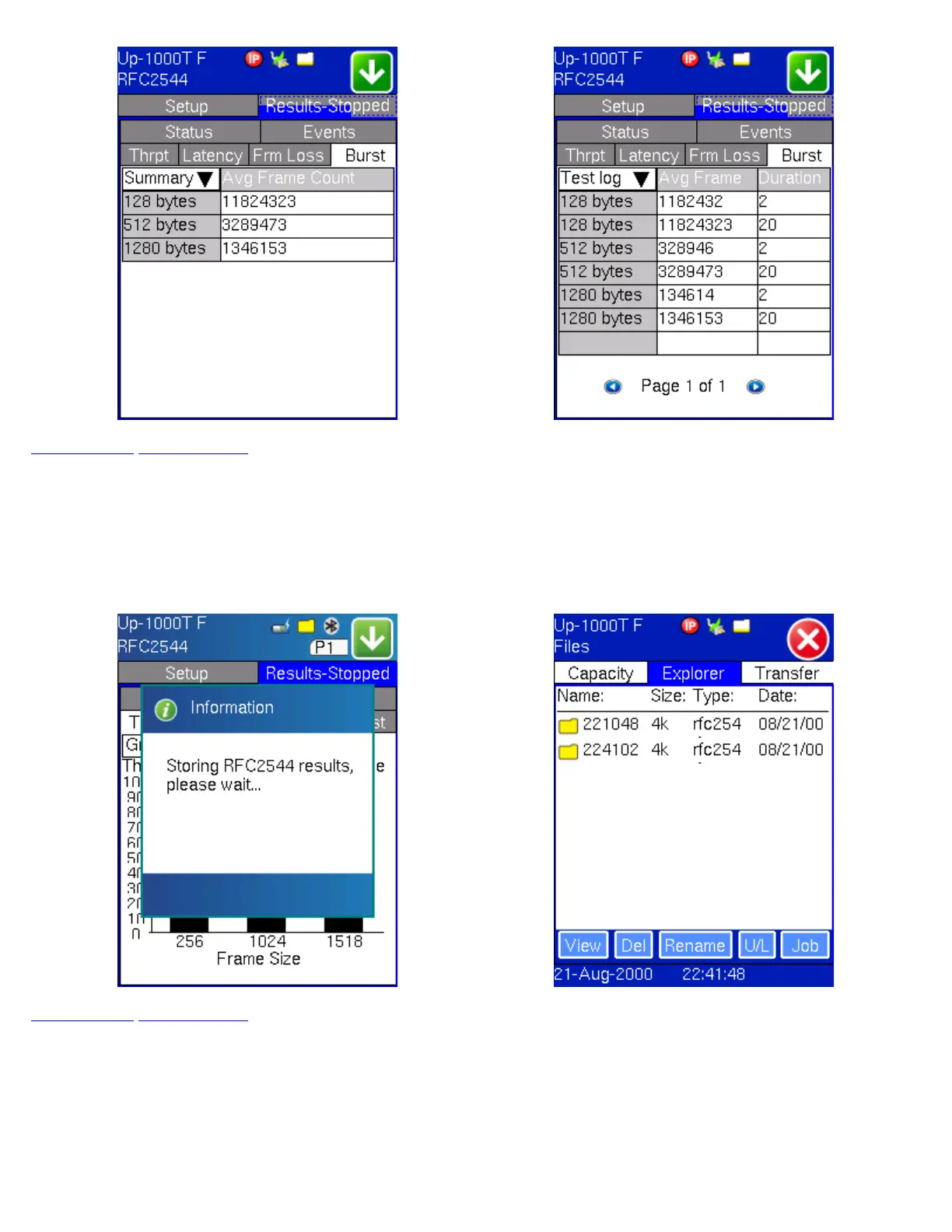
Once the test has been stopped the results can be saved by pressing the save key on the keypad. The results will be saved and
named automatically. Once the results are saved, the user may view or rename the results file by going to the Explorer folder
located in the Files menu.
RFC Results - Storage RFC Results - File Explorer
Go back to top Go back to ToC
TX130M+_e-manual_D07-00-051P_RevD00



 To Next Page