Applying HotFixes 7-3
Chapter 7: Initial Configuration
Wave Server Installation Guide
To apply one or more HotFixes
1. Do one of the following:
• From the administrator PC, log on to the Global Administrator Management
Console according to steps 6-9 on page 5-7,
• If you are using Remote Desktop to access Wave, launch the browser from the
Wave desktop and point the browser at http://localhost to access the Global
Administrator application.
2. Click
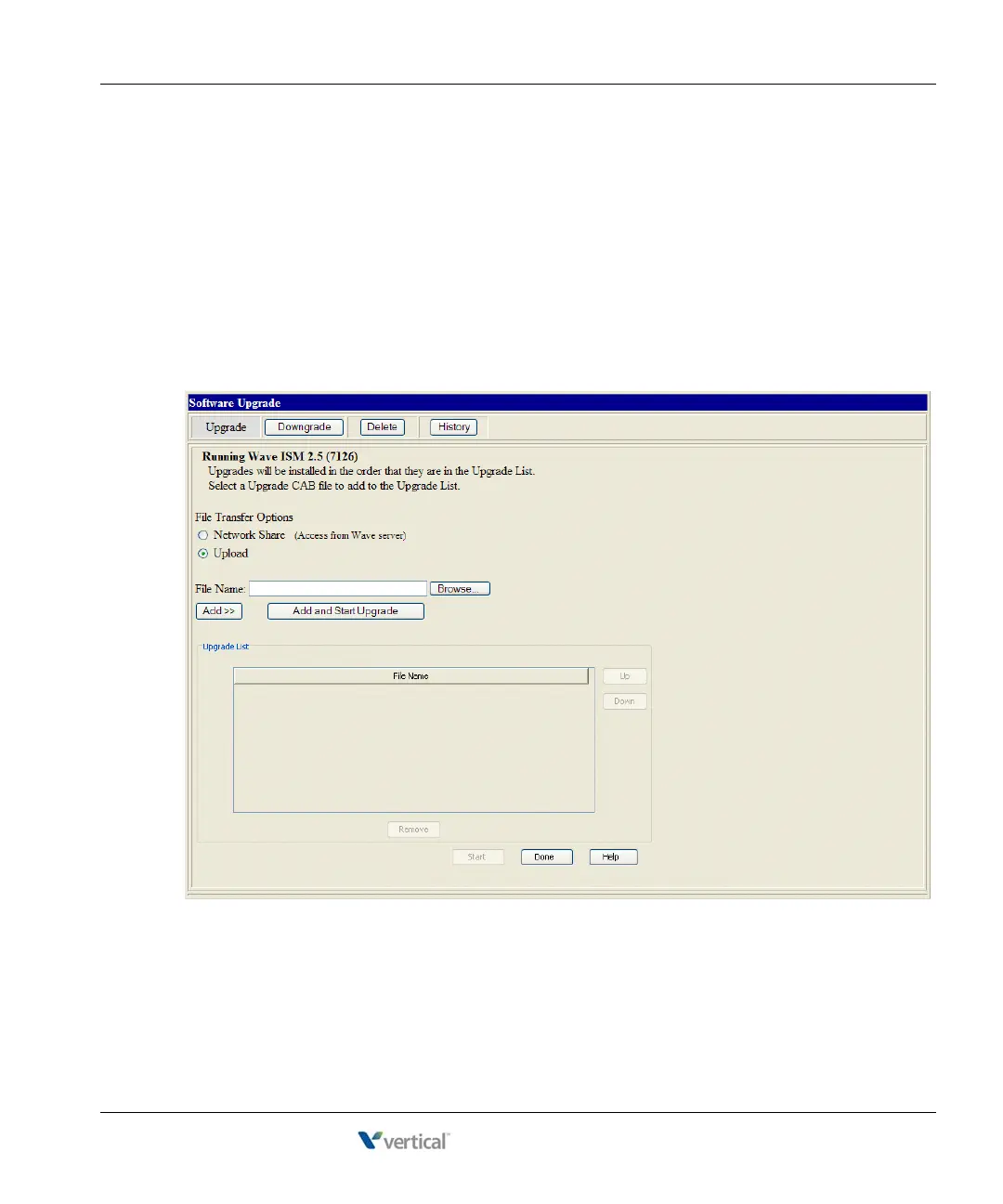
Software Upgrade in the General Administration section. The Software Upgrade
applet starts, and the Upgrade button is automatically active.



 To Next Page