Performing basic system configuration tasks 7-16
Chapter 7: Initial Configuration
Wave Server Installation Guide
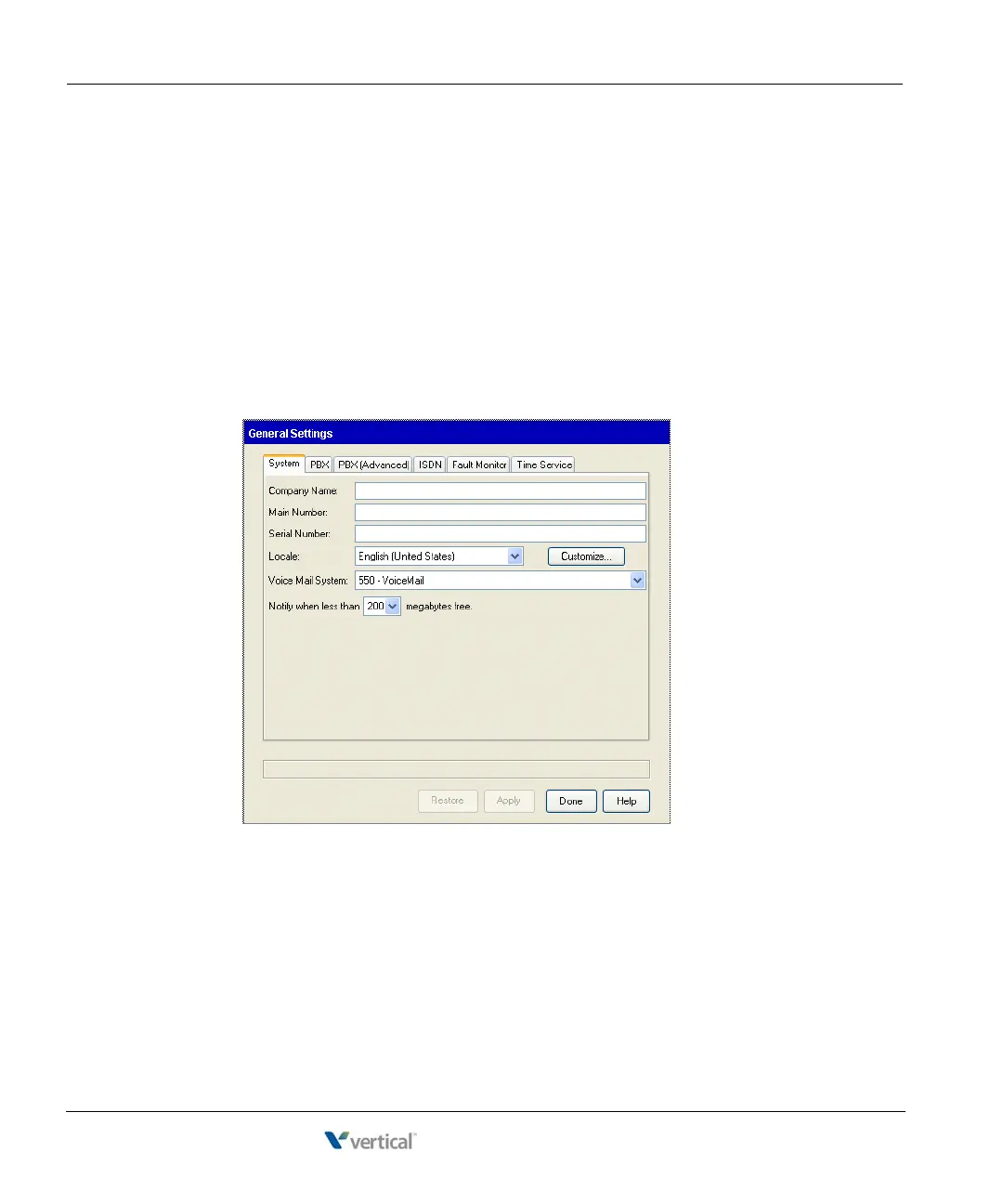
• The Locale that you specify enables appropriate locale-specific system settings including
ring cadence, minimum analog hook flash, tone set, line impedance, trunk locale, and so
forth.
• The
Voice Mail System defines the voice mail pilot number for the Wave ISM. The voice
mail pilot number is the extension users dial, or trunk groups use, to reach the voice mail
hunt group.
To enter basic system information:
1. In the Global Administrator Management Console, click General Settings, located in the
General Administration section. When the General Settings applet starts, click the
System tab.
2. Enter your
Company Name.
3. Enter the entire
Serial Number of the Wave Server. For most purposes, this is the serial
number located on the sticker on the front of the ISC1 (Wave IP 2500) or on the side of
the Wave IP 500. Generally, this number will begin with the letters “LG” followed by a
number sequence.



 To Next Page