Mounting the Wave IP 2500 Server 4-10
Chapter 4: Setting Up the Wave IP 2500 Server
Wave Server Installation Guide
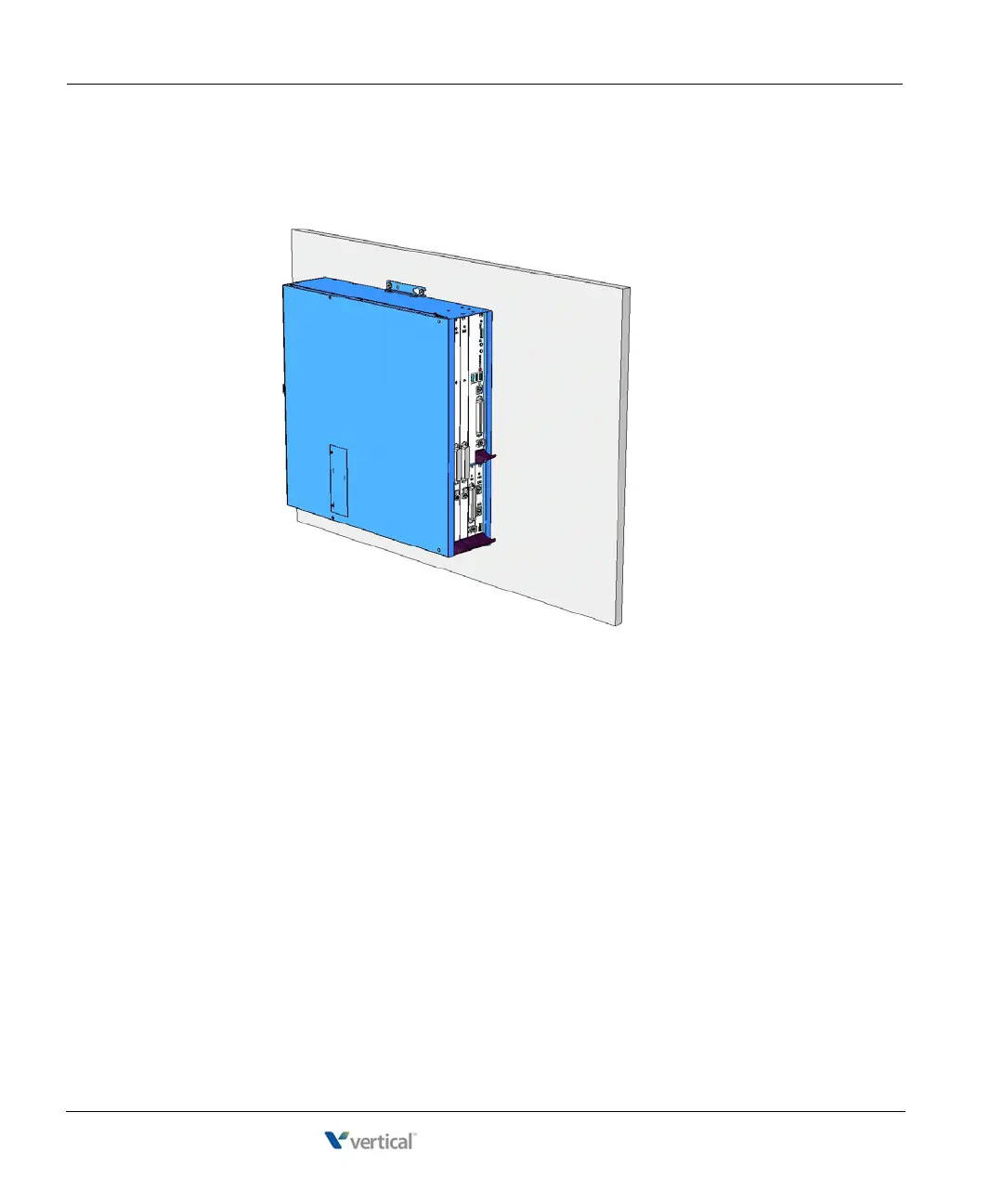
7. Insert and tighten two self-threading 1/4-20 screws through each mounting bracket to
securely attach the base unit to the plywood. When successfully wall-mounted, the Wave
IP 2500 Server base unit looks like this:
Table mounting the Wave IP 2500 Server
Table mounting is a convenient solution for temporary or mobile operation requirements of the
Wave IP 2500 Server. Do not place the Wave Server on the floor.
Caution: Ensure that the table supports the weight of your Wave Server including any EXUs.
See “Proper lifting” on page 2-7 for system weight specifications.



 To Next Page