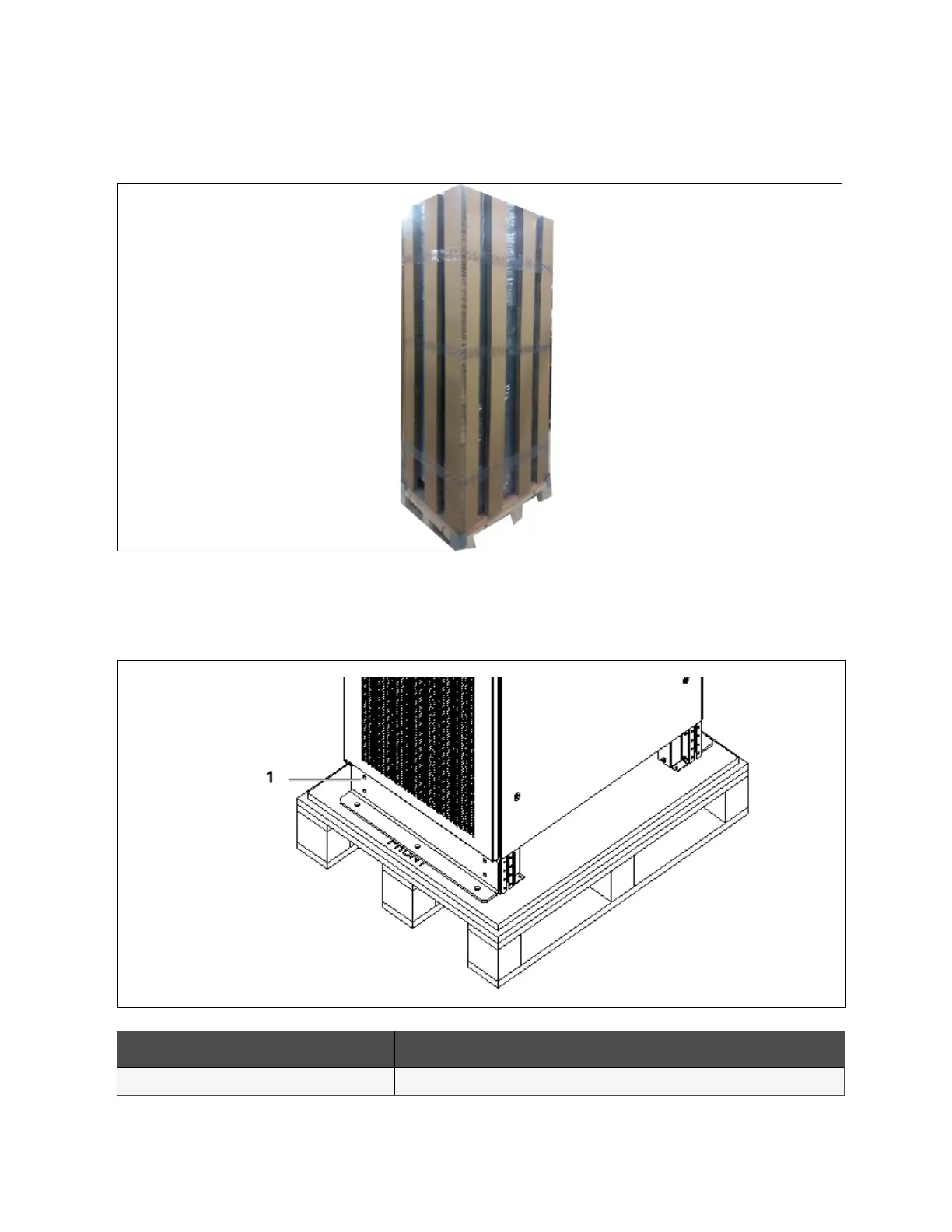
2. As shown in Figure 3.4 below, remove the honeycomb plate.
Figure 3.4 Rem oving honeycom b plate
3. Open the front door of the UPS, loosen the fixing screws and remove the bottom fixed part at front of the cabinet. Then
loosen the fixing screws and remove the bottom fixed part at back of the cabinet. As shown in Figure 3.5 below.
Figure 3.5 Rem oving bottom fixed part
N O. Description
1 Fixed part
3 Mechanical Installation
28
Vertiv™ Liebert® EXM2 UPS User Manual











 To Next Page