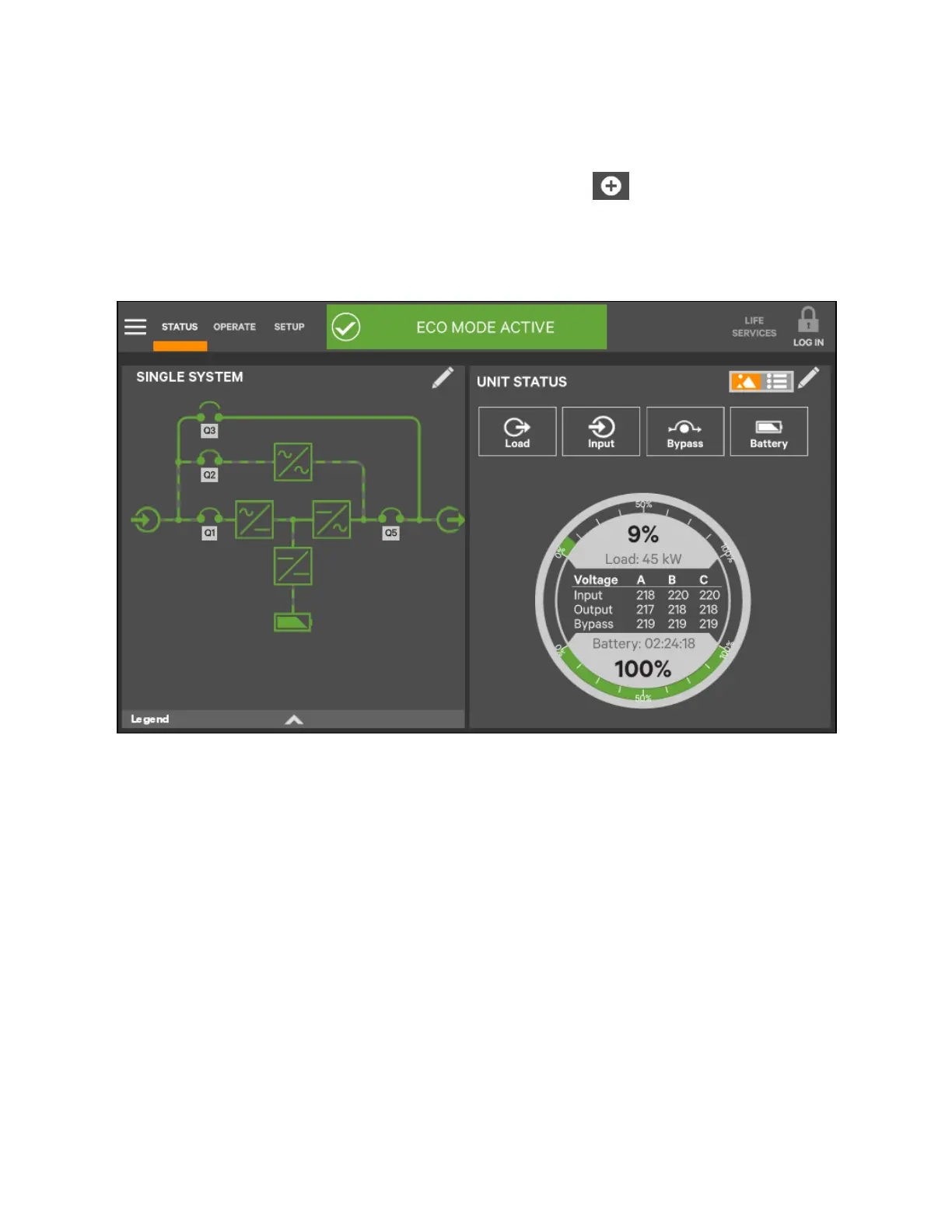
To edit the UNIT STATUS panel:
1. Activate the editing mode by touching and holding the Edit icon on the UNIT STATUS panel.
2. Touch the large X by a parameter icon to delete it or touch the + icon at the bottom right of the panel to
add a parameter icon.
3. Touch the header area to deactivate the edit mode.
Figure 5.15 Edit U N IT STA TU S panel
5 Operator Control and Display Panel
73
Vertiv™ Liebert® EXM2 UPS User Manual











 To Next Page