VI.BE.MAC.S.p.A.
pag.24
21. SYSTEM SOFTWARE PARAMETERS
With the new management software, version 3.0, the automatic unit can now perform the following 7 different
types of operation.
While the automatic unit is running, the following parameters can be varied, for every operation called up by
paragraph 6.OPERATION SYSTEMS.
21.1. VARYING TIMER SETTINGS WITH AUTOMATIC CYCLE PRMB = 1
To synchronise the various movements correctly the following timers are used during all movements of the
equipment:
STEP 5: Delay in loading jig opening from the Left end-stop reading (IA)
STEP 6: Delay in loading cylinder return from the Left end-stop reading (IA)
STEP 9: Delay in sewing cycle start from the Right end-stop reading (I7)
STEP 19: Delay in loading jig opening from the Left end-stop reading (IA)
STEP 20: Delay in loading cylinder return from the Left end-stop reading (IA)
STEP 23: Delay in sewing cycle start from the Right end-stop reading (I7)
In this example, the FUNCTION “Delay in loading jig opening from the Left end-stop reading” at STEP 19 is
changed.
Lower the plates
Press the FUNCTION key
Press the 6 key and ENTER
The display changes to:
*** Please Input ***
Password = (0000) E
Press 1 0 0 6 and ENTER
The display changes to:
STEP MOVEMENT
1.SET 2.TEST 1E
Press 1 and ENTER
The display changes to:
1.SEQUENCE
2.RANDOM 2 E
Press 2 and ENTER
The following appears on the display:
001:INPUT EDGE
I1.POS OUT:PWR:END>
Press the JOG+ key until the number of the line to be modified appears at top left.
When the following appears on the display:
036:INPUT EDGE
I1.POS OUT:FN1:AND>
Press the ENTER key until the time value to be modified appears at bottom right.
When the following appears on the display:
036:OUTPUT:IN: IOC
HIGH:TIMER: 0220 E
When the flashing square is over the TIMER value, use JOG+ or JOG - keys to vary the set value, press
ENTER to confirm.
Press END
The following appears on the display:
RUN STEP 1.Y
SEQUENCE NOW 2.N E
Press 1 and ENTER
STEP WRITE OK? 1Y
2 N E
Press 1 and ENTER
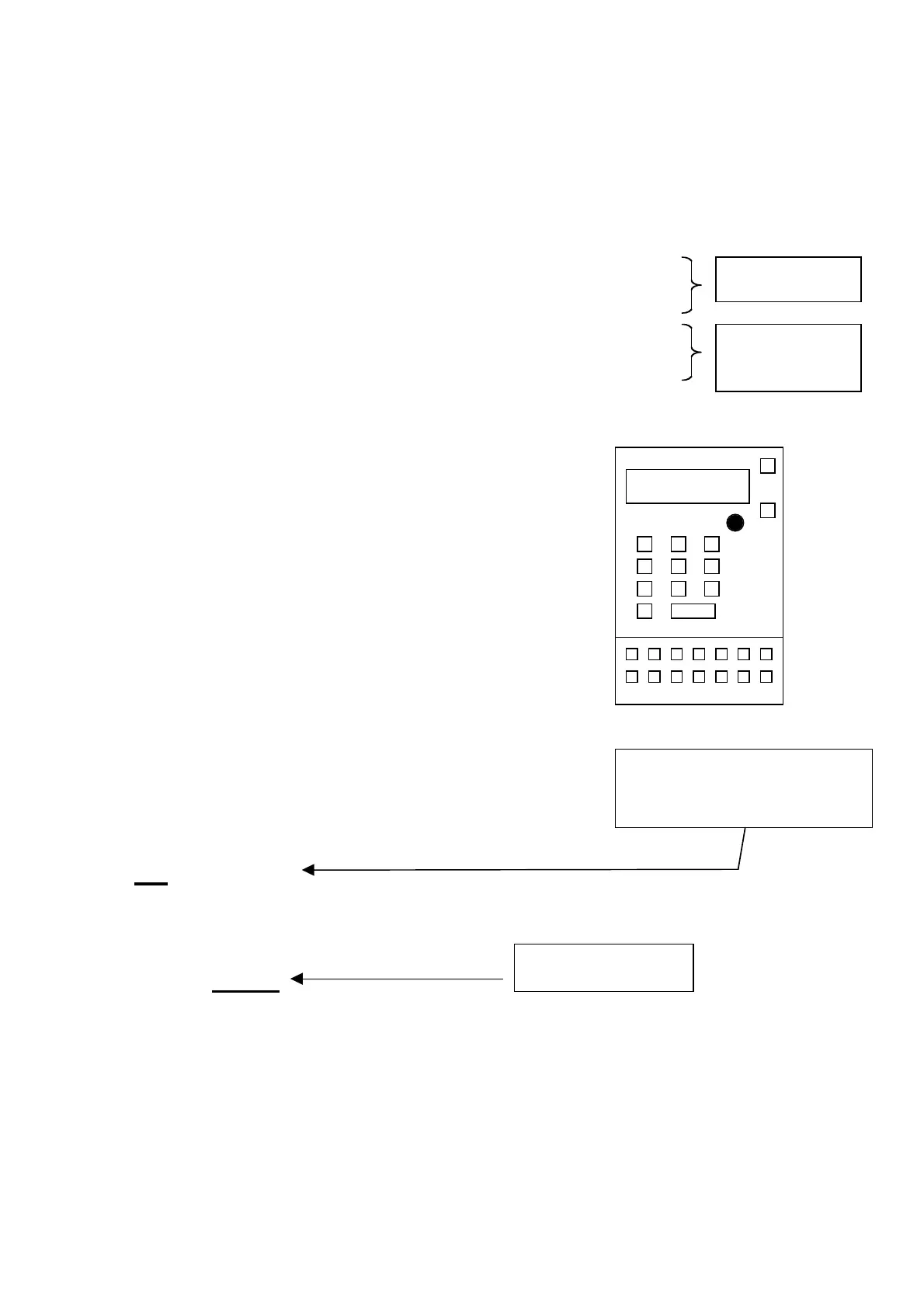
If the timer in use to another
function is varied, proceed to the
correct step of the programme
From second
cycle with
machine sewing
First cycle with
machine sto
ed
Timer value (timer:
xxxx)



 To Next Page