VI.BE.MAC.S.p.A.
pag.26
21.3.INPUTS / OUTPUTS TEST
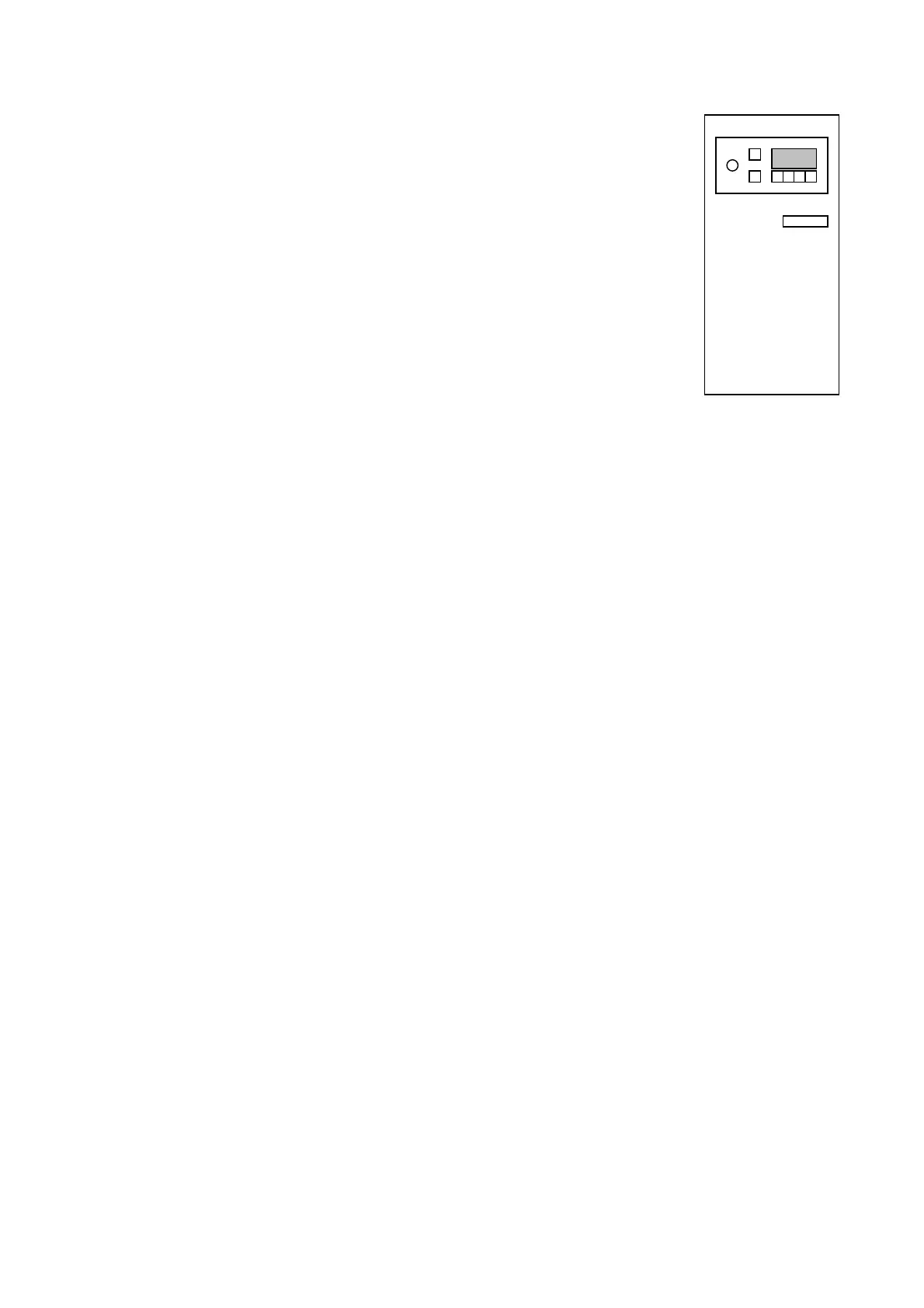
On the command console fixed to the card cabinet under the Loader:
Press the F key
The following appears on the display:
F U N C
Press the two arrows and the A key together
The following appears on the display:
P - E (E mode)
Hold the two keys down until the writing changes to:
1. E - X X
The last error message on the machine appears on the display
Press the down arrow key
The following appears on the display:
2. E - X X
The penultimate error message on the machine appears on the display
Press the down arrow key
The following appears on the display:
3. E - X X
The third from last error message on the machine appears on the display
Press the down arrow key
The following appears on the display:
4. E - X X
The fourth from last error message on the machine appears on the display
Press the down arrow key
Display of all INPUTS present with the possibility of testing them manually (from i 1 to i P)
The following appears on the display:
i 1 - o f input parameter i 1 = OFF
The INPUT value of parameter i 1 is displayed.
Press the relative pedal or function switch to change from o n to o f and/or viceversa.
Press the down arrow to display all the INPUTS present, from i 1 to i P
The parameters used are as follows:
LEFT GREY PEDAL (I1)
RIGHT BLACK PEDAL (I2)
STOP MICROSWITCH (red) on the sewing head (I4)
RIGHT LOADER LIMIT STOP MICROSWITCH (I7)
LEFT LOADER LIMIT STOP MICROSWITCH (IA)
RIGHT MICROSWITCH (yellow) on the sewing head (ID)
BROKEN THREAD SENSOR (IG)
LEFT MICROSWITCH (yellow) on the sewing head (IH)
Press the down arrow key to cycle through all the parameters
When the following appears on the display:
i P - o f output parameter i P = OFF
The INPUT value of the last parameter i P is displayed.
Press the down arrow



 To Next Page