VI.BE.MAC.S.p.A.
pag.33
22.2.PROGRAMMING AN EMBROIDERY
Lower the jigs
Press PEN IN
Press 1 and ENTER
Press HOME
The display changes to:
TYPE DATA
1.B DATA 2.BA DATA
Press 1 and ENTER
The display changes to:
SPEED HIGH
ST.LENGTH 3.0mm
With the SPEED key select type of speed required from the 4 possible, normally HIGH
With the numerical keys set the required stitch length
E.g. 2.5mm insert 2 and 5
3.1mm insert 3 and 1
Press ENTER
• ( X ) Check whether the word FEED appears at the bottom right of the display, , , if the word SEW
appears, press the FEED key
Move to the starting point of the seam with the directional arrows
Press ENTER
Check the type of seam required at the beginning of each tract (STRAIGHT – ARC – CIRCLE –
IRREGULAR CURVES):
STRAIGHT SEAM
Press the TEACHING METHOD key and select the P-P method in the upper right of the display
Move with the directional arrows to the end of the seam
Press ENTER
x
x
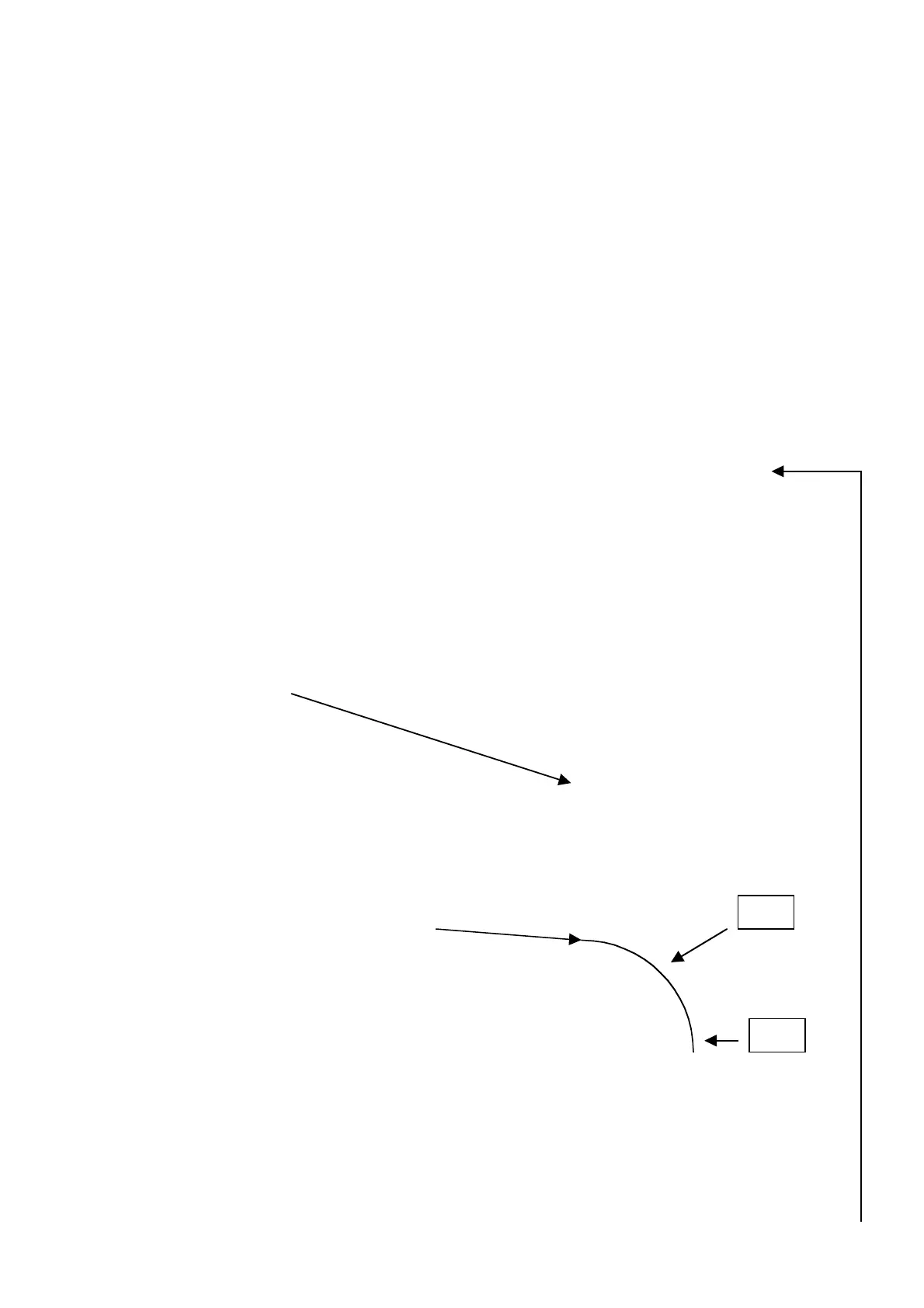
CURVE SEAM (CIRCLE ARC – REGULAR CURVE)
Press the TEACHING METHOD key and select the A P1 method in the upper right of the display
Move with the directional arrows to the CENTER of the arc.
Press ENTER
Move with the directional arrows to the END of the arc.
Press ENTER
The display changes to:
MAKE ARC 1 Y
DATA 2 N
Press 1 and ENTER
P1
P2



 To Next Page