VI.BE.MAC.S.p.A.
pag.46
23.5.MODIFYING THE SEWING SPEED (n° of stitches)
Lower the plates
Press the MODIFY key
The display changes to:
PRESS HOME KEY
Press the HOME key
The machine resets to its ORIGINAL POINT
"X" Press the FUNCTION key
The display changes to:
CHANGE RETURN 1Y
FEED 2N
Press the 1 key and ENTER
The following appears on the display:
1 STITCH 2 SPEED 3 CODE 4 MOVE (B)
Press 2 and ENTER
The following appears on the display:
1 ALL STITCH
2 N. STITCH
Press 2 and ENTER
The following appears on the display:
1 LOW 2 MD2 3 MD1 4 HIGH
Choose the type of speed from those present.
Insert the corresponding number and ENTER
The display changes to:
SPEED JOG SEW
X xxx.x Y yyy.y E
With the JOG+ key go to the point to be modified
Press ENTER
The display changes to:
N. STITCH
SPEED CHANGE ... E
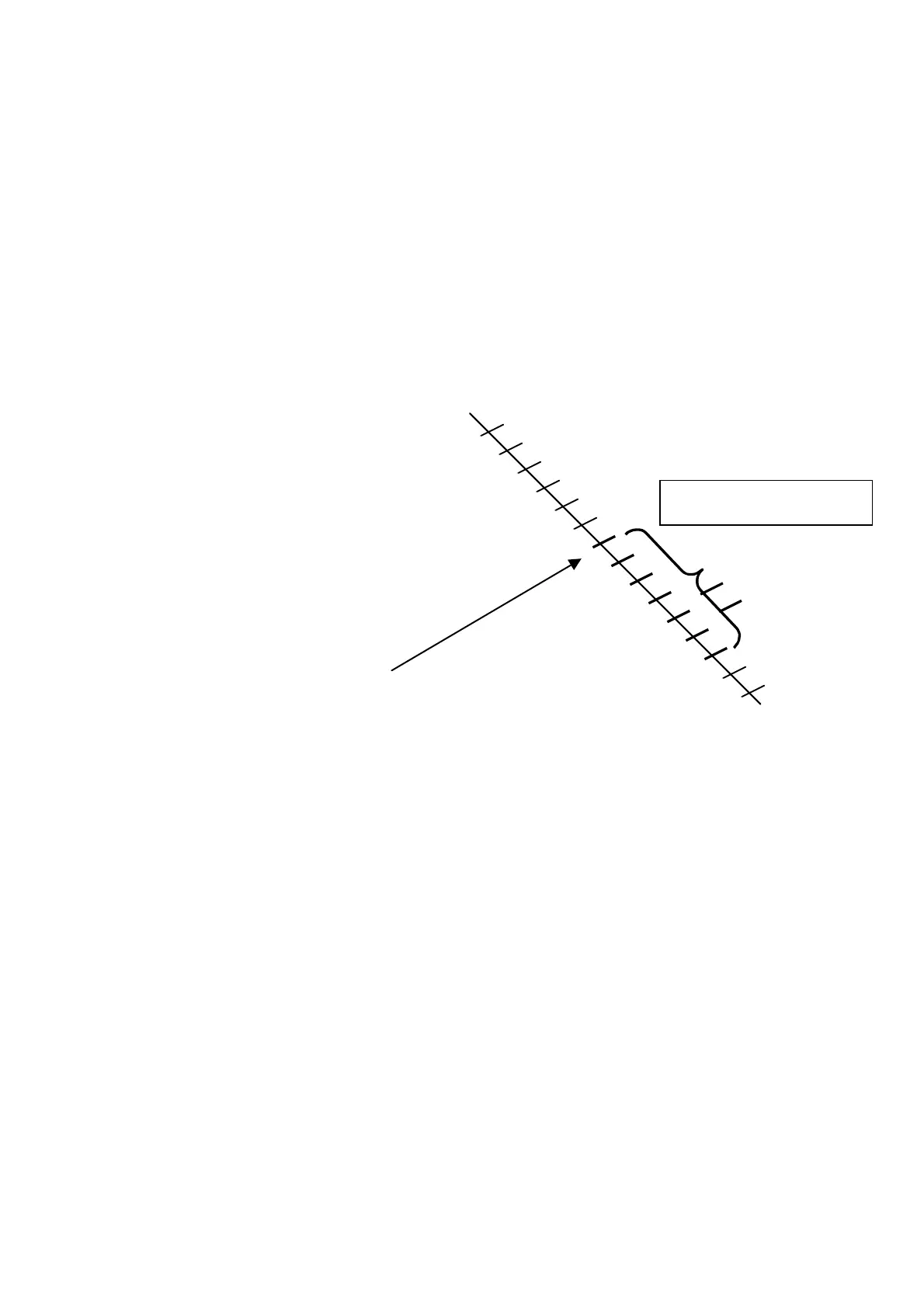
Insert the number of stitches you wish to slow down.
Press ENTER
The following appears on the display::
CHANGE SPEED 1Y
nnn xxxx 2N
nnn = number of stitches xxxx = pre-selected type of speed
Press 1 and ENTER
• IF FURTHER MODIFICATIONS ARE REQUIRED
Repeat the operation, starting from point *X*
• IF NO FURTHER MODIFICATIONS ARE REQUIRED
Proceed in the program with JOG+ until the beginning of the left bar
Press the MODIFY key
The display changes to:
PRESS HOME KEY
Press HOME
Example:
six stitches at MD2 s
eed



 To Next Page