VI.BE.MAC.S.p.A.
pag.25
The following appears on the display::
WRITING…………….
When the display once again shows the programme, turn off the machine and wait until the display goes out.
Re-start the machine and check that everything functions correctly.
21.2. VARYING TIMER SETTINGS WITH AUTOMATIC CYCLE PRMB = 2
To synchronise the various movements correctly the following timers are used during all movements of the
equipment:
STEP 12: Delay in intervention of safety sensor from the code FUN1 reading. (not used)
STEP 37: Remaining time for raised internal jig during the backward movement given by code FUN1
reading.
In this example, the delay function in the intervention of the safety sensor from the code FUN1 reading in line
12 is varied.
Lower the plates
Press the FUNCTION key
Press the 6 key and ENTER
The display changes to:
*** Please Input ***
Password = (0000) E
Press 1 0 0 6 and ENTER
The display changes to:
STEP MOVEMENT
1.SET 2.TEST 1E
Press 1 and ENTER
The display changes to:
1.SEQUENCE
2.RANDOM 2 E
Press 2 and ENTER
The following appears on the display:
001:INPUT EDGE
I1.POS OUT:PWR:END>
Press the JOG+ key until the number of the line to be modified appears at top left.
When the following appears on the display:
012:INPUT EDGE
I1.POS OUT:FN1:AND>
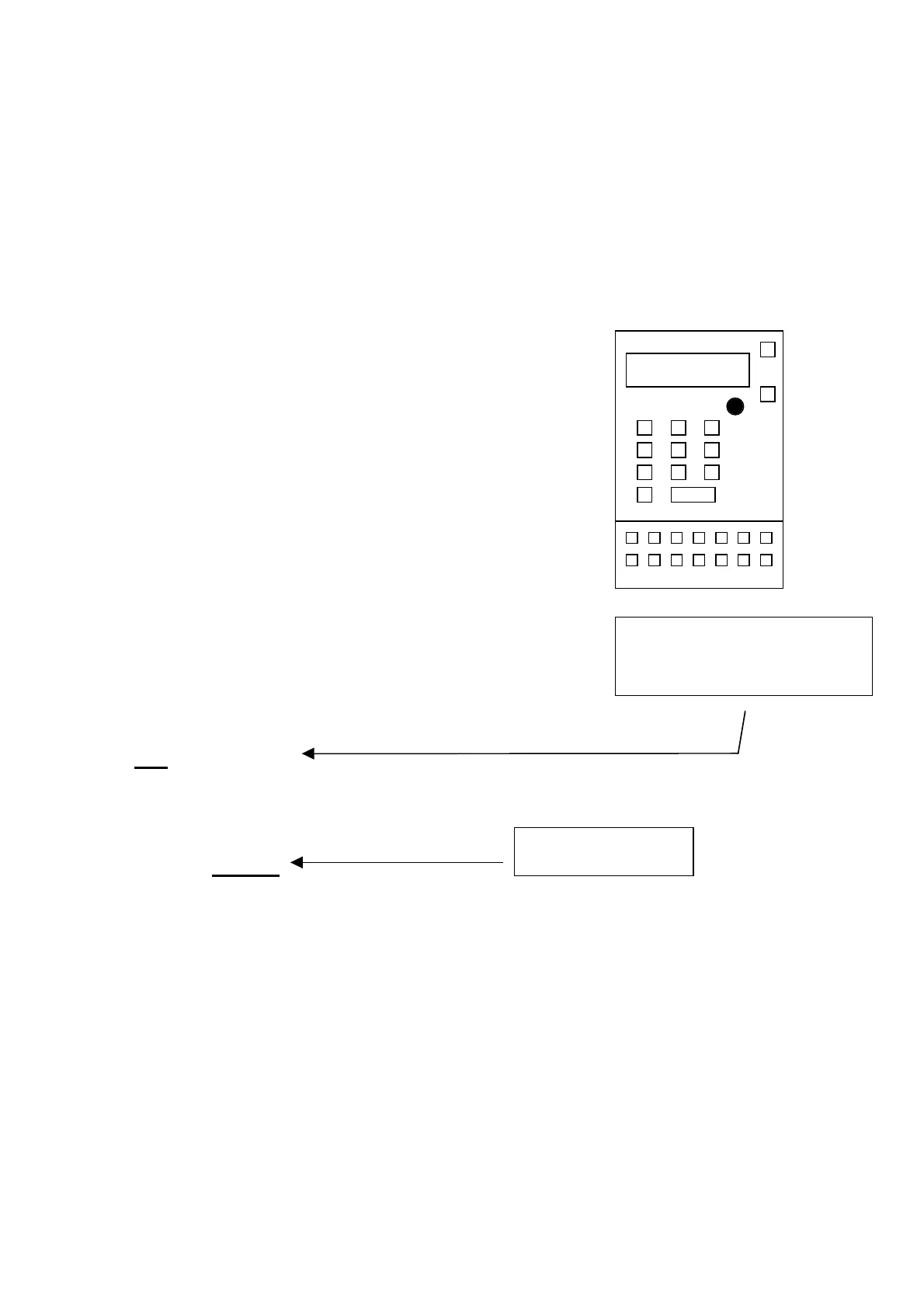
Press the ENTER key until the time value to be modified appears at bottom right.
When the following appears on the display:
036:OUTPUT:IN: IOC
HIGH:TIMER: 0220 E
When the flashing square is over the TIMER value, use JOG+ or JOG - keys to vary the set value, press
ENTER to confirm.
Press END
The following appears on the display:
RUN STEP 1.Y
SEQUENCE NOW 2.N E
Press 1 and ENTER
STEP WRITE OK? 1Y
2 N E
Press 1 and ENTER
The following appears on the display:
WRITING…………….
When the display once again shows the programme, turn off the machine and wait until the display goes out.
Re-start the machine and check that everything functions correctly.
If the timer in use to another
function is varied, proceed to the
correct step of the programme
Timer value (timer:
xxxx)



 To Next Page