VI.BE.MAC.S.p.A.
pag.56
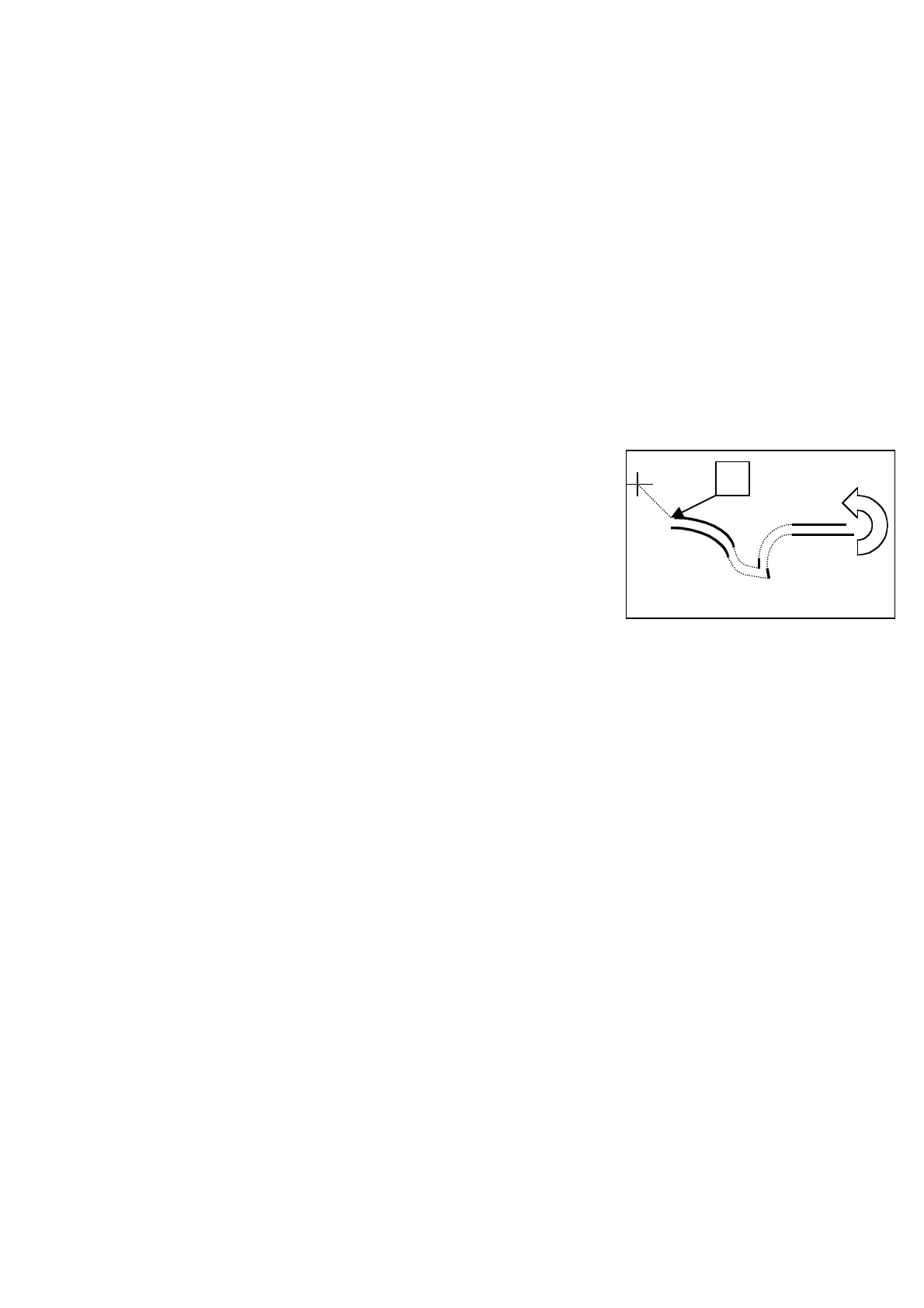
23.11.ROTATION OF A PROGRAMME
Press the CONVERT key
The display changes to:
PRESS HOME KEY
Press the HOME key
The machine resets to its ORIGINAL POINT
The display changes to:
1 HOME 2 ENLARGE
3 MIRROR 4 ROTATE
Press the 4 key to select ROTATE
Press ENTER
The following appears on the display::
ROTATION
ANGLE 1.0°
Using the numerical keys, select the number of degrees the pocket is to be rotated. Normally, either
0.1° or 0.2° is used.
Press ENTER
The following appears on the display:
CENTER (JOG KEY) FEED
Use JOG+ to go to the top left-hand corner (point A)
Press ENTER
The following appears on the display:
CENTER (ARROW KEY) FEED
X000.0 Y000.0 E
Press ENTER
The following appears on the display:
ROTATION
1RIGHT 2 LEFT
Using the numerical keys, select the required rotation direction of the pocket.
Select 1 to rotate the pocket in a CLOCKWISE direction.
Select 2 to rotate the pocket in an ANTICLOCKWISE direction.
Confirm the choice with ENTER
The following appears on the display:
1Y
ROTATION 2N
Press number 1 and ENTER
The following appears on the display:
PUSH HOME
Press the HOME key
The machine returns to the ORIGINAL POINT
The display changes to:
1 HOME 2 ENLARGE
3 MIRROR 4 ROTATE
Press the CONVERT key
The following appears on the display:
PUSH HOME
Press the HOME key
Test the programme with the JOG+ key and, if all goes well to the end, press HOME
Try the programme while sewing and save it as follows:
Press WRITE
The display changes to:
WRITE DATA
1.MEMORY 2.FD



 To Next Page