VIDEONICS TITLEMAKER 3000 PAGE 13
TypesofCablesUsedwith TitleMaker3000
• INPUT andOUTPUT. You can use S-video (Y/C) or composite(RCA-style)
jacks for the input and output.
S-video (Y/C) jacks deliver somewhat better performance than composite
(RCA-style) jacks, but only if they are used for both the input and output.
In other words: Use S-video (Y/C) jacks if your source and recorder are
both equipped with them; use only the composite (RCA-style) jacks if ei-
therlacks S-video jacks.
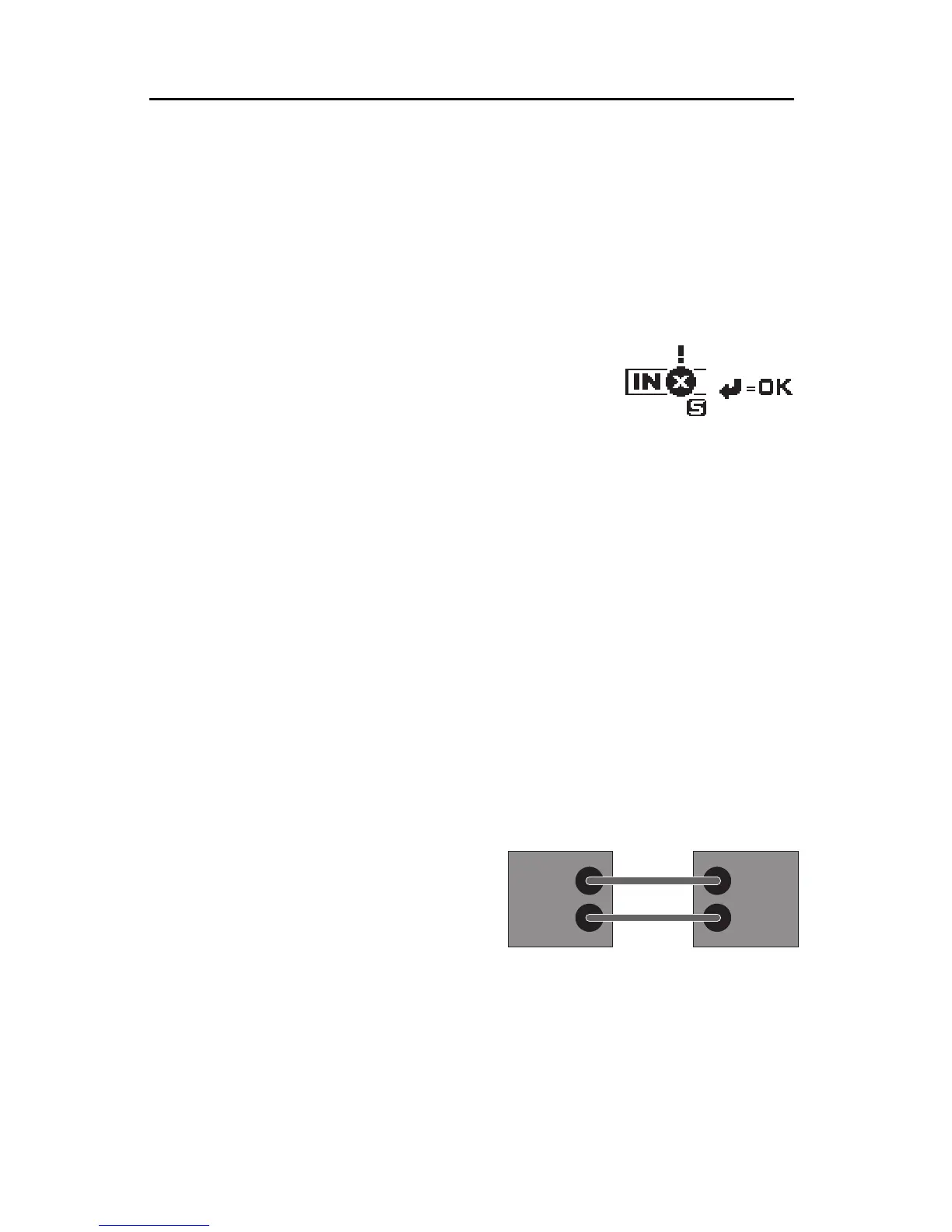
If you are using the S-video output jacks, you must
use S-video for the input. If you try to use the S-
video output and the composite (RCA) input, an
on-screenwarning appears to remindyou to useS-
video in.
• Record VCR to OUTPUT monitor. If you are using a Record VCR, the
OUTPUT monitor can be connected to the VCR using an RF (antenna/
cable type)cable, composite (RCA-style) cable,or S-video (Y/C) cable, de-
pending on what types of jacks are available on the VCR and monitor. If
you havea choice, S-video isgenerally better than composite andcompos-
ite is better than RF.
• PREVIEW. If you are using a PREVIEW monitor, it must be connected via
a composite (RCA-style) cable.
• BNC. If you plan to use equipment with BNC jacks, you will also need
RCA-BNC adapters.
• Audio. The audio jacks on TitleMaker 3000 are simple pass-through con-
nectors, provided to make connections between two video devices conve-
nient. AUDIO IN is routed directly to AUDIO OUT, unmodified by the
unit.
IN and OUT Markings
Hint: Always connect the OUT jack
of one device to the IN jack of the next.
Never connect two OUTs together.
IN
OUT
IN
OUT



 To Next Page