VIDEONICS TITLEMAKER 3000 PAGE 21
If you experience problems with this setup, connect TitleMaker 3000 be-
tween the player and the edit controller instead.
UsewithVideoProcessors
Avideoprocessor orenhancer maybeusedaswell.Processorsare generally
connected directly to the camcorder output so they adjust the video before
titles are added.
Multiple Source Editing with a Video Mixer
Advancedediting combinesvideo frommore thanone source.A videomixer
is used to combine the video sources to use fades, wipes, and other effects to
transition between sources. As with a single source, you can connect a titler
before or after the mixer:
Generally, the most flexible arrangement is to connect TitleMaker 3000
between the mixer and the recorder (2). This arrangement has an important
advantage: Titles can be superimposed over the mixed signal. For instance,
you could have a wipe from source B to source C and have titles superim-
posed over the entire transition, rather than just having the titles atop either B
or C.
You may use the titler as a separate input (1). The advantage of this ar-
rangement is that the mixer’s effects can be used on the titles.
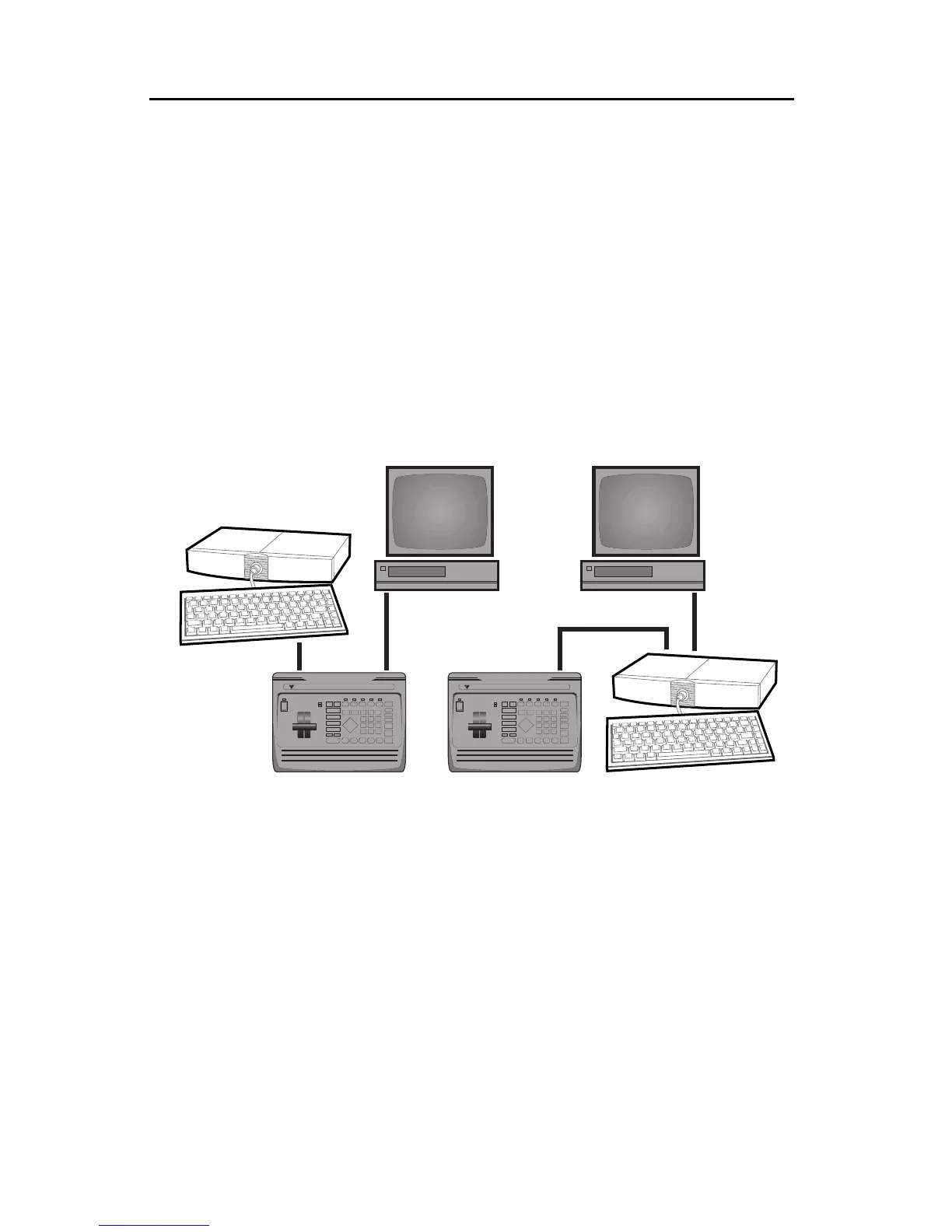
Of course, you can use multiple TitleMaker 3000s, connecting one titler to
the input and one to the output.
GPI Control
If you want to trigger a project which contains just titles, you can use
TitleMaker 3000’s internal time trigger. (See Chapter 18.) If you want to trig-
ger the titles with other equipment, you will have to use a GPI cable.
DIGITAL VIDEO MIXER
VIDEONICS
DIGITAL VIDEO MIXER
VIDEONICS
❶
❷



 To Next Page