VIDEONICS TITLEMAKER 3000 PAGE 23
Chapter 5 • Using the Demo
Thebuilt-indemoisaconvenientwaytolearnwhattheunitcando.
UsingtheDemo
To display TitleMaker 3000’s built-in demo, simultaneously press the AC-
CENT key and the DEMO key. The OUTPUT monitor will display a series of
titles that describe the unit’s features and applications and demonstrates the
kind of effects you can generate. Press any key to end the demo.
Running the demo does not erase any titles you have entered.
International Demo
Press SHIFT + DEMO to display a demo that minimizes the use of English
language text. This demo is designed for international use.
LockedDemo
Normally, pressing any key will end the demo. If you want to prevent
passers-by from accidentally ending the demo, hold CMD (Command) as you
start the demo (CMD + ACCENT + DEMO for the English language demo;
CMD + SHIFT + DEMO for the international version). This will start a locked
demo. Only the CMD + ACCENT + DEMO or CMD + SHIFT + DEMO key
combination will stop it.
Usingthe DemoasaGuidedTour
The demomakes extensive use ofTitleMaker 3000’s features and includes
several clever tricks for making interesting titles. You can study the demo in
detail by copying it into the Editing Screen. To do this, press CMD + AC-
CENT + COPY. This creates a new project which contains the English-lan-
guage demo. (You can copythe international demo bypressing CMD + SHIFT
+COPY.) Tomove betweenthe demoproject andother existingprojects,press
CMD + PAGE UP or PAGE DOWN.
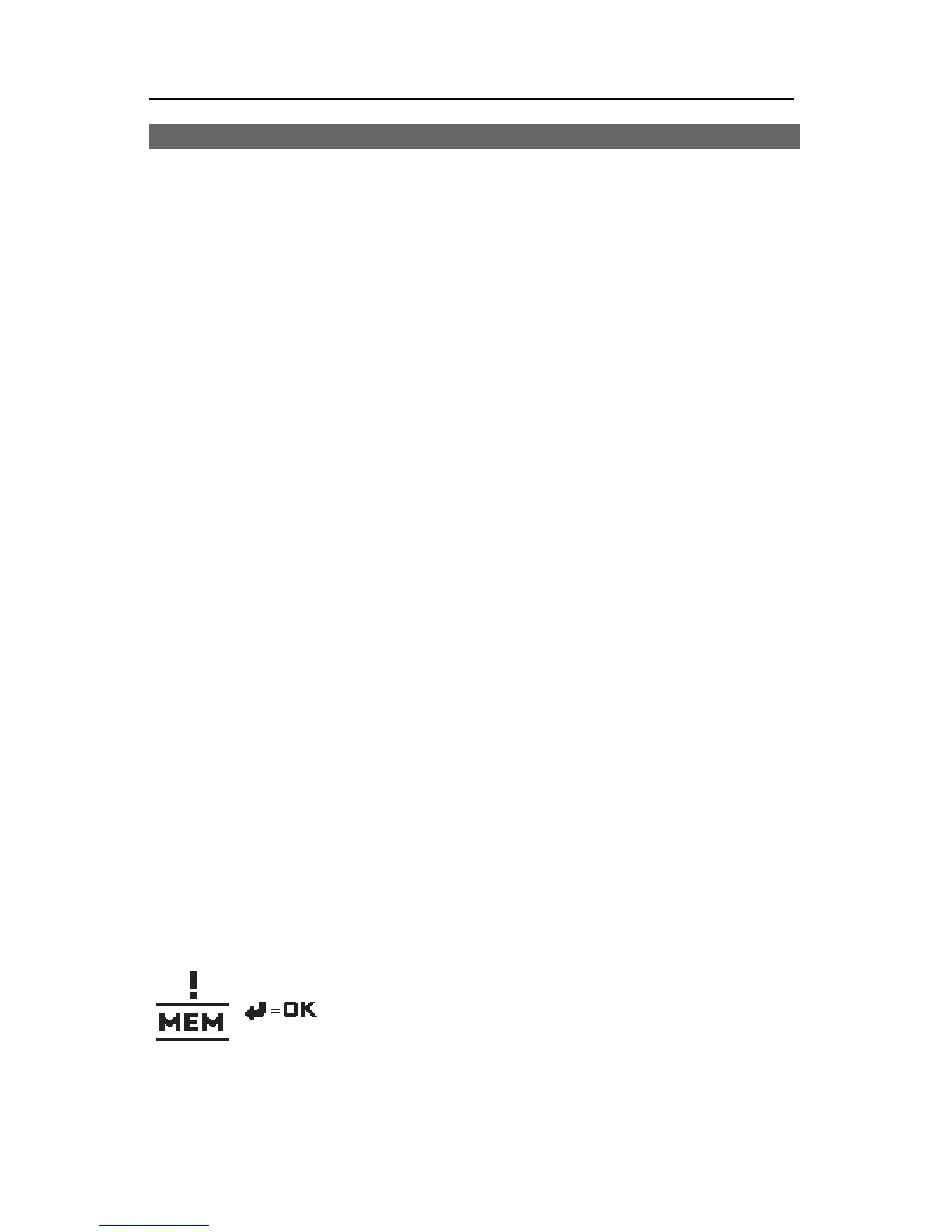
If the memory warning symbol appears when you
attempt to copy the demo, it means memory is full.
Part of the demo may have been successfully copied
but you will have to delete some text before you can
copy the whole demo. First, delete pages/text from
existing projects, then delete the partial demo. To delete the project contain-
ing the partial demo, press CMD + SHIFT + DELETE. Now, go back and copy
the demo again.



 To Next Page