PAGE 48 VIDEONICS TITLEMAKER 3000
❸
❷
❶
6. Abc 123
5. Abc 123
4. Abc 123
3. Abc 123
2. Abc 123
1. Abc 123
6. Abc 1
5. Abc 123
4. Abc 123
3. Abc 123
2. Abc 123
1. Abc 123
Chapter 13 •
Fonts, Sizes, and Styles
TitleMaker3000offersawide variety ofwaystoaddflairtoyour
titles.Youcanindependentlychangefont,size,andstyle,forhun-
dredsofcombinations.
FontandSize
The first menu
key brings up the
FONT & SIZE
menu. It is used to
choosethefont and
size that will be ap-
plied to each line of titles. (A “font” is
the style, or shape, of the letters.)
Each font/size choice can be used
as is or it can be doubled in size, horizontally, vertically, or both. The four
symbols in the top sub-menu (1) determine
whether the size will be doubled. When you
selectany ofthesize-doubling options,the fonts
at the bottom of the screen are displayed
doubled, as they will appear on the screen.
The size-doubling options reduce the reso-
lution of the letters, making them appear more
jagged.Forthesmoothest letters,usefontswith-
out size doubling. All the undoubled fonts pro-
vide maximum resolution.
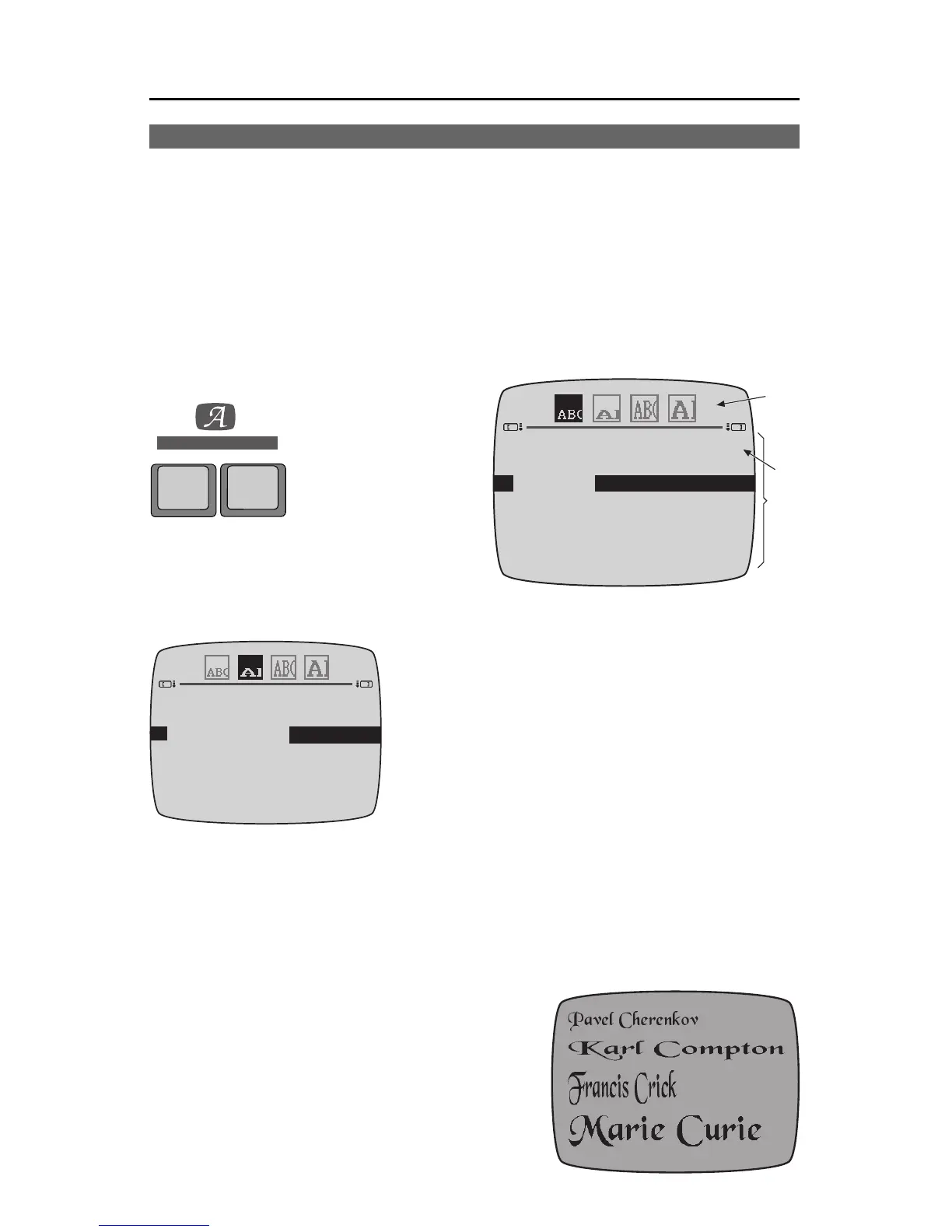
For example, the screen shownhere is com-
posed of four lines. All share the same font but
have different doubling options set using the
top-menu. The top line is undoubled, the sec-
ond line is doubled horizontally, the third
line is doubled vertically, and the last line is doubled in both directions.
The bottomportion of the menu (2)isused
tochoosethe font.TitleMaker3000 allowsyou
to chose fonts from a list (Appendix B) and
enter them by their respective numbers. Use
MARK STARTto make the bottom sub-menu
active. Type in the number of the font you
wish touse (01, 03, 44,etc.) and the highlight
bar will move to that selection. You can also
STYLE
FONT &
SIZE
FONT
Thefontsaredisplayedasthey
willappear .Inthiscase,
horizontaldoublingishigh-
lightedandthefontsare
doubledhorizontally.



 To Next Page