PAGE 50 VIDEONICS TITLEMAKER 3000
FontStyle
Use the Font Style menu to add shadows, outlines, bold, and other style
modifications to a line of text.
The menu is divided into three sub-menus. Use MARK
START to activate the desired sub-menu and the arrow
keys to highlight the
desiredchoice.
Each line of titles you have typed can
usea differentstyle. Youcan chooseany
combination — shadow plus condensed
type, outline plus bold, etc. In all, there
are 36 combinations of styles. These
styles are in addition to the colors, fonts,
patterns, and other changes made by
other menus.
OutlinesandShadows
The top section of the Font Style menu deter-
mines whether the titles are plain or have a
shadow or outline.
An outline ( 5) is an edge that completely en-
closesthe letter (4).A shadow(6)is similarto an outlineexcept that itis slightly
wider below and to the left of the letter, giving the letter a raised look. The
shadow is a subtle effect, providing a slight separation between the letters
and the background. All shadowed letters also have an outline — that is, a
thin outline surrounds the letter and a slightly broader shadow appears to
the left and below.
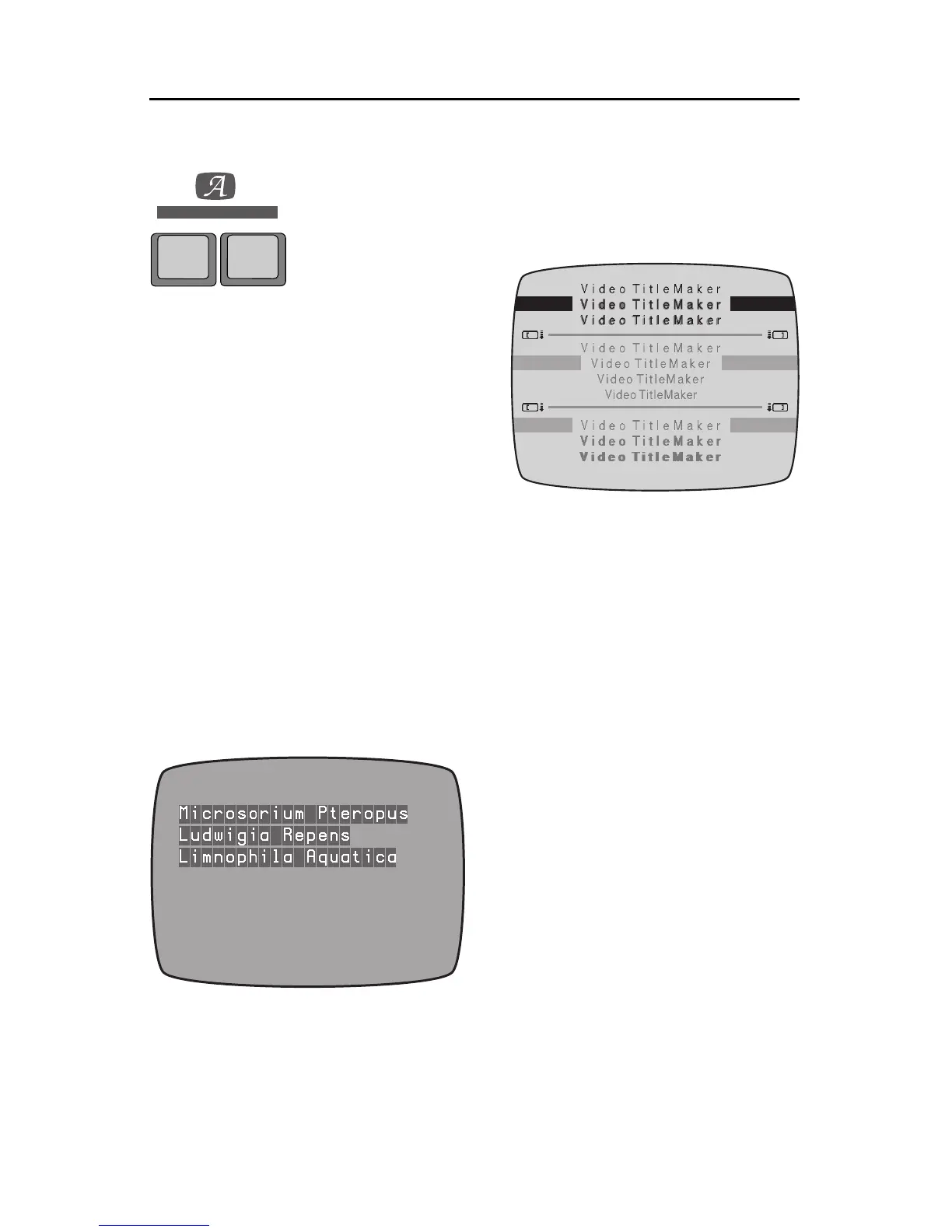
Specialnote: Font number1 treats
outline and shadow differently.
When outline is selected, a block ef-
fect is produced in which each letter
issurroundedby box.Youcanuse the
Outline Color menu to change the
color of the boxes.The block effect is
only available with this font and the
font does not have the capability of
producing ordinary outlines. This
font and effect work particularly well
in doubled sizes.
Spacing
The middle section of the Font Style menu lets you adjust the spacing be-
tween the letters.
STYLE
FONT &
SIZE
FONT
A
A
A
A
4
65



 To Next Page