VIDEONICS TITLEMAKER 3000 PAGE 37
Chapter 9 • Changing Titles
Youcaneasilymakechangestothetextonthescreen.Youcandelete
orinsertnewtext,reposition it, andmore.Youcanevencopyor
moveasectionoftextwithoutretyping.
Undo
Suppose you delete text and then realize you prefer the way it
was. The UNDO key lets you change your mind — it restores the
deleted text. Note that UNDO only restores the last text you de-
leted. Any additional action, such as typing new text, makes the deletion per-
manent. After pressing UNDO to restore deleted text, press UNDO one more
time to remove the MARK START and MARK END brackets.
SimpleChanges
TheDELETEkeyremovesthecharacterbeforethecursor.
To make a simple change, use the arrow keys to position the cursor after
the text you want to change and press DELETE. Each time you press the key,
the letter before the cursor will be removed. Type some new letters and they
will be added at the cursor location.
Marking Text for Major Changes
You can delete, copy, or move large blocks
of text at once. To do this, you first mark the
textyou intendto change.Marked textis brack-
eted byspecial marking characters so youcan
seewhere it starts andends. Any changesyou
make will affect all lines that contain the
marked text.
To Mark Text:
• Position the cursor just before the firstletter
you plan to change. Press MARK START.
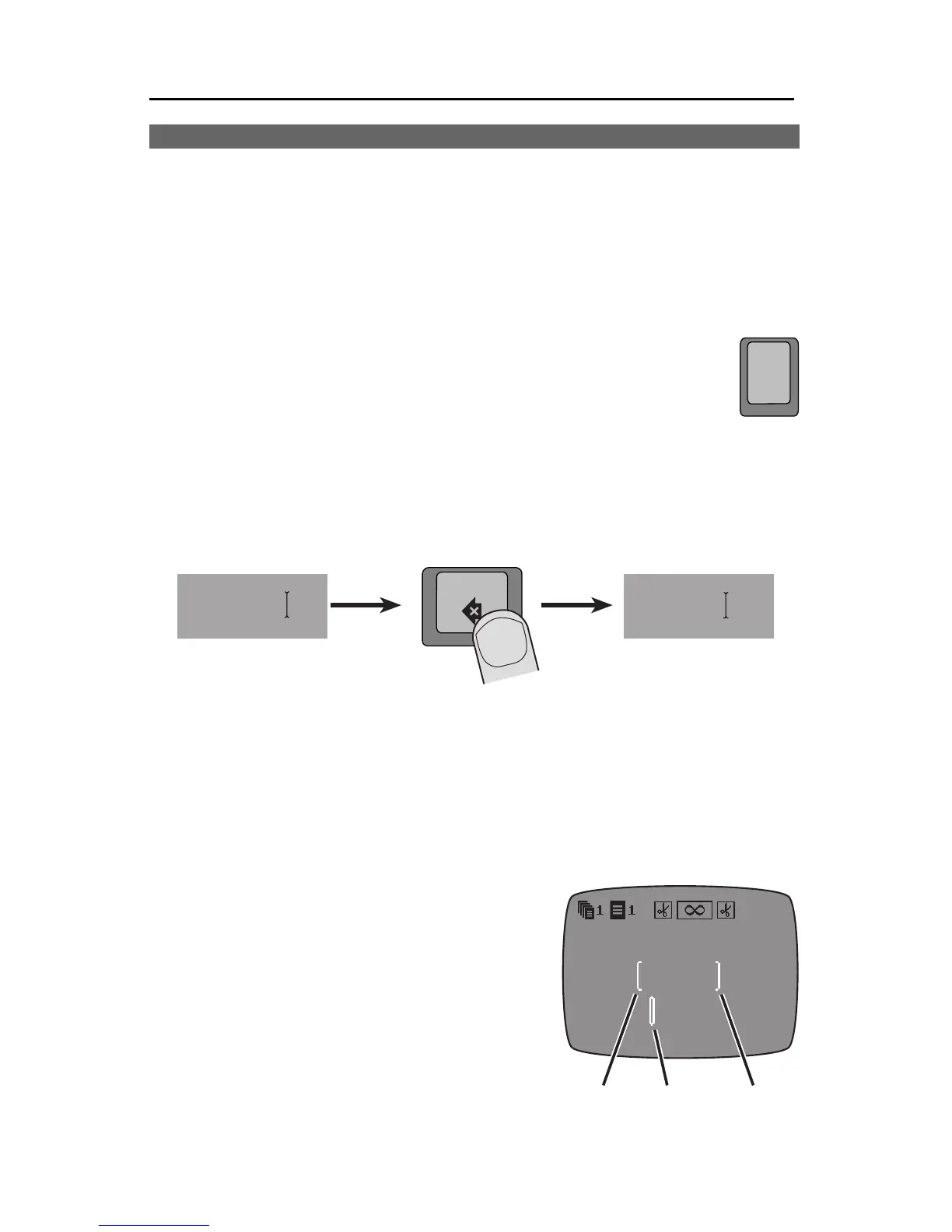
Note theMARK START character (1)which
undo
Moza rtMozaa rt
delete



 To Next Page