PAGE 66 VIDEONICS TITLEMAKER 3000
Displayinga ProjectataPre-DeterminedDateand
Time
You can automatically trigger a project to play at a pre-determined time
without the use of an external GPI.
To set the internal timed trigger,
press CMD + Z. Highlight the bottom
sub-menu. Positionthe highlight at the
first symbol (ON/OFF). Turn the in-
ternal trigger on by pressing the up or
down arrow key, or “N” (ON). Press
the right arrow key to highlight the
project and type in the number of the project you’ve selected, using leading
zeros forprojects numbered 1-9. Next, enter the time(using a 24-hour format)
that you want the project to be played. Press the right arrow key to highlight
the date field, then enter the date that you want the project to play (using
MMDDYY format).
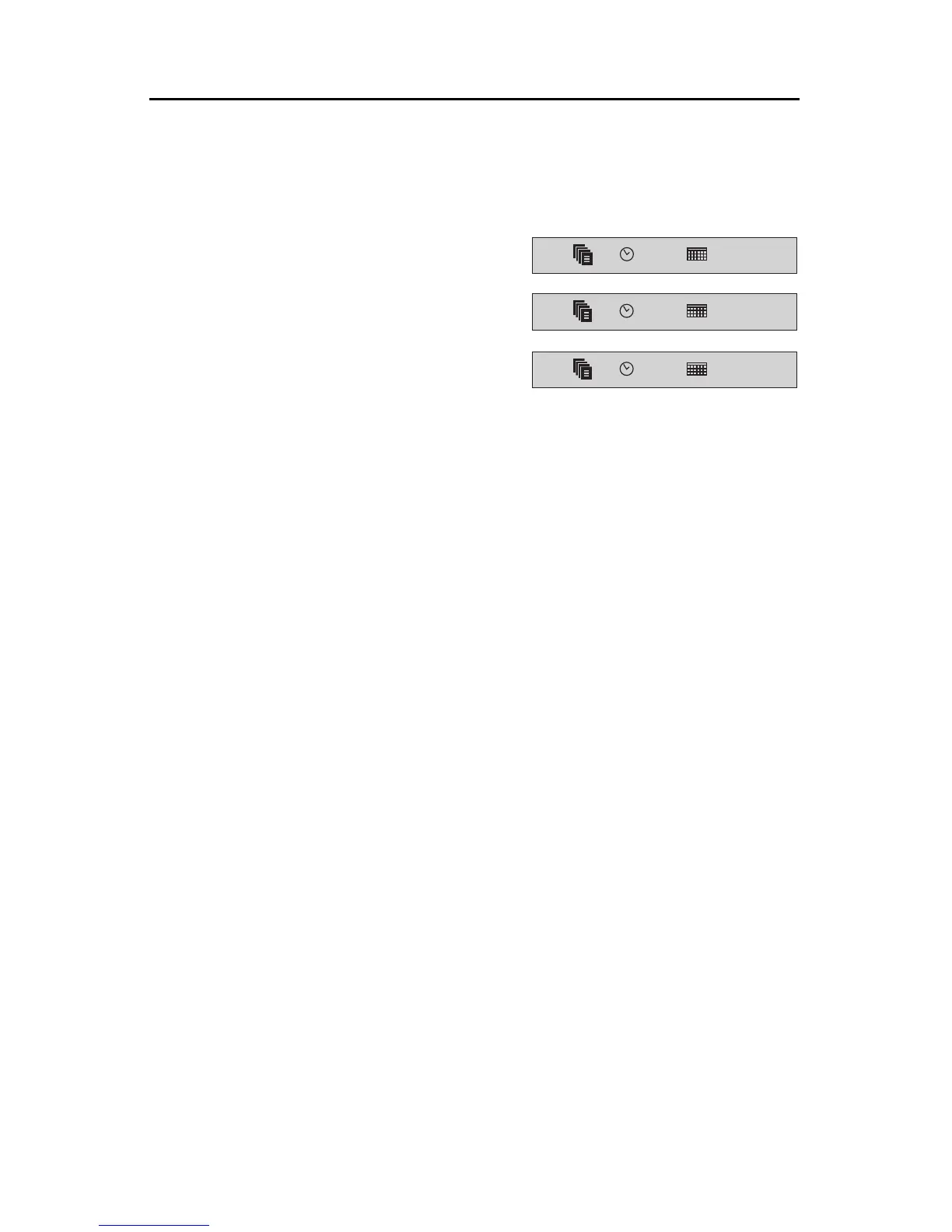
The first example (A) shows a typical internal trigger setting for project 1
to play at 3PM on 08/31/96. To turn the internal trigger off, highlight the
ON/OFF symbol and press the up or down arrow keys, or “F” (OFF).
RepeatingTriggers
You can make the timed trigger automatically repeat the trigger event ev-
ery hour, every day, etc. To do this, use wild card characters for some of the
digits in the time and date. The wild card character is the asterisk (*). The
requested project is triggered when the time and date set equal the actual
time and date; wild card characters match any digit. For instance, if the tens
digit of the hours setting is a wild card, a trigger will occur every ten hours.
Examples:
Every Minute **:** Every Hour: **:00
Every Day: **/**/** 1st of each Month: **/01/**
On the Hour, Everyday: **:00 & **/**/**
At 10 PM, Everyday: 22:00 & **/**/**
To use wild-card characters, place asterisks (Shift + 8) within the time and/
or date you type in. In example (B), project 2 is triggered to play once every
hour, on 08/31/96. In example (C), project 3 is triggered to play every minute
on the first day of each month in the year of 1996.
ON
01
15:00
08/31/96
ON
02
**:00
08/31/96
ON
03
**:**
**/01/96
A
B
C



 To Next Page