VIDEONICS TITLEMAKER 3000 PAGE 35
V iewingProjects
The Editing Screen shows one project at a time. The Page Index screen
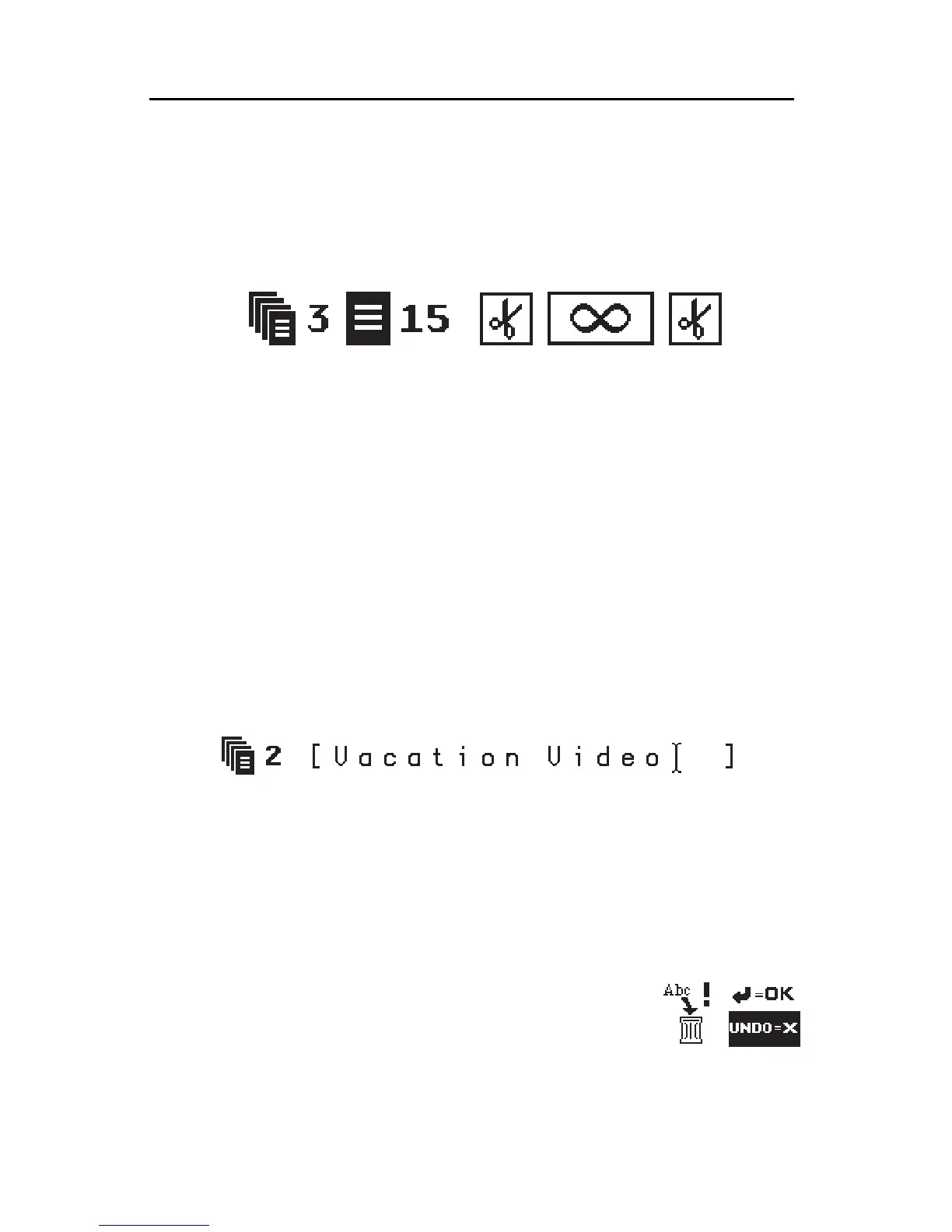
shows all pages and all projects in a list. In both cases, the page symbols al-
ways include a project symbol. The number after the project symbol indicates
the number of the project that includes the page. For example, this page is
part of project 3:
CreatingaProject
Projectscan onlybe created in the PageIndex screen.Press PAGEINDEX.
Position the cursor in any existing project and press CMD and NEW PAGE
simultaneously. A new project will appear after the project that contained the
cursor.
Once the new project has been created, press NEW LINE/OK to enter the
Editing Screen and begin adding titles. If you don’t add titles and/or name
the project, it will be automatically deleted the next time you display, then
exit, the Page Index screen, unless you exit into the empty project.
NamingaProject
Projects can be named. Names can act as a reminder of the purpose of a
project. They are especially handy when you have many projects with similar
contents.
Toadd a name,position thecursor withinthe brackets thatfollow theproject
number in the first line of the project. Type the desired name. Names can be
20 characters long and can contain any characters. You can change a project
name using the cursor and the normal editing functions.
Namesappearonly inthe PageIndex— onlytheproject numbersare shown
in the Editing Screen.
RemovingaProjectorErasingitsContents
To delete a project, display the project using the Edit-
ing Screen. Press CMD + SHIFT + DELETE. A warning
symbol appears to warn you the project is about to be
discarded.
Press NEW LINE/OK to confirm this is what you want to do; press UNDO
if you change your mind.
You can delete all the titles in a project without removing the project. Mark
all text (press CMD + MARK START followed by CMD + MARK END) and



 To Next Page