VIDEONICS TITLEMAKER 3000 PAGE 53
Press NEW LINE/OK or PLAY and the line or page you had selected uses
the color you highlighted.
Creating a New Color
You can create your own custom color. Start by selecting a color from the
palette ( 1) at the bottom of the
menu. Then modify the color
using the color control bars (2)
at the top of the menu.
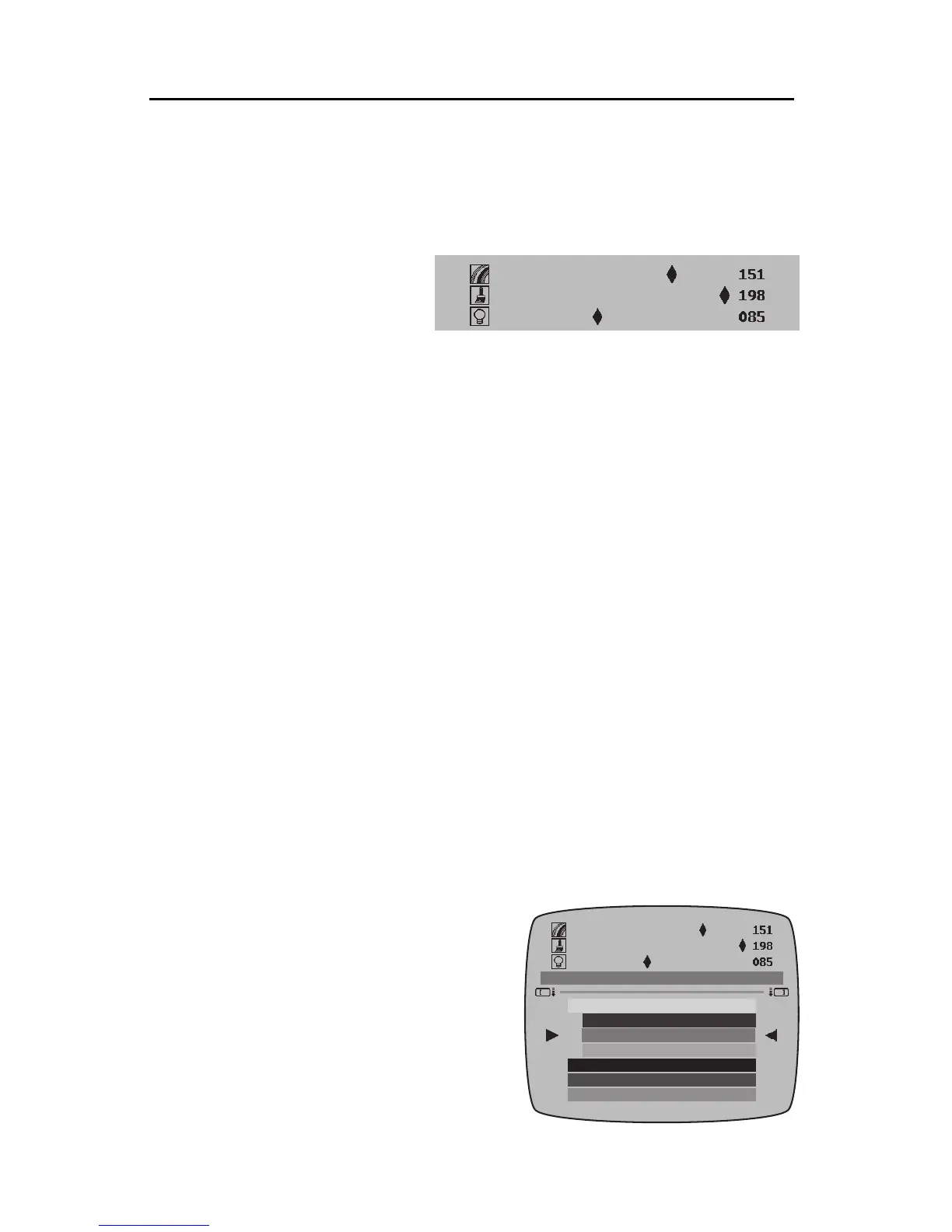
Use MARK START to acti-
vate the control bars. Use the arrow keys to adjust the pointers on the control
bars. The UP and DOWN arrows choose which of the three bars is active; the
RIGHTand LEFT arrowsadjust the slidingcontrol ofthe active bar.Use SHIFT
with the arrows to move the slider faster, use CMD to move the pointer all the
way to the end of the bar. The number to the right of each bar shows its value,
to make it easy to recreate a color later.
• The top bar adjusts the hue of the color — whether it’s red, yellow, blue,
etc.
• The middle bar adjusts the saturation — the strength of the color.
• The bottom bar adjusts the lightnessof the color between black on one end
and white on the other.
These three adjustments are known as the HLS color model. It’s a bit like
mixing paints. The hue control determines what color paint you are using.
The saturation control shows how much of that color is in the mix. And the
lightness control is something like mixing in more or less white or black paint.
The sample color swatch (3) in the middle region of the screen shows the
resulting color. When the color is correct, press NEW LINE/OK and the new
color will be added to the user colors.
UsingtheUserColors
Whenever you create a new color, it is placed in the color palette. User
colors are displayed with a shortened bar. They are sorted by color, not by the
order they were created.
Hint:Toquicklylocatetheusercolors,press
CMD+DOWNarrowandthefirst(top-most)
usercolorinthelistishighlighted.PressCMD
+UP arrowto highlight thefirst pre-defined
color(whichisjustbelowthelastusercolor).
The palette will hold up to 64 user col-
ors. When there are 64 and you add an-
other, the color closest to the one newly
created will be removed. When a user
color is removed from the palette, there is
Theusercolorsareindicatedbya
shortenedcolorswatch.



 To Next Page