VIDEONICS TITLEMAKER 3000 PAGE 69
Chapter 19 •
Superimposing Titles
Titlescanbesuperimposedoveranyvideosource.
Superimposed titles are often used in pro-
fessionalproductions toidentify people,places,
times,settings— or thescoreofthegame!They
can also be used for subtitles or just as a way
to play credits with an interesting background.
TitleMaker 3000 allows you to superimpose
titles. Effects,such as scrolling, canbe used to
bring titles in and out over the source video.
SuperimposingTitlesonVideo
Tosuperimpose titlesonvideo, change
the background pattern to VIDEO (rather
than a solid color orpattern) as described
in Chapter 15, “Patterns.”
• Position the cursor on the page that
contains the titles you wish to super-
impose.
• Press the BACKGROUND PATTERN
menu key.
• Use MARK START to activate the top
sub-menu. Use the RIGHT arrow key
to highlight the VIDEO symbol. Press NEW LINE/OK.
• Confirm that your video source is running (start the VCR or camcorder)
and press PLAY.
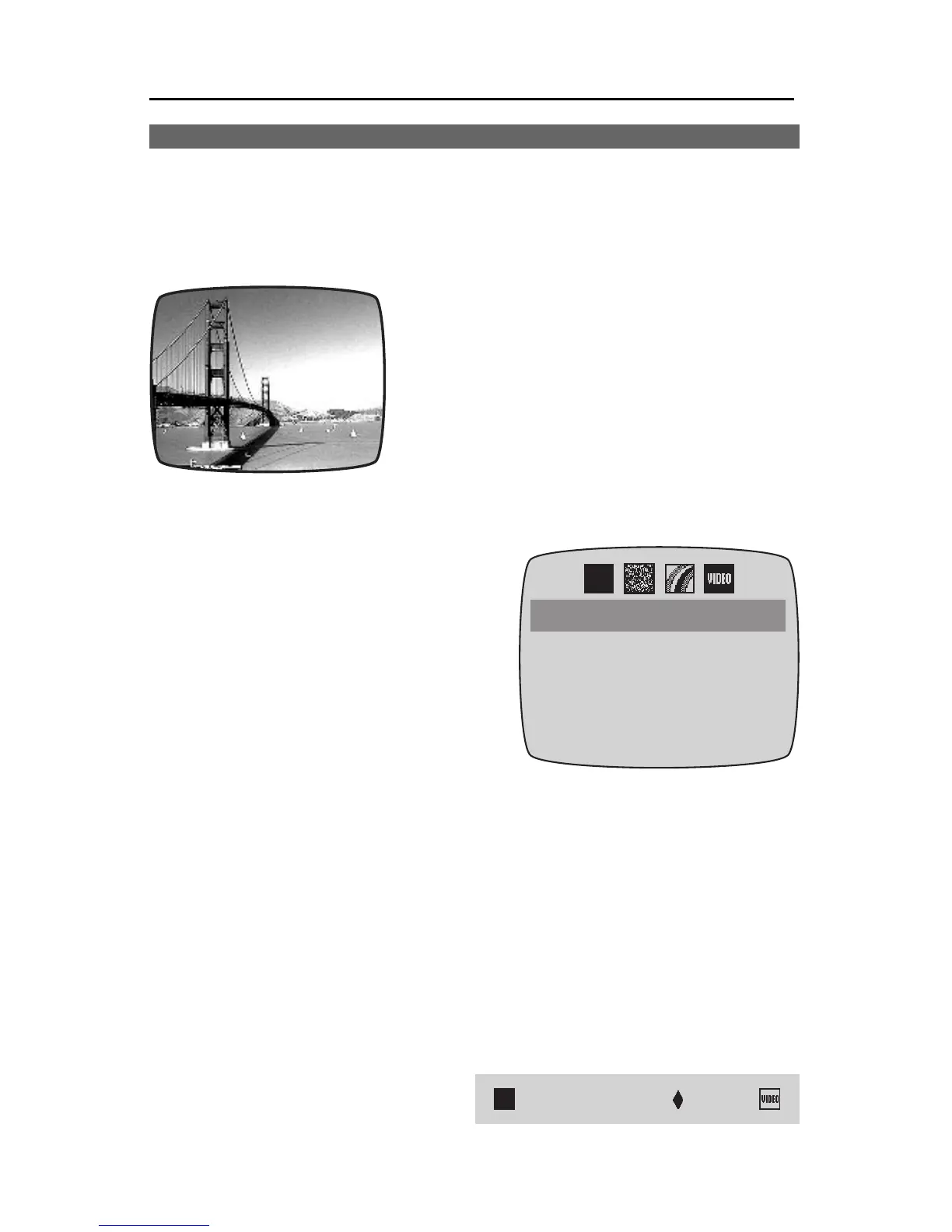
The OUTPUT monitor shows your page of titles superimposed over the
source video.
SuperimposingTitlesonVideo
withaTransparentPattern
You can mix a background color or pattern with the video, creating a see-
through pattern effect:
• Use the top sub-menu in the
BACKGROUND PATTERN
menu to choose solid color or a
pixel or rainbow pattern.
San
Francisco
San
Francisco



 To Next Page