PAGE 44 VIDEONICS TITLEMAKER 3000
UsingtheMenus
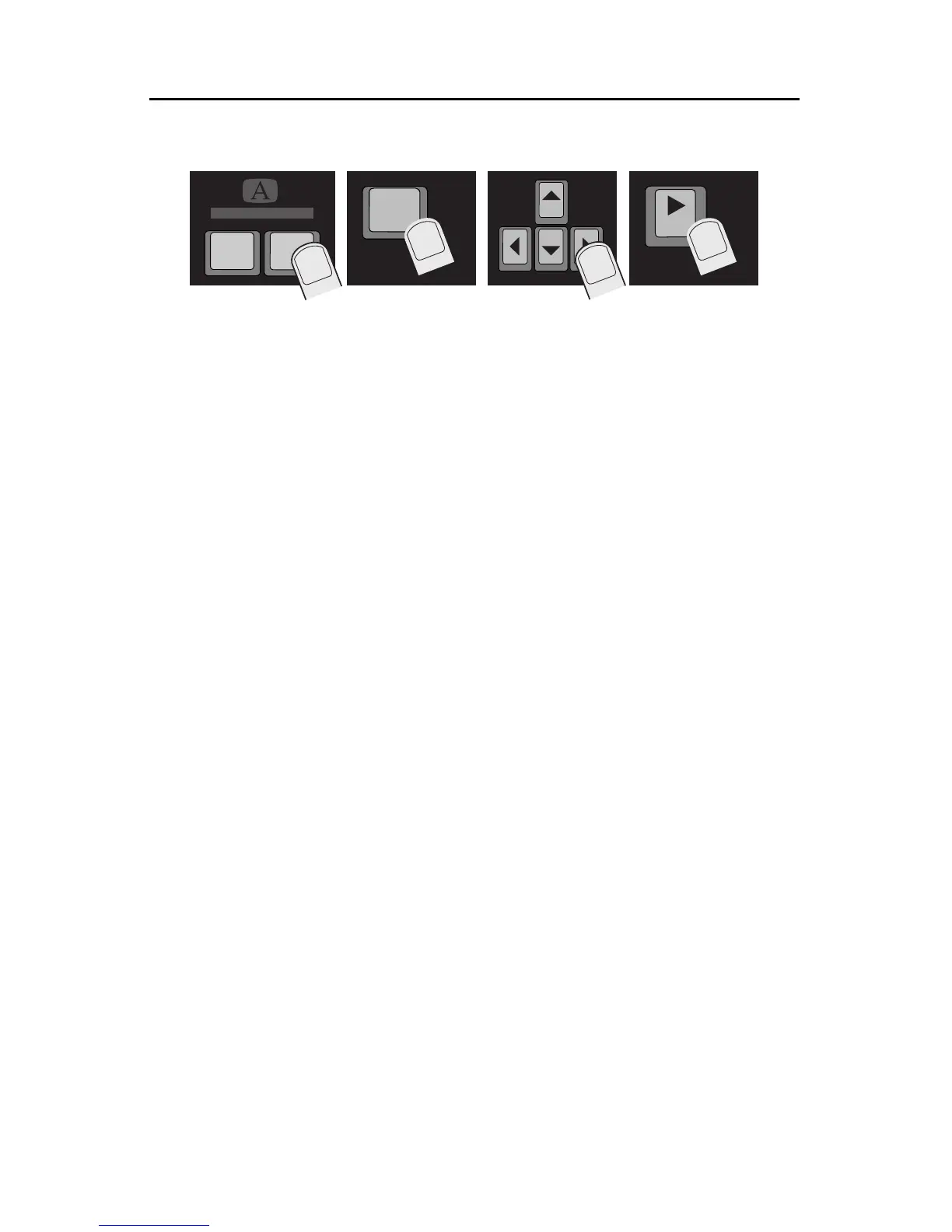
Using a menu is simple:
• Position the cursor in the line you want to change, or mark the text you
want to change.
1 Press the appropriate menu key.
2 If there are sub-menus containing additional choices, use MARK START
to determine which sub-menu is active (see the previous section, “Sub-
menus”).
3 Use the arrow keys to highlight the desired choice.
4 When the correct choices are highlighted, press one of the following:
• NEW LINE/OK to make the choice and return to the editing
screen.
• PLAY to make the choice and play the page, as changed.
• UNDO or DELETE to return to the editing screen without mak-
ingany changes.
• Another menu key to make the indicated changes and immedi-
ately move to another menu to make additional changes.
mark
start
PLAY
COLOR PATTERN
LETTER



 To Next Page