PAGE 62 VIDEONICS TITLEMAKER 3000
12
3
5
0:06:5
4
SettingtheTransitionSpeed
The second sub-menu (B) determines how quickly the effect will occur. To
choose the speed, enter a number ranging from “1” (slowest) to “8” (fastest),
then press NEW LINE/OK or PLAY. Speed can also be changed by using the
left and right arrow keys, moving the highlight to the speed choice and then
pressing NEW LINE/OK or PLAY.
DisplayingthePage
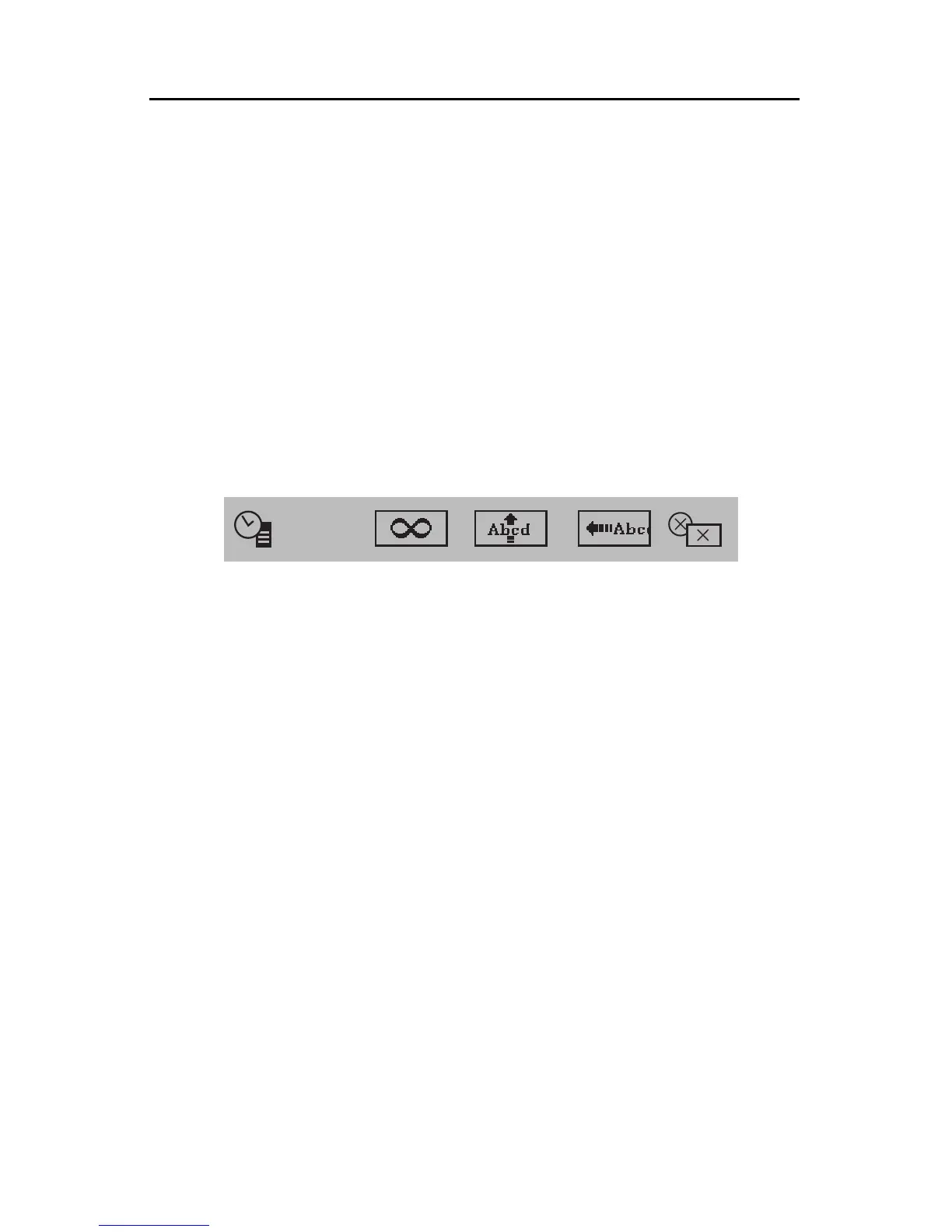
The third sub-menu (C, previous page), which appears only in the Effects
In menu, determines how the title is displayed after the In-Effect is performed.
You can display the page for a fixed amount of time, cause it to remain until it
is manually continued, or use a scroll or crawl. When scroll or crawl are not
being used, the date or time (5) can be selected to display on the page. (See
Chapter 19 for details on date and time.)
To use this sub-menu, highlight it using MARK START, as usual. Use the
RIGHT or LEFT arrow keys to highlight the appropriate symbols and change
their settings, as described in the following sections.
Setting Duration
To set a fixed duration, highlight the numbers next to the duration symbol
(1). The numbers show the duration of the page — how long it will be dis-
played — in minutes, seconds, and tenths of seconds. They can be set from
0:00.0, which will display it just for an instant, to just under ten minutes.
Highlight the clock symbol and its numbers and type a value, using the
number keys. To set a duration to 10.5 seconds, for instance, you would type
1, then 0, then 5. If you enter 60 or more as the number of seconds, the
TitleMakerwill convert itto minutes— 72seconds would bechanged to1:12.0,
for example.
The numbers you type will scroll in from the right. If you make a mistake
and want to re-enter the number, press 0 several times first, to clear the num-
ber.
Hint:Todisplayapagelongerthan9:59.9,duplicatethepageusingCOPY(“Mov-
ingandCopyingPages,”inChapter7).Endthefirstpageandstartthesecondpage
withcuts.Thecutswillbeinvisible,sincebothpagesareidentical,andtheresultwill
bethatthetwopageswillappearasone.Youcanrepeatthistodisplayapageaslong
asyoulike.



 To Next Page