Document: LT0344 Vigilant MX1 Operator Manual
Issue 2.4 8 August 2017 Page 1-15
Point command will disable all sub-points that can be disabled on device
address 1 on the in-built addressable loop. Some devices have only one
sub-point, thus commands to the device or its sub-point 0 have the same
effect.
Note that the MX1 treats entry of a device number as a range entry
covering all points on the specified device, thus menus will behave as if a
range had been entered and will not display point names.
Equipment numbers are:
1 – MX loop 1
2 onwards for additional MX loops (if fitted)
241 – MX Controller board points
242 – pseudo points – these are virtual points whose state can be
controlled by logic equations. These are usually used to produce
special operations in some installations.
243 – LCD/keyboard points
244 – RZDU/RDU points/equipment. If no RDUs have been enabled
in the site-specific configuration, these points cannot be viewed.
245 – points for additional MX loop cards (if fitted).
246 – Remote Fire Brigade Panel (FBP) points (if fitted).
247 – Network Status Points. Refer Chapter 9.
248 – Distributed Switch System(DSS) for AS 1668 fan controls.
Points for each control are not provided.
In the absence of any other information, a point can be found by entering
the first point in the particular equipment part (for example, entering 241
will bring up the first point on the controller board), and stepping through
the list of points with NEXT. The information displayed will assist in
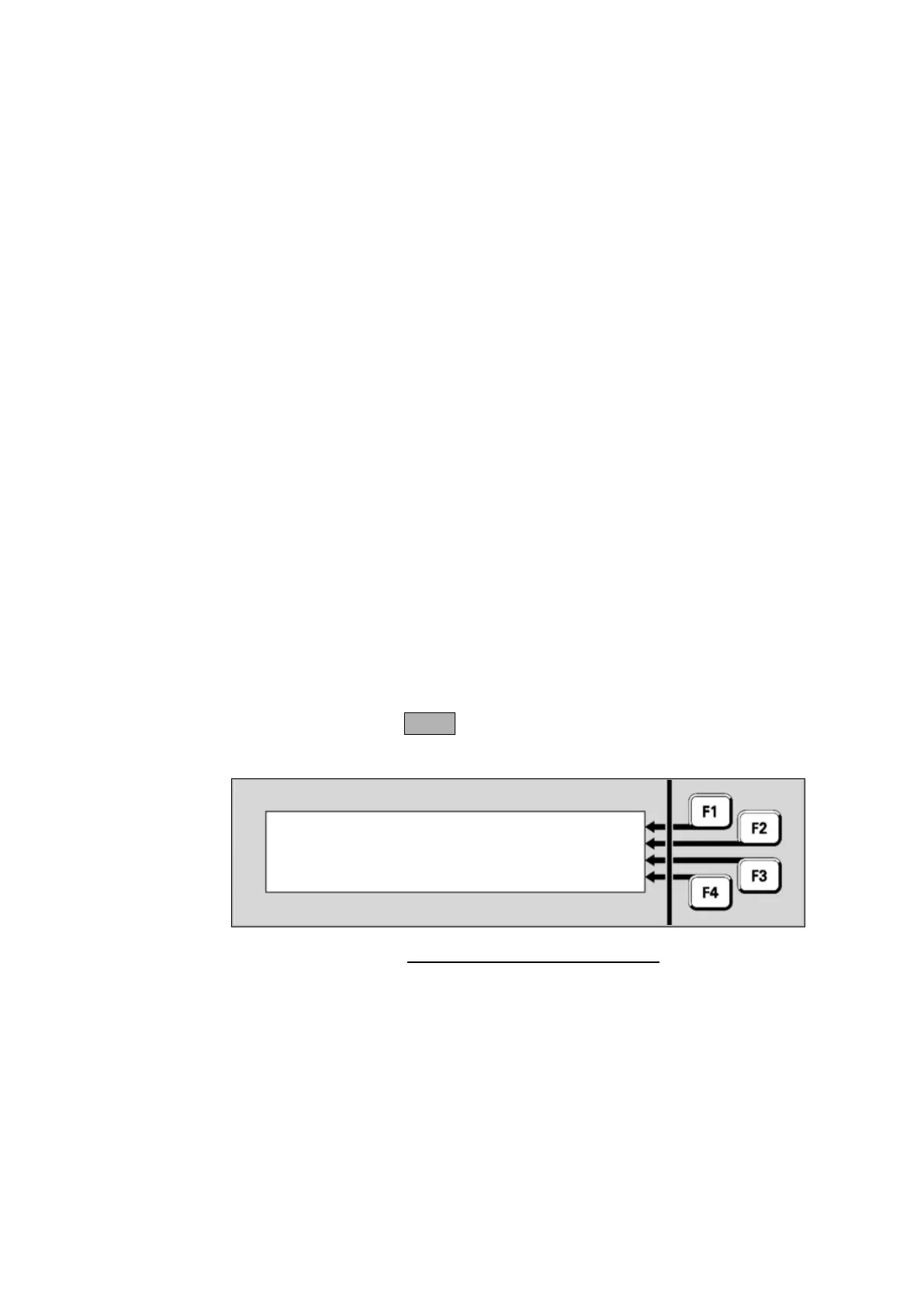
identifying the desired point. For example;
Fig 1-3 – Example of Point Display
A zone is a search area of a building or facility protected by the MX1 fire
alarm system. The limits of a zone are defined in NZS 4512. The zone
description is used by fire-fighters to quickly locate and respond to
alarms.
A zone represents one or more devices located within the zone area, and
the MX1 combines the states of the points representing these devices to
produce a common zone status indication for use by fire-fighters and
other emergency personnel.



 To Next Page