Vigilant MX1 Operator Manual Document: LT0344
Page 5-4 8 August 2017 Issue 2.4
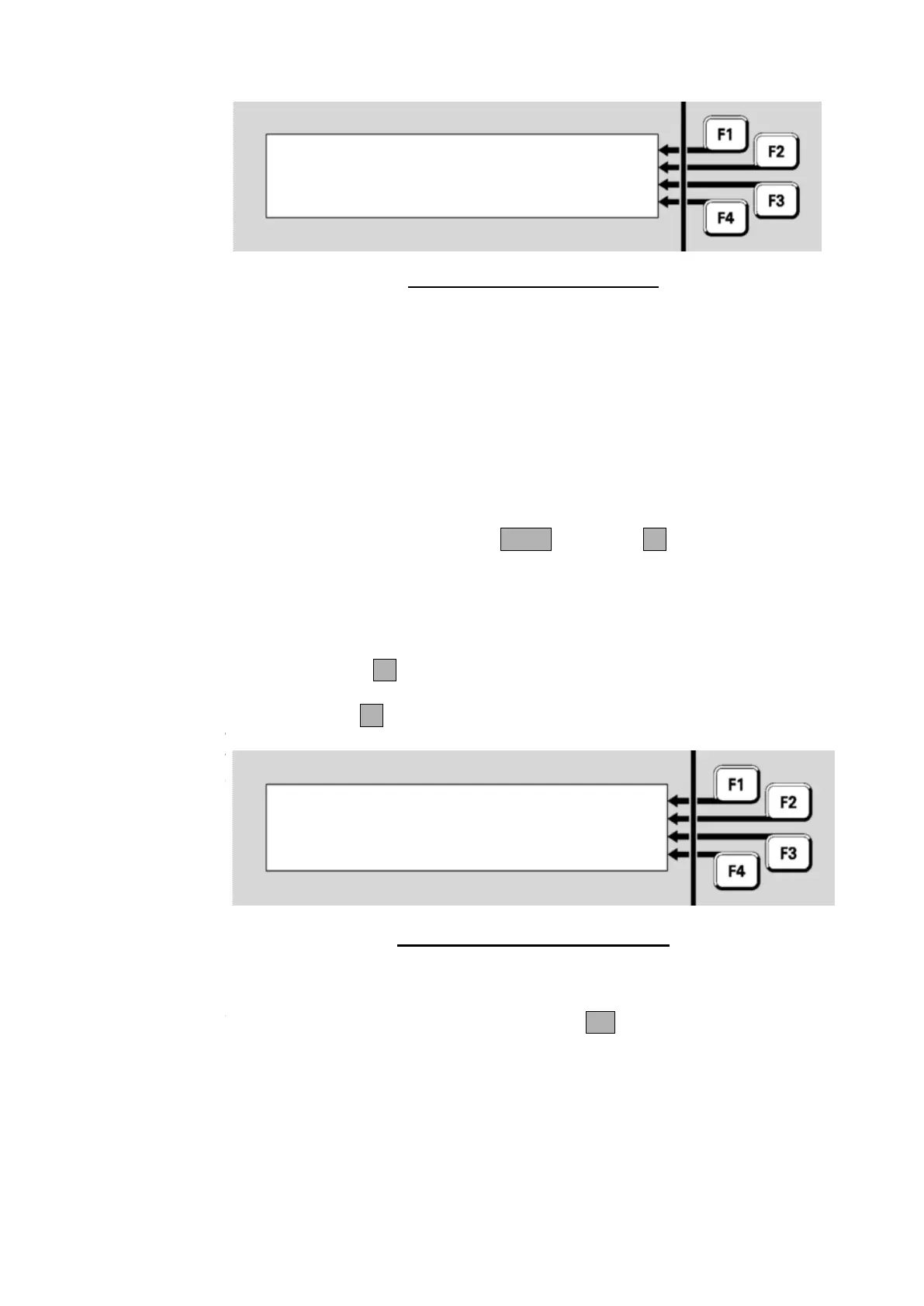
Fig 5-5 – Off-Normal Point Display
Line 1 shows the point number, device type and point type.
Line 2 shows the point description.
Line 3 and 4 shows the point status. Refer page 1-12 for details.
In this example, point 1.135.0 is for a device which has been removed or
become disconnected, hence the Device Fail status. ”Shop” is the point
description set in the site-specific configuration. It indicates the physical
location of the device.
From the point display, pressing NEXT or NEXTF3 steps to the next
point.
After the highest numbered point, the list wraps around to the lowest
numbered point again.
Pressing PREVF2 steps to the previous point in the list.
Press ENTERF1 to show the point number entry display:
Enter point number
:
enter Equip.Device.Subpoint
Fig 5-6 – Point Number Entry Display
This allows a new point number to be entered and its status recalled.
Enter the required point number and press OK.



 To Next Page