Document: LT0344 Vigilant MX1 Operator Manual
Issue 2.4 8 August 2017 Page 6-3
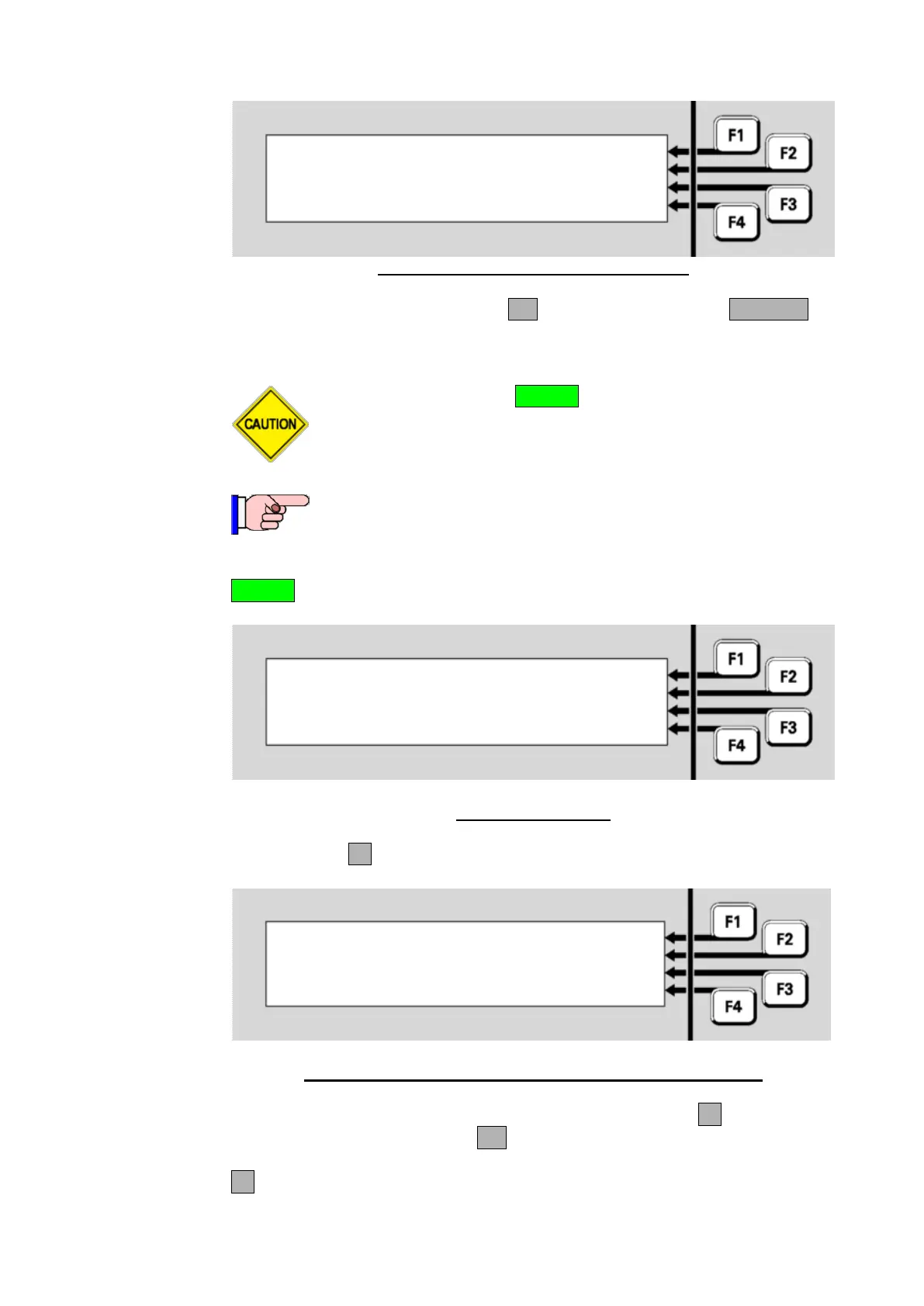
Zone 001 Std Detection G1
Office
Press OK to confirm reset
or CANCEL
Fig 6-2 – Zone Reset Confirmation Display
In the confirmation display, press OK to confirm the reset or CANCEL for
no action.
Do not press the f.b.p. RESET control when the Alarm List is
being shown unless the intent is to reset the displayed zone
in alarm.
This function requires Access Level 2.
A range of zones can be reset from a base display by pressing the
RESET key. Reset options are as shown below.
Select an item to reset | ZONE
| POINT
|
|
Fig 6-3 – Reset Menu
Press ZONEF1.
Reset zone: | -TO-
Enter nnn for single zone |
or nnn F1 nnn for a range |
F4 to backspace | <-
Fig 6-4 – Zone Number Entry Display – Showing Range Option
Enter the first zone in the range to be reset. Then press F1 and enter the
last zone in the range. Press OK.
F4 can be used as a backspace key.
Resetting a
Range of
Zones



 To Next Page