Document: LT0344 Vigilant MX1 Operator Manual
Issue 2.4 8 August 2017 Page 6-5
A range of points can be reset from a base display by using the RESET
key. Reset options are as shown below.
Do not press the f.b.p. RESET key when the Alarm List is
being shown unless the intent is to reset the displayed zone
in alarm.
This function requires Access Level 2.
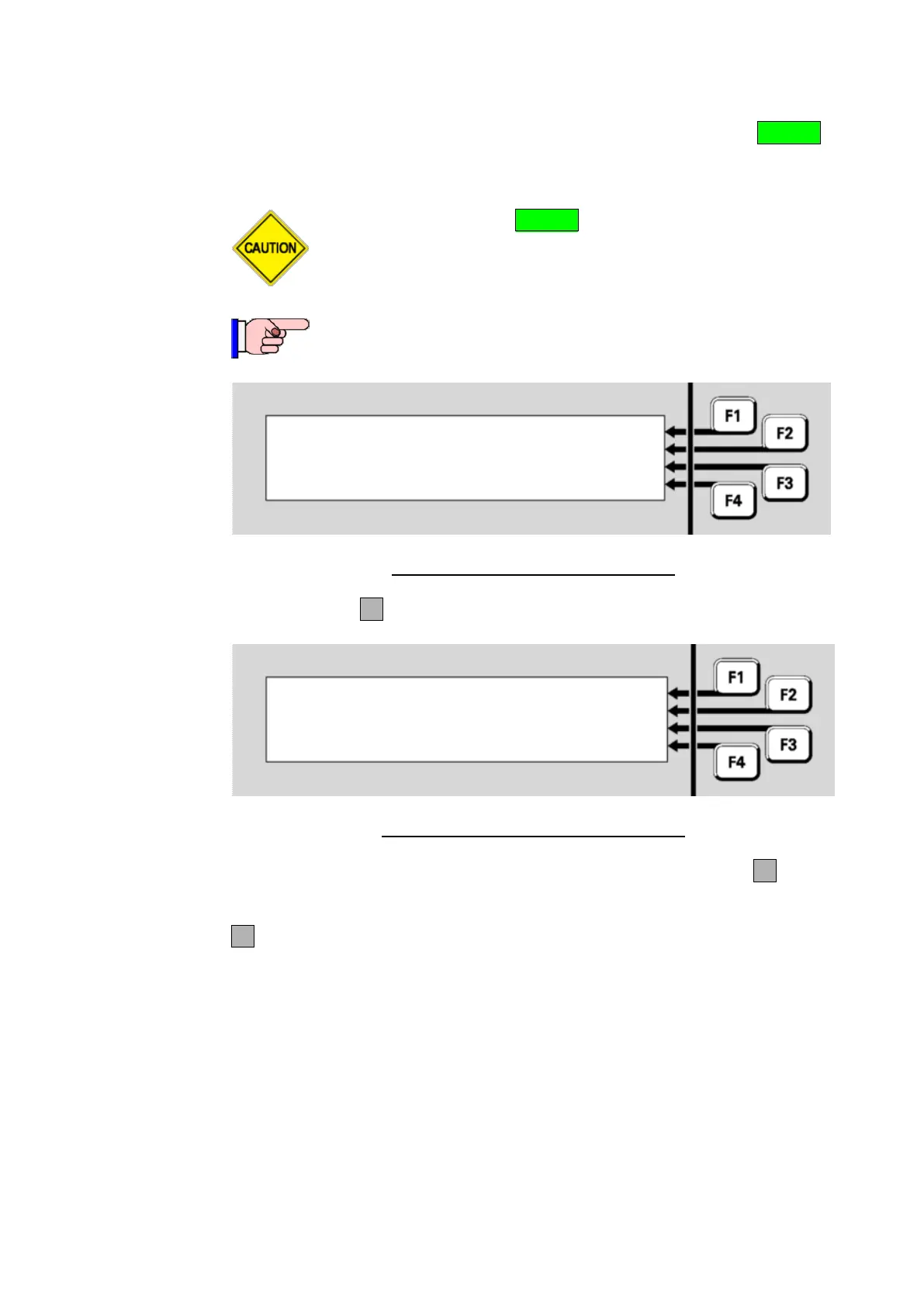
Select an item to reset | ZONE
| POINT
|
|
Fig 6-7 – Selecting an Item to be Reset
Press POINTF2.
Reset point | -TO-
: |
Enter E.D.S for single point |
or E.D.S F1 E.D.S for range | <-
Fig 6-8 – Enter a Point Range to be Reset
Enter the first point in the range that is to be reset. Then press F1 and
enter the last point in the range.
F4 can be used as a backspace key to correct wrong entries.
For devices on the local panel, you may enter
a single device or a range of devices, or
a single point, or a range of points within the same device
For devices on a remote panel, you may enter
a single point, or a range of points within the same device
For information on point numbers and ranges refer to “Point Numbers”
(page 1-13). The MX1 automatically enters the end-point in the range at
the same level as the start point already entered by the operator. For
example, if the first point in the range is entered as “1.1.1” and –TO-
Resetting a
Range of
Points



 To Next Page