Vigilant MX1 Operator Manual Document: LT0344
Page 6-8 8 August 2017 Issue 2.4
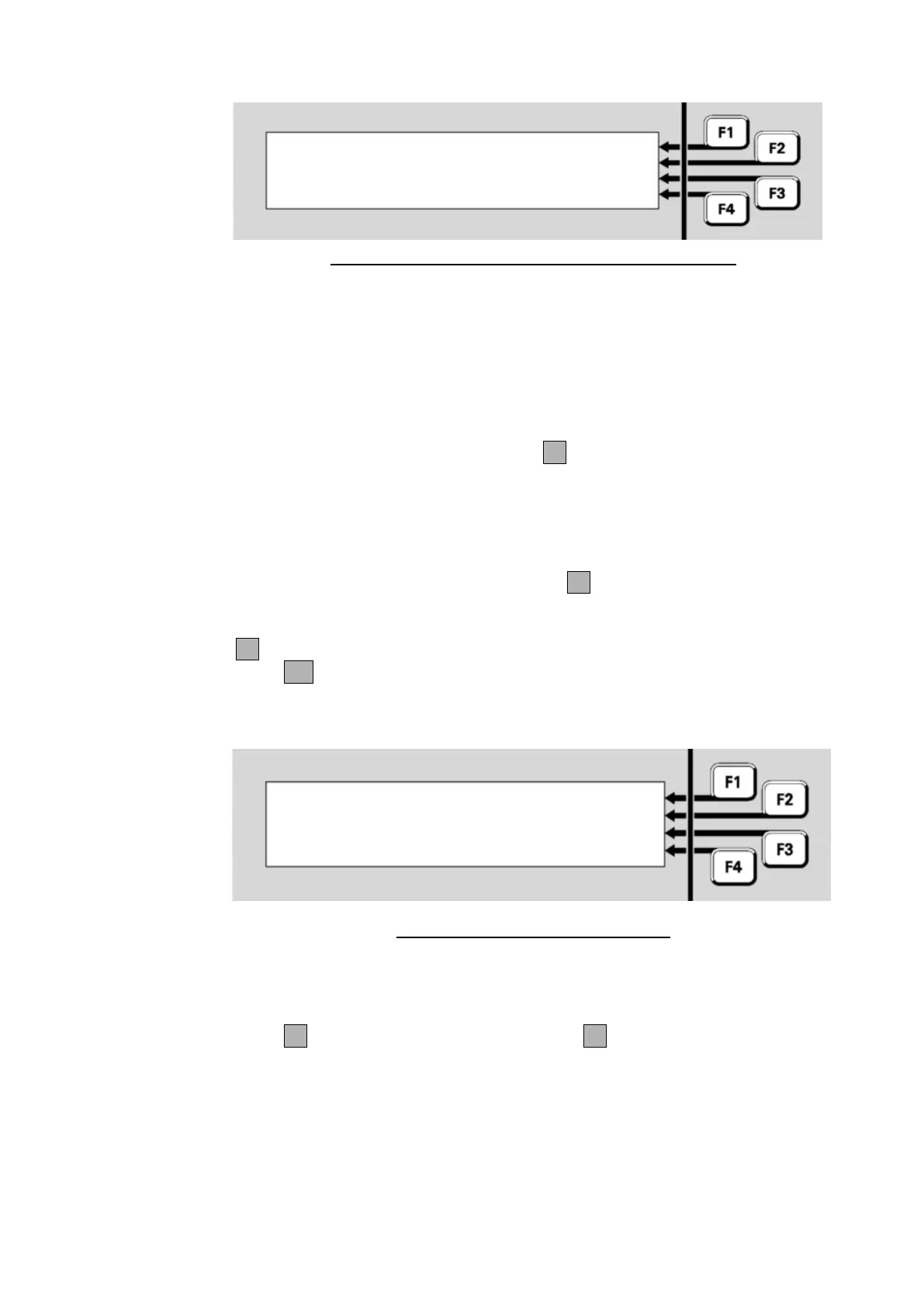
Disable Point | -TO-
: |
Enter E.D.S for single point |
or E.D.S F1 E.D.S for range | <-
Fig 6-10 – Point Number Entry Display – Disable Points
For devices on the local panel, you may enter
a single device or a range of devices, or
a single point, or a range of points within the same device
For devices on a remote panel, you may enter
a single point, or a range of points within the same device
Enter the first point in the range, then F1 followed by the last point in the
range. Point numbering is described in “Point Numbers” on page 1-13.
Note that the selected range cannot span equipment numbers. If the
starting point is a device number then the end point must be another
device on the same equipment number. If the starting point number
includes a sub-point, then the end point must include a sub-point of the
same device. After pressing the -to-F1 key, the end point entry is
automatically configured to the allowed range.
F4 can be used to backspace to correct wrong entries.
Press OK. If no configured points exist in the entered range, “No Valid
Points Selected” is shown briefly before the point number entry display
(Fig 6-10) is re-displayed.
P1.1.2-1.1.3 | DISABLE
2 disabled |
0 enabled |
Select command or CANCEL | ENABLE
Fig 6-11 – Point Disable/Enable Menu
Fig 6-11 shows the number of configured points in the range that are
already disabled and enabled.
Press F1 to disable the range of points, or F4 to enable the range of
points. A confirmation display will be shown.



 To Next Page