VISIONEER STROBE 500 SCANNER USER’S GUIDE
108
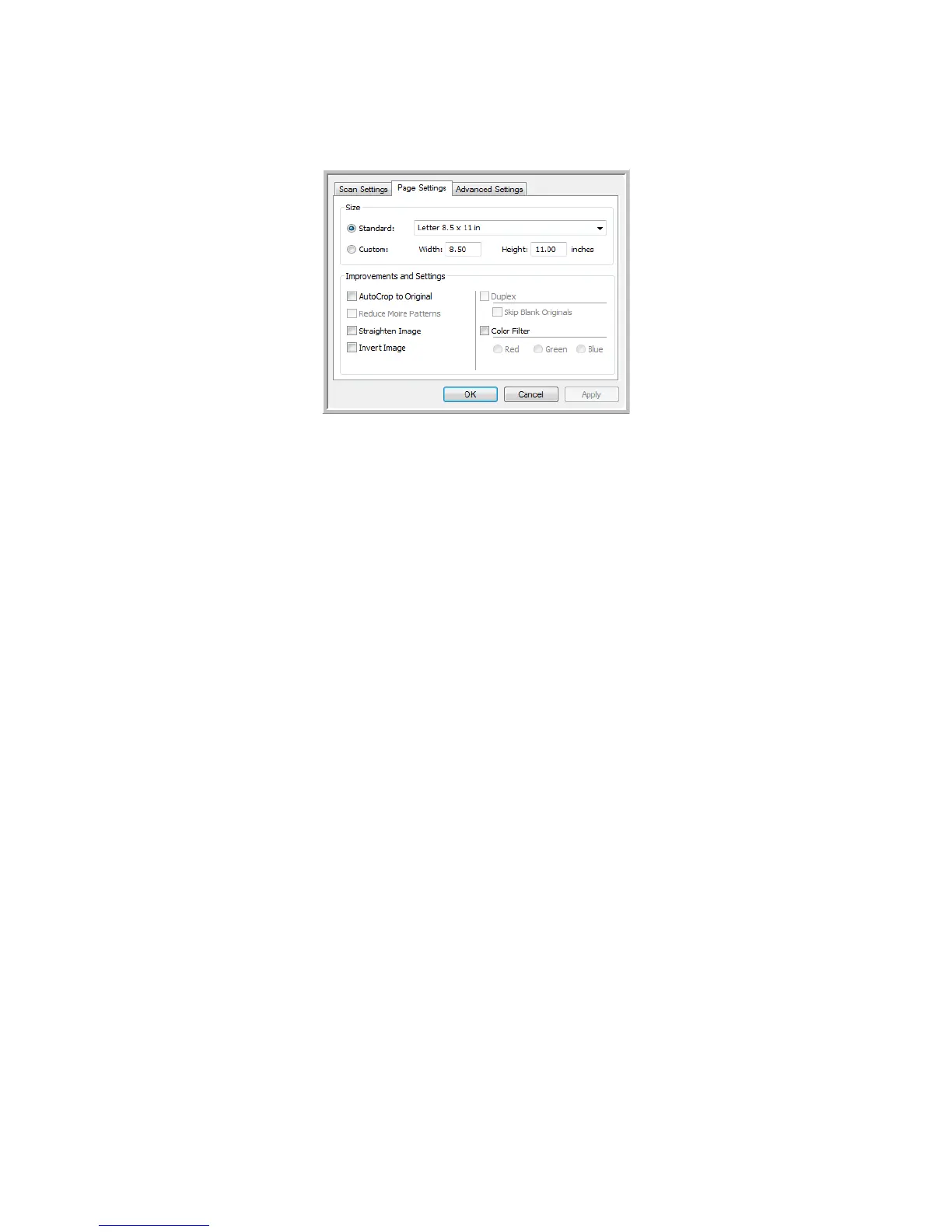
The options on the Page Settings tab, in the Scan Configuration Properties window will affect the job separation
options as described below:
Skip blank originals
• The Sensitivity you set for this feature is the one that is used when scanning. The sensitivity level you set in
the Options tab will be ignored.
• When you are scanning in Simplex mode and the selected job separator is When a blank page is detected,
the job separation occurs first and a new file will be created each time a blank page is detected. If you want a
single file created with the blank page discarded, deselect the job separation feature on the Options tab.
Note that when scanning Duplex, both sides of the page must be blank for the job separation to occur. If
both sides of a scanned page are blank, the job separation occurs first and a new file will be created each
time a blank page is detected. If you want a single file created with the blank page discarded, deselect the
job separation feature on the Options tab or remove the blank page from your scanning batch.
• If you select When the number of images reaches, and input a number in the control box, any blank pages
will be discarded first, and then the number of images scanned will be counted. For example, if you scan 12
pages and 3 are blank, the total number of images counted for the job separation will be 9 not 12.














 To Next Page