VISIONEER STROBE 500 SCANNER USER’S GUIDE
54
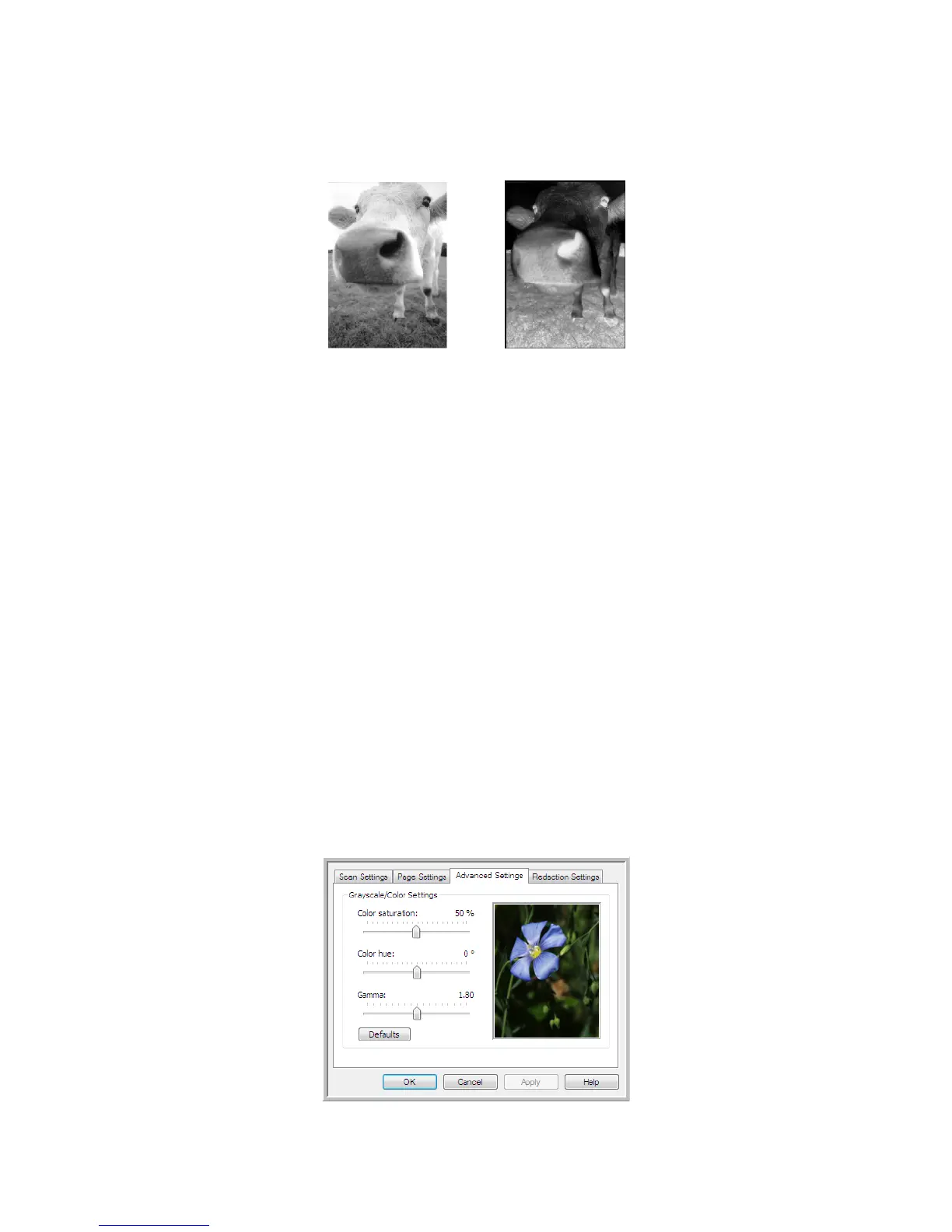
• Invert image—only available for Black&White Mode, this option reverses the black and whites of an image.
• Skip blank originals—select this option to have the scanner detect if a blank page has been fed through
the scanner, and remove it from the final file. Typically you might use this option when scanning a stack of
two-sided pages which have a number of blank sides.
Sensitivity—you can adjust the sensitivity level of the blank image detection. For instance, if you are
scanning double-sided light-weight paper, the scanner may not detect a blank side as text or images, from
the opposite side of the page, may appear in the scanned image. In that case, lower the sensitivity level for
more accurate results.
Note that when the Options tab feature Use job separator in multi-page batch is enabled, and the option
selected is When a blank page is detected, the sensitivity level for Skip Blank Originals is the sensitivity
level that will be used when both features are enabled.
Note that when the feature Use job separator in multi-page batch is enabled, and the option selected is
When the number of images reaches, the blank originals are discarded before the images are counted. For
example, if you scan 3 pages in duplex mode, each side of the page is counted as an image and the total
number of images is 6. When Skip Blank Originals is enabled, and 2 of the 3 pages in the stack are blank on
one side, the total number of images counted is 4 not 6.
ADVANCED SETTINGS TAB
Use the Advanced Settings tab to set color correction options for Color or Grayscale scanning. Drag the
sliders to the left and right to change the color settings. As you do, the image changes to show the effects of the
new settings.
Original Image Inverted Image














 To Next Page