SCANNER SETUP
19
DETACH OR ATTACH THE VISIONEER STROBE 500
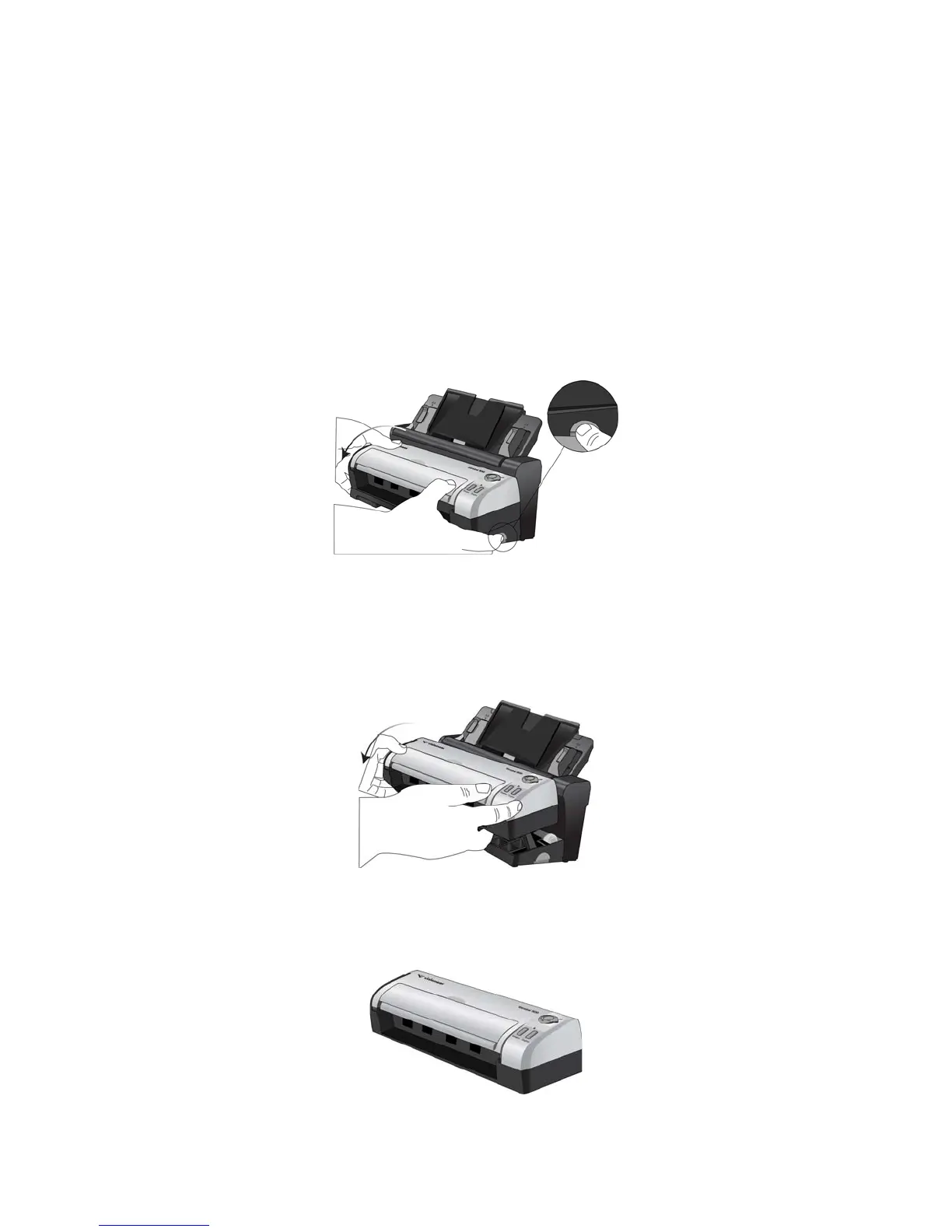
The Strobe 500 scanner body can be removed from the Docking Station to be used as a mobile scanner.
DETACH THE SCANNER BODY FROM THE DOCKING STATION
1. Press and hold the release button on the side of the Docking Station.
2. Tilt the scanner body towards the front of the Docking Station to release the scanner from the arms in the
Docking Station.
You can release the button on the Docking Station.
3. Set the scanner body on the desk.














 To Next Page