INSTALLATION
25
3. On the Visioneer License Agreement window, read the license agreement. If you accept the terms, select I
Agree then click Next.
If you choose not to accept the license agreement, click Cancel. Click Close on the Installation Interrupted
window.
4. The software will now be installed.
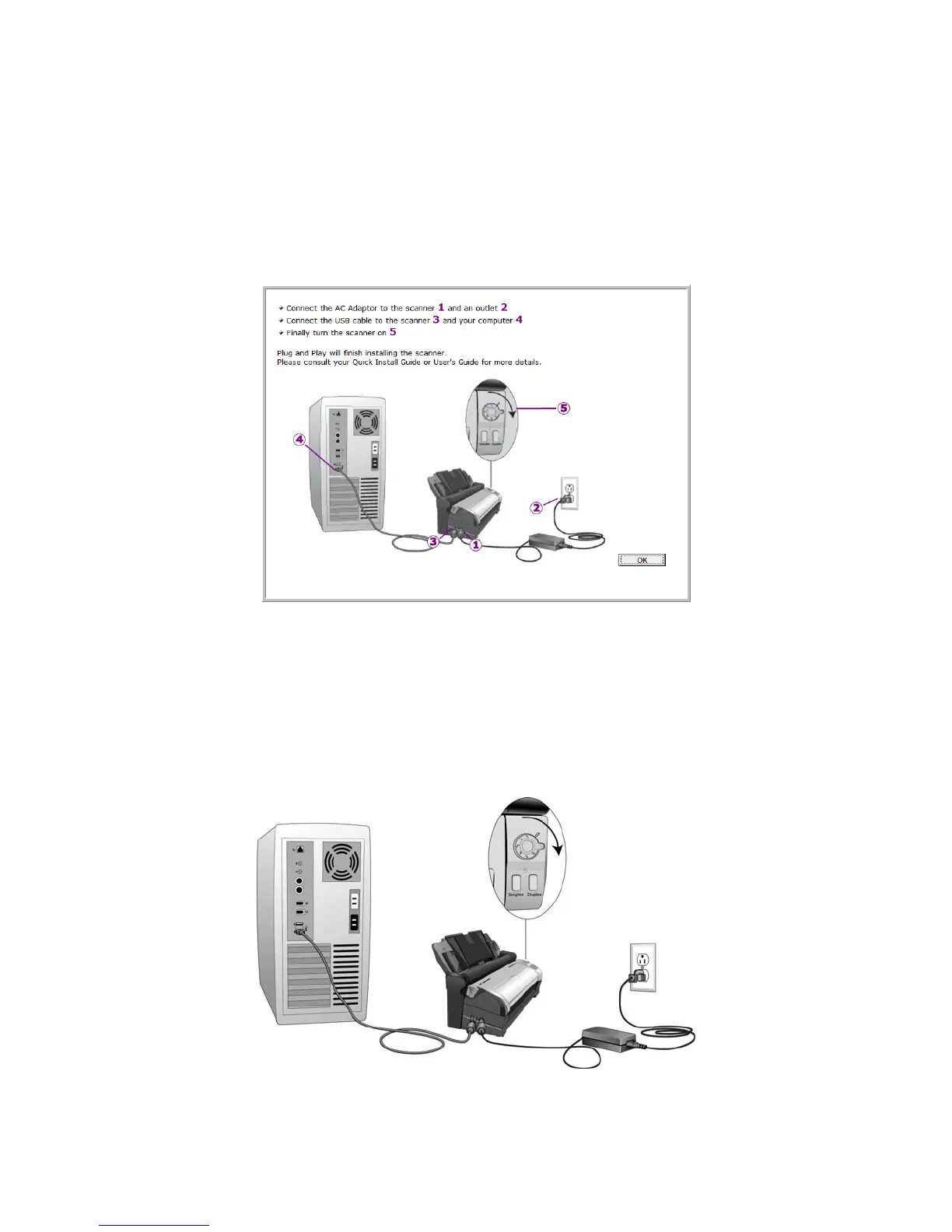
5. Stop when you see the “Complete the installation by connecting your hardware” window. Do not click OK
yet. Leave the window open and proceed to the next section.
N
OTE: If you do not see this on-screen diagram for connecting the scanner, stop and follow the instructions below.
CONNECT THE USB CABLE AND TURN ON THE POWER
1. Remove any tape from the USB cable.
2. Plug the USB cable into the USB port on the scanner then into a USB port on the computer.














 To Next Page