VISIONEER STROBE 500 SCANNER USER’S GUIDE
26
NOTE: If the plug does not attach easily, make sure that you are plugging it in correctly. Do not force the plug
into either connection.
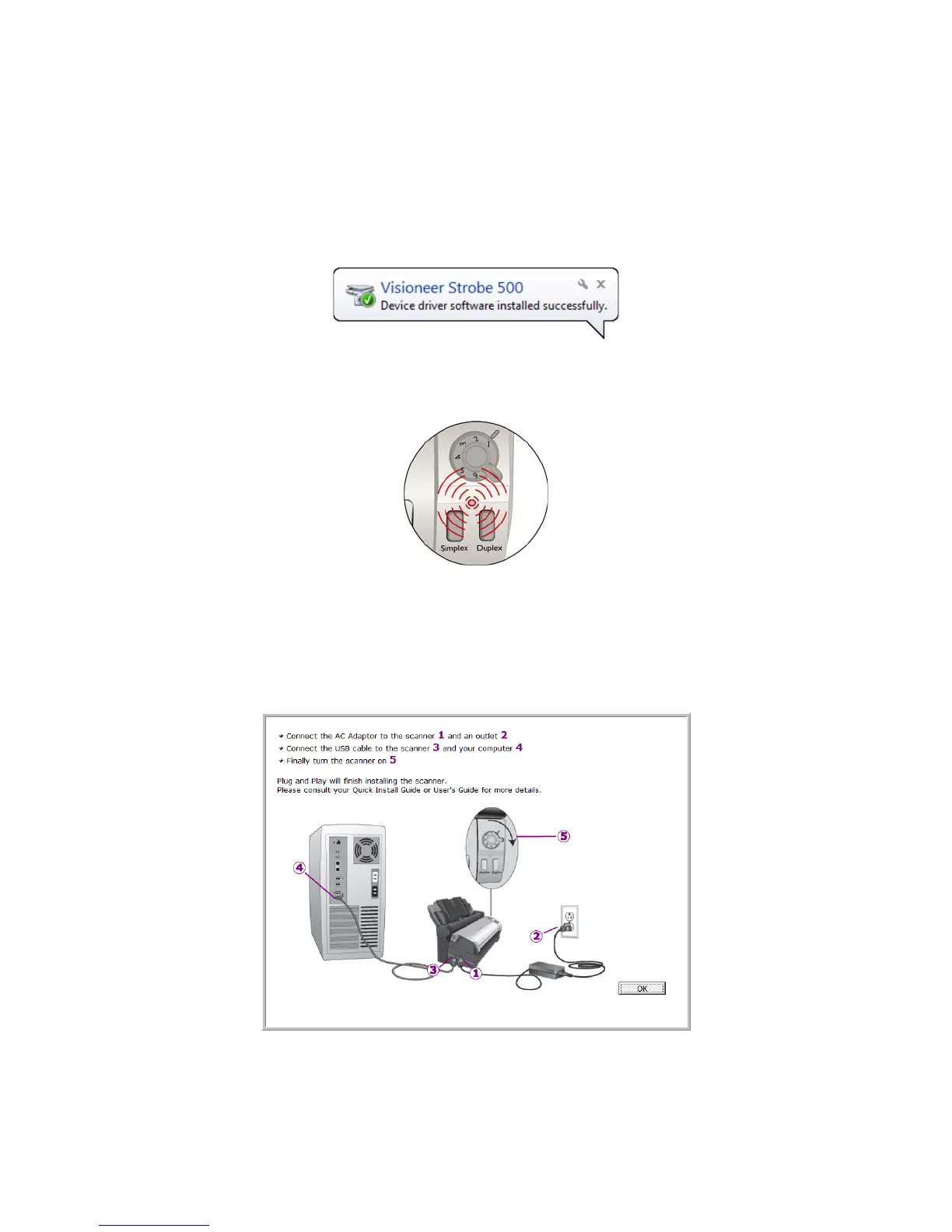
3. Turn on the scanner power.
The status light comes on and flashes indicating that the scanner is receiving power.
Your computer recognizes that a scanner has been plugged into the USB port and automatically loads the
appropriate software to run the scanner.
N
OTE: A calibration window may open on-screen after Windows finishes detecting the scanner. The scanner
calibrates automatically, and the window will close when calibration is complete.
Depending on the version of Windows you are using, you may be prompted to click Next to proceed with
calibration, and click Finish when calibration is complete. Follow the instructions if you see these on-screen
prompts.
4. When you’re certain that the software has completely loaded, return to the “Complete the installation by
connecting your hardware” window.
5. Click OK to complete the installation process.














 To Next Page