VISIONEER STROBE 500 SCANNER USER’S GUIDE
84
• Use Windows Integrated Authentication—Select this option to use the Windows current user’s login
name and password to send the message through the SMTP server.
• Email to—input a valid recipient email address to receive the scanned document. If it is not a valid address
the transfer will fail.
• Email from—input the email address you want to appear in the email message “from” field.
• Limit (MB)—input the maximum message size limit set on the SMTP server. This number should be lower
than or match the SMTP server maximum. You cannot send messages that exceed the maximum message
size of the SMTP server.
Because the destination configuration is done through the scan configuration, you can set each configuration to
scan to a different SMTP server, send messages to different email addresses, using different user credentials, and
so on. This is the same process used as when scanning to different folders using the Transfer to Storage
destination, as described in detail starting on page 68.
Click on the Help button, in this configuration tab, to launch the SMTP help file. The help file contains detailed
information about the settings in this window and technical implementation notes.
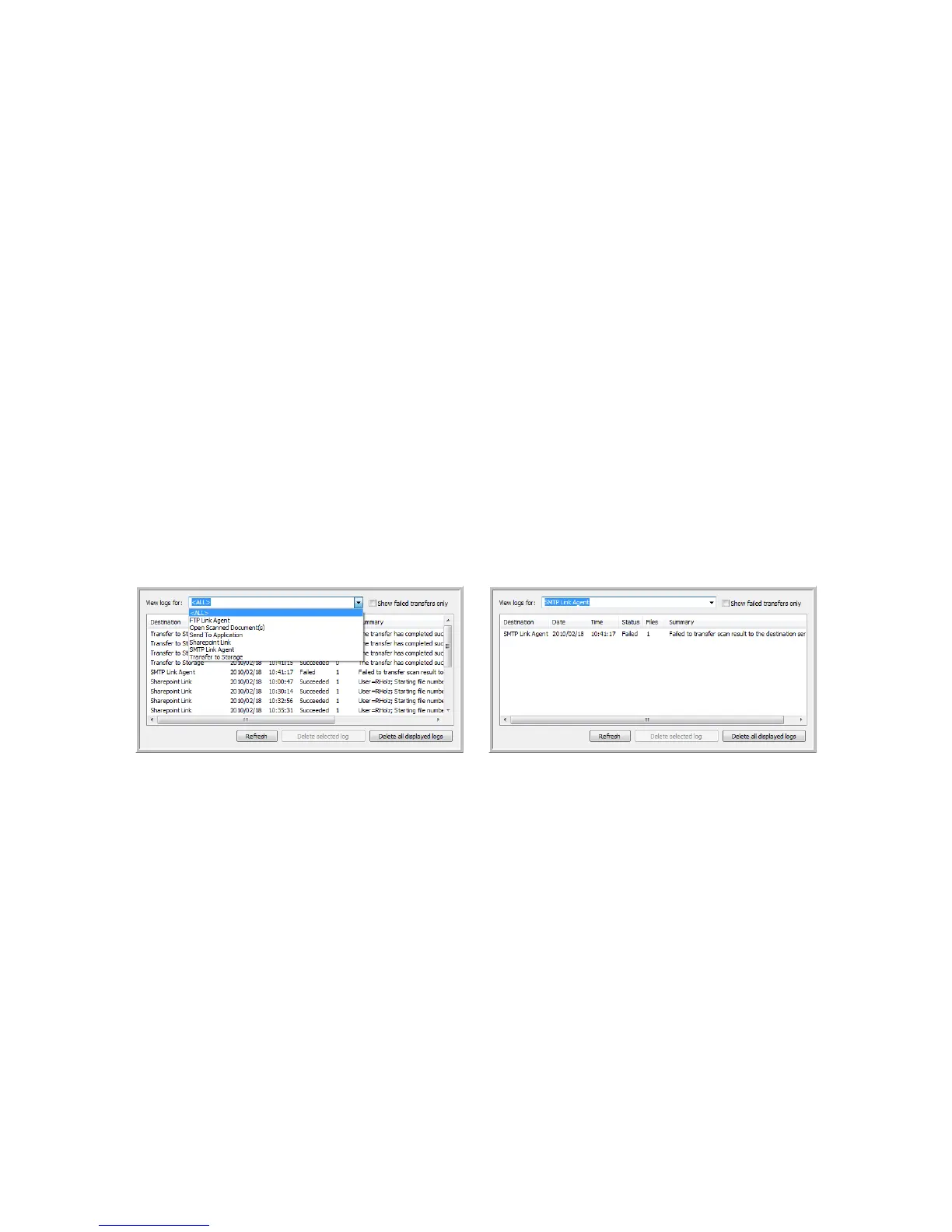
SMTP LINK LOG VIEWER
The OneTouch Link Log Viewer opens automatically when scanning is complete. Click on the menu arrow next to
View logs for and select SMTP Link Agent from the list to display the transfer history for the SMTP link only.
Double-click on any of the line items to open the selected log file in the Log File Detail View. If you open a failed
transfer, the log file may contain the information you need to determine why the transfer failed. After you address
the failure indicated in this log file, you can click the Retry button to resend the document to the server.














 To Next Page