VISIONEER STROBE 500 SCANNER USER’S GUIDE
168
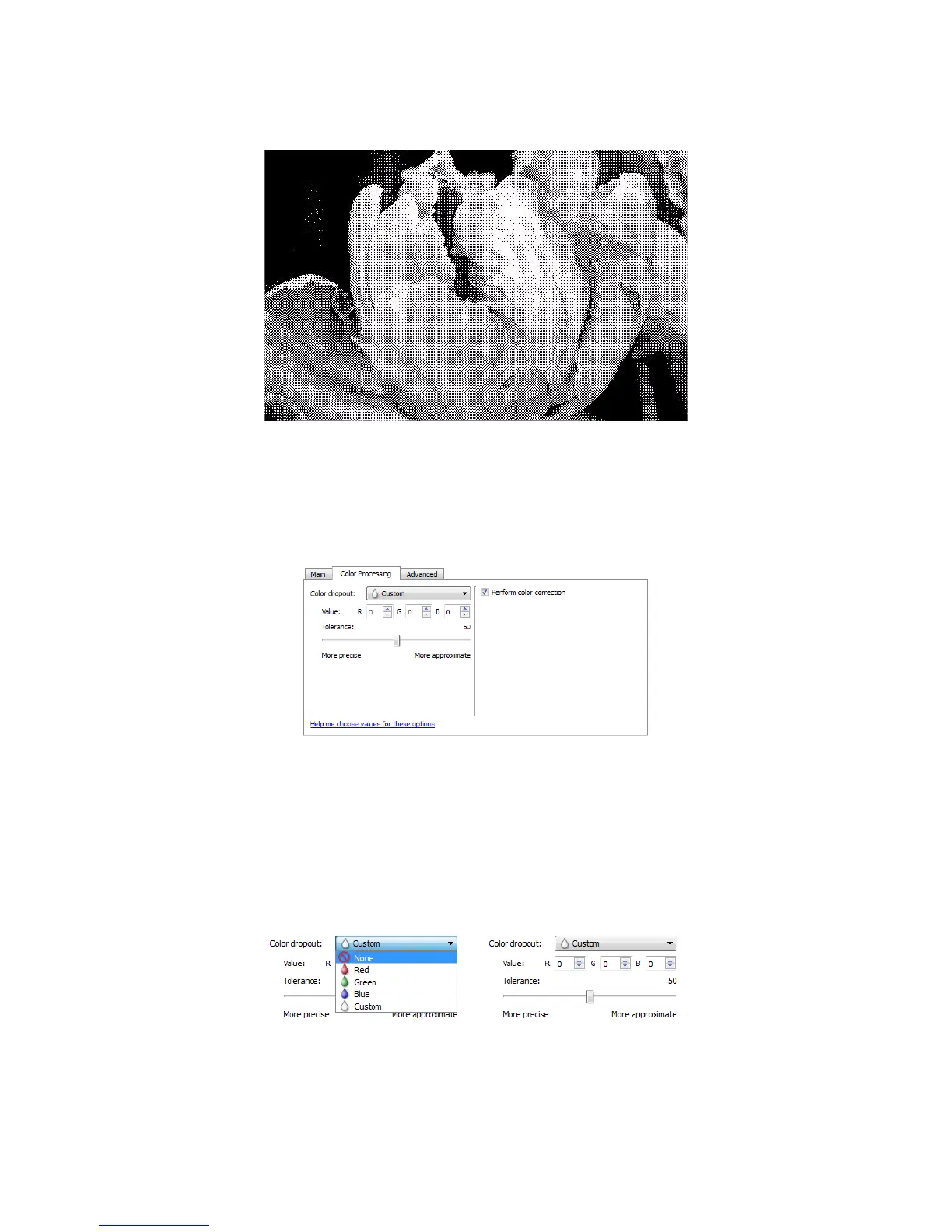
Bayer dither scan - Close up
COLOR PROCESSING PANEL OPTIONS
The options in this panel are for setting how the scanner should process colors in specific color modes.
COLOR DROPOUT
Color dropout tells the scanner and software to remove a specific color from the image. You can choose either
Red, Green, or Blue, or define a custom color, to be dropped out of an image.
To input a custom color using its RGB value, select Custom in this list and then input the values for R, G, and B in
their appropriate boxes, where R, G, and B are numbers from 0 to 255.
Tolerance —use the slider to adjust the precision of the color dropout.














 To Next Page