LOADING DOCUMENTS TO SCAN
39
SCANNING INTERFACES
If you selected the recommended installation options, then you have several different options to scan with your
Visioneer Strobe 500 scanner.
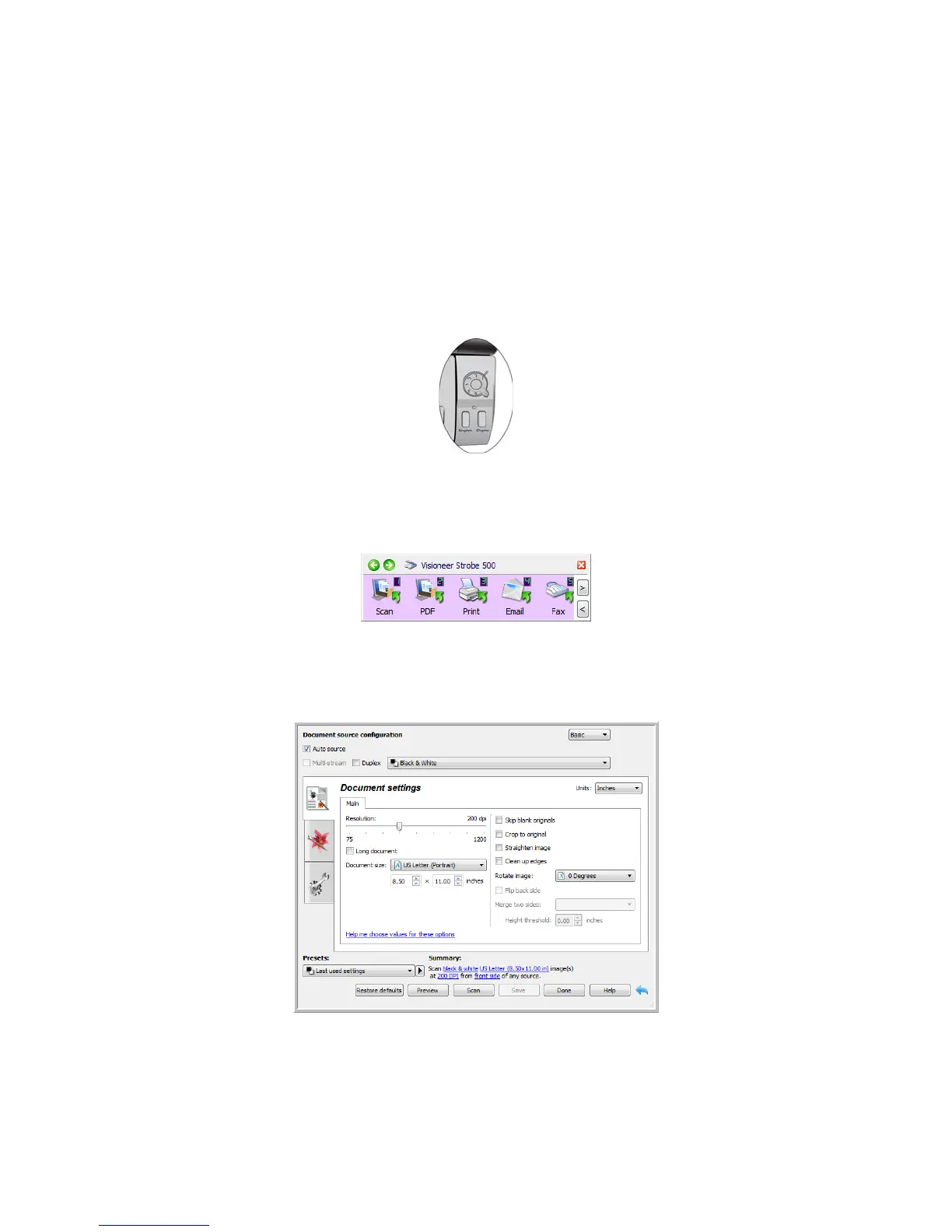
• OneTouch and OneTouch AutoLaunch—To use the scanner’s AutoLaunch feature, simply insert a
document in the scanner and it is automatically scanned using predefined settings from the OneTouch
software. See Scanning and Configuring OneTouch on page 41.
• OneTouch Button Panel—Use this scan option when you want to scan from the computer screen. This
scans with the same settings as when using the AutoLaunch scanning feature. Please see Scan from the
One Touch Button Panel on page 44 for instructions.
• TWAIN and WIA Interface—This option uses your scanner’s TWAIN interface to scan. Select scanning
options before scanning, put the document in the scanner, then click the Scan button in the TWAIN interface
window. Please see Scanning from TWAIN and WIA on page 129














 To Next Page