VISIONEER STROBE 500 SCANNER USER’S GUIDE
24
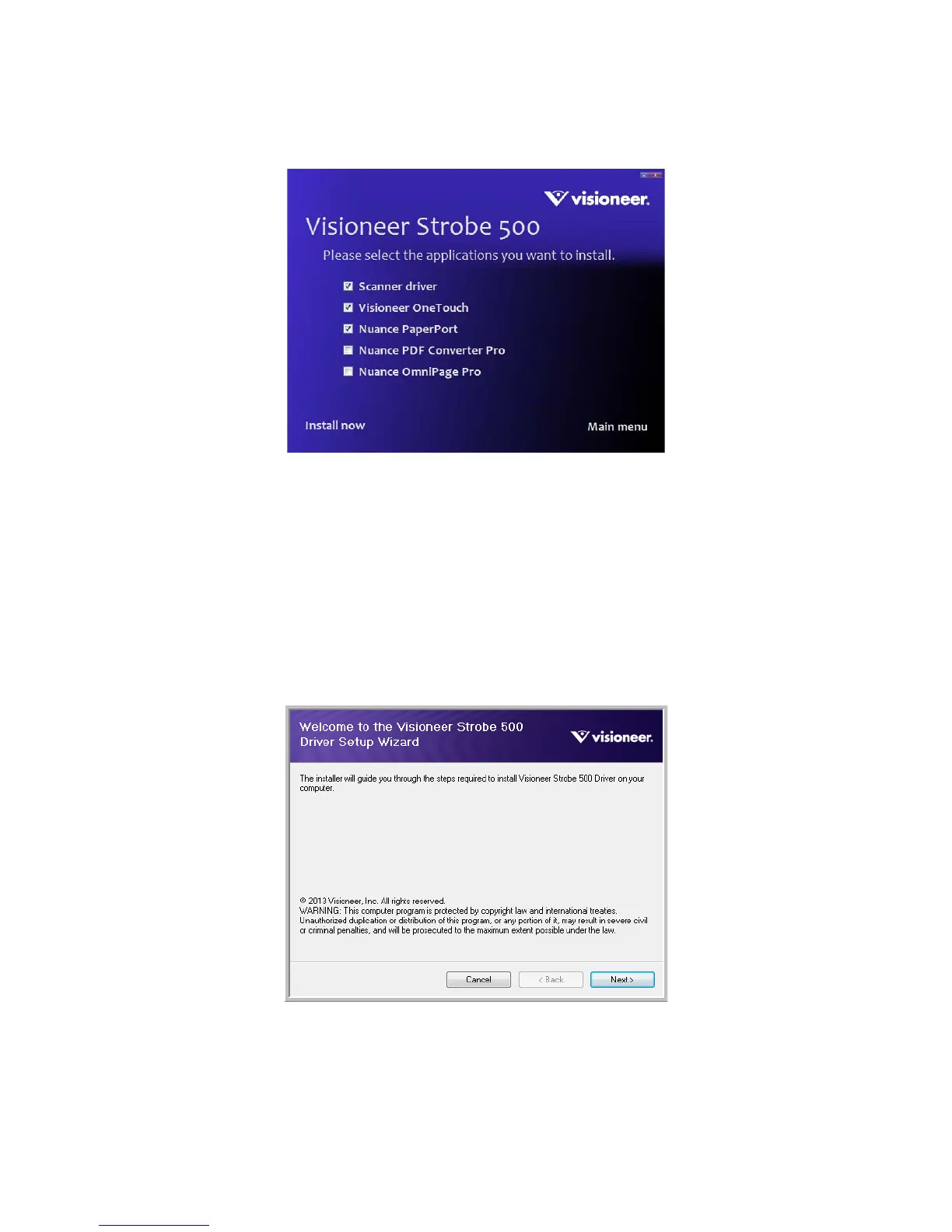
5. Make sure the boxes for Scanner Driver and Visioneer OneTouch are selected, as well as any other
applications you want to install.
6. Click Install now.
The scanner driver installation will start first.
INSTALLING THE SCANNER DRIVER
1. The Welcome to the Visioneer Setup Wizard opens.
2. Click Next.
N
OTE: The software provided with your scanner may differ slightly from the list shown in the window.














 To Next Page