VISIONEER STROBE 500 SCANNER USER’S GUIDE
18
CONNECT THE SCANNER POWER TO THE COMPUTER
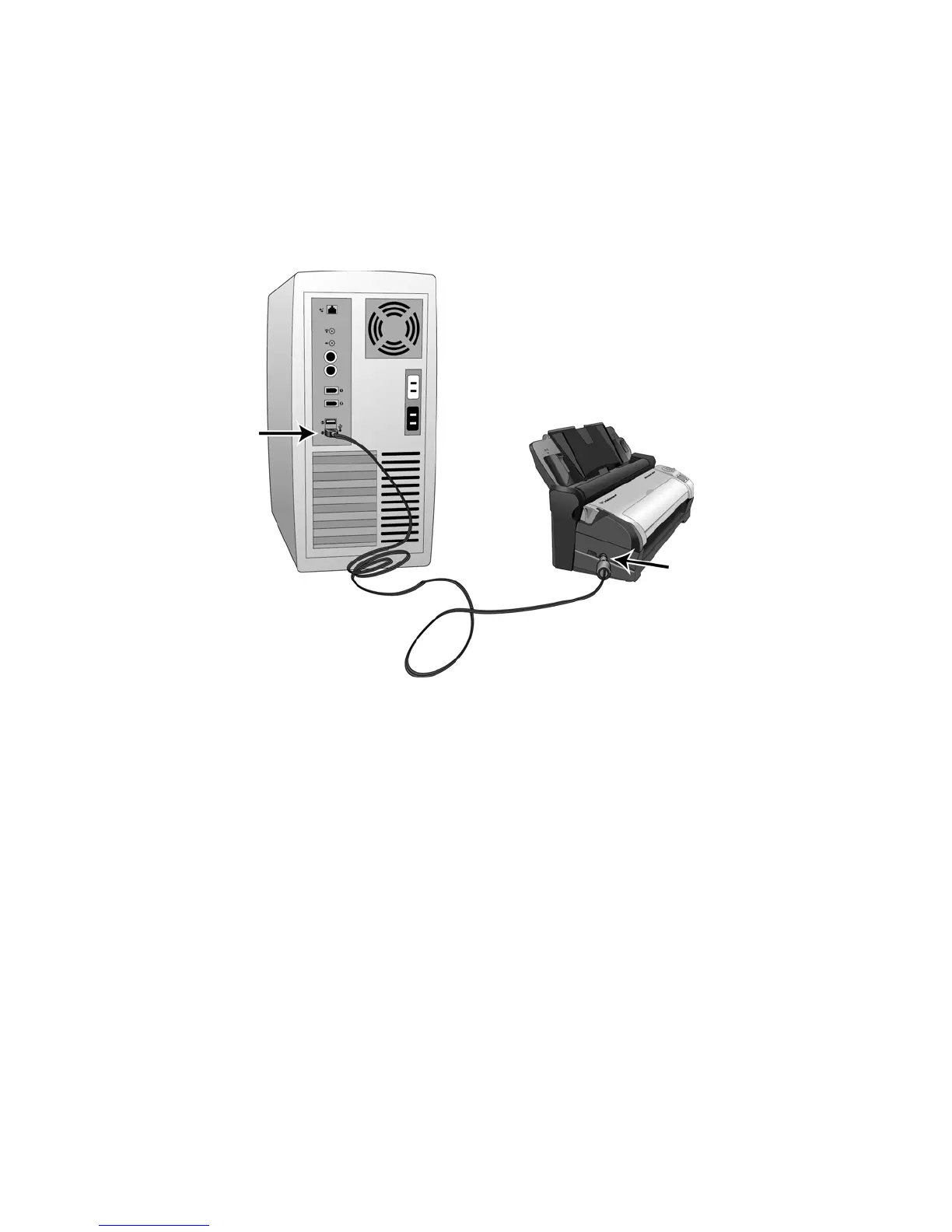
1. Plug the round end of the USB power cord into the power jack on the scanner.
2. Plug the flat end of the USB power cord into an available USB port on the back of the computer.
We do not recommend using a USB hub to power the scanner.
N
OTE: Only use the USB power cable included with your scanner. Connecting any other type of USB power cable
may damage your scanner, and will void its warranty. If you do not have your USB power cable, you can order a
new one by contacting our Customer Service department. Please refer to the Technical Support Card, included
with your scanner, for our company contact information, or visit the Parts & Accessories page for your scanner at
www.visioneer.com.














 To Next Page