VISIONEER STROBE 500 SCANNER USER’S GUIDE
122
ONETOUCH WITH VISIONEER ACUITY TECHNOLOGY
The OneTouch software you received with your Visioneer scanner now includes the Visioneer Acuity technology.
This application has a set of features for improving and enhancing the quality of scanned documents, especially
documents that would usually produce poorer quality images. Scan configurations with Acuity options work with
OneTouch scan settings to produce the best quality images.
This section explains how to use the Visioneer Acuity features when choosing new scan settings for your scanner.
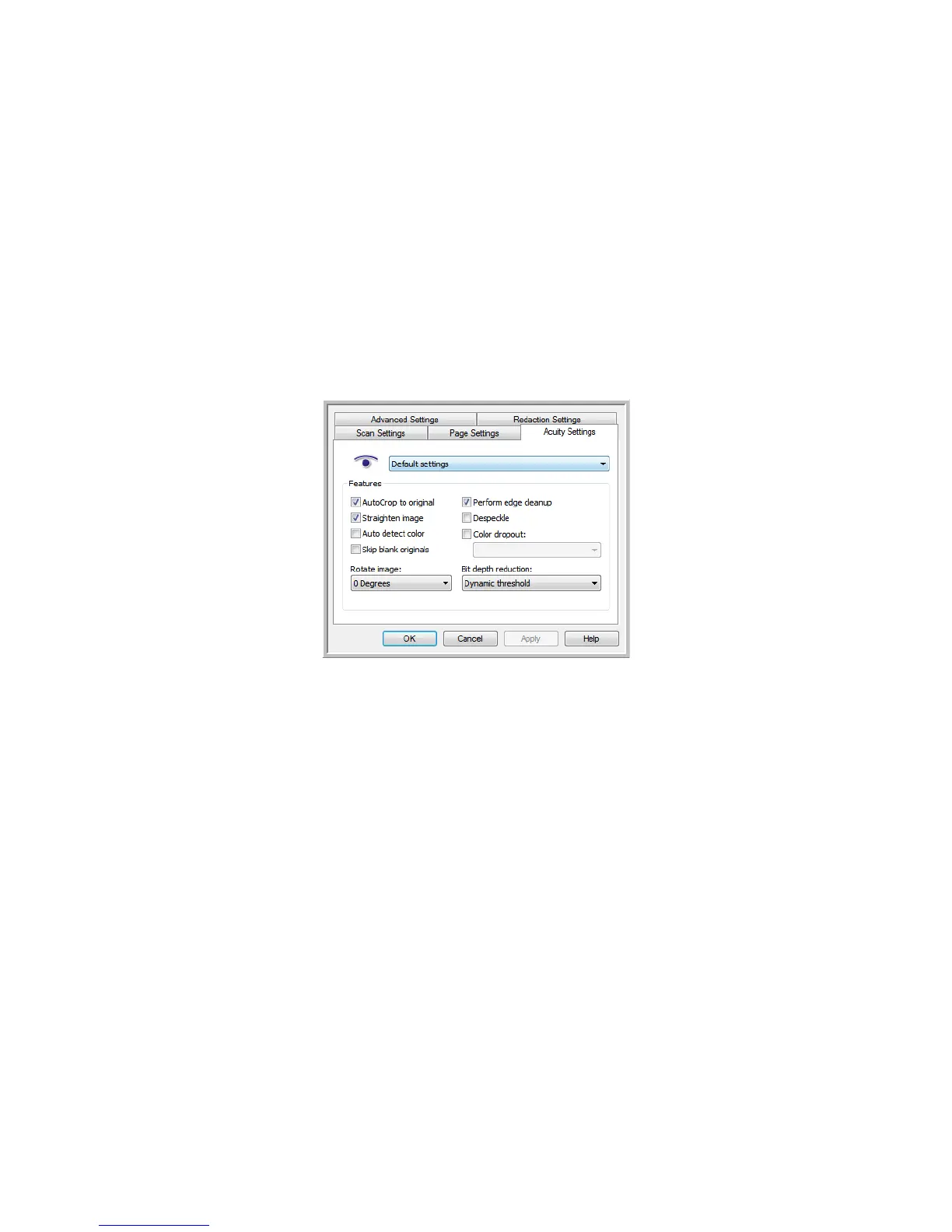
The Acuity options appear on the Scan Configuration Properties window that you use to create a new scan
configuration for your scanner.
THE ACUITY SETTINGS
You select the Visioneer Acuity settings when creating or editing a scan configuration on the OneTouch
Properties window.














 To Next Page