VISIONEER STROBE 500 SCANNER USER’S GUIDE
174
HARDWARE PROPERTIES AND INTERFACE BEHAVIOR
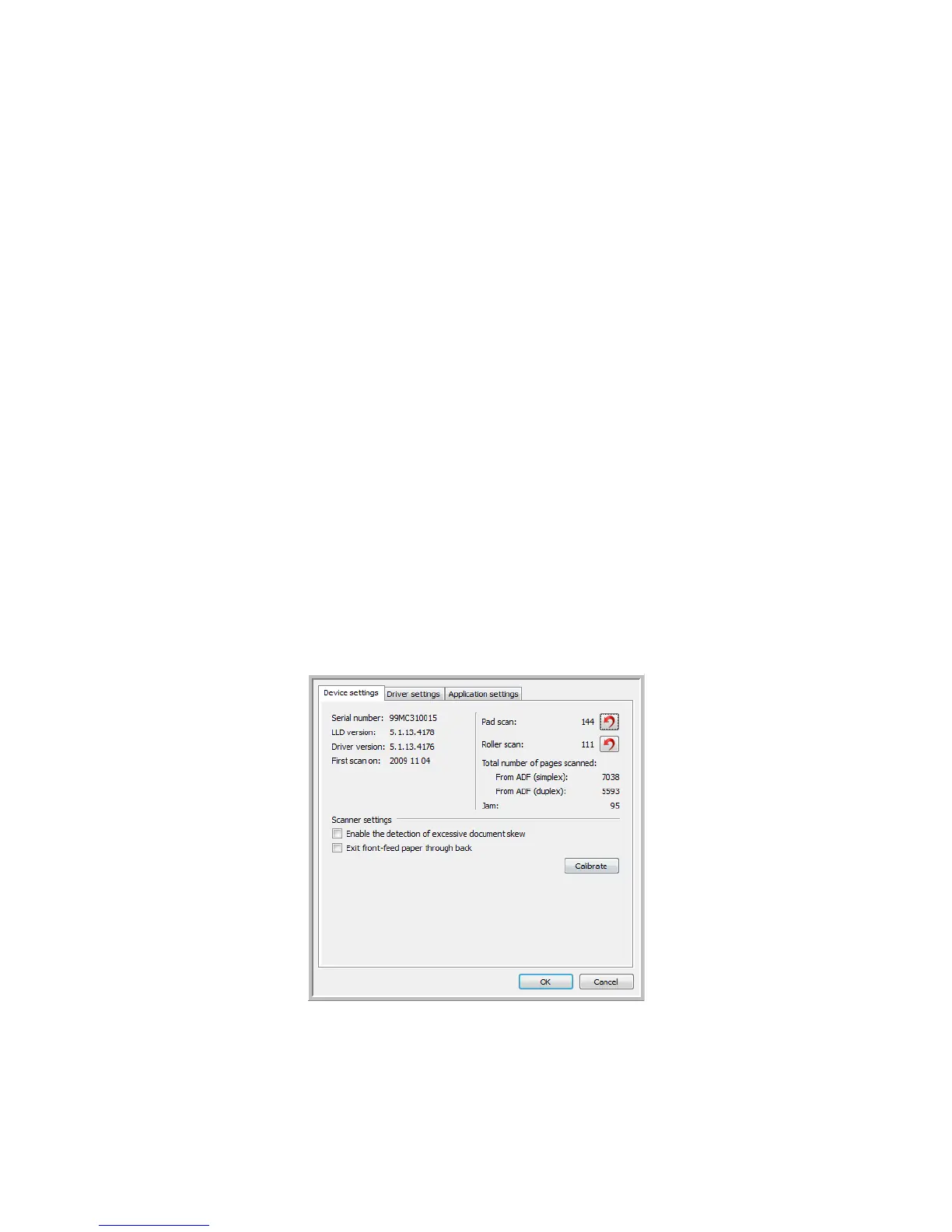
You can use the scanner’s properties page to keep track of scanner maintenance, change some of the hardware
options, configure the scanner interface behavior, and adjust application options that may be available for your
scanner.
To open the scanner hardware properties page:
• Windows 7 and 8—from the Windows Control Panel, open Hardware and Sound and then Devices and
Printers.
Right-click on the scanner and then select Scan properties from the list. Click Ye s if you are prompted by
the Windows User Account Control to confirm that you want make changes to the system settings.
• Windows Vista—from the Windows Control Panel, open Hardware and Sound and then Scanners and
Cameras.
Click on the scanner icon then click on the Properties button. Click Ye s if you are prompted by the Windows
User Account Control to confirm that you want make changes to the system settings.
• Windows XP—from the Windows Control Panel when in category view, open Printers and Other
Hardware and then Scanners and Cameras.
Right-click on the scanner and then select Properties from the list.
DEVICE SETTINGS
SCANNER DETAILS
• Firmware version—this is the current hardware processor chip version number.














 To Next Page