VISIONEER STROBE 500 SCANNER USER’S GUIDE
34
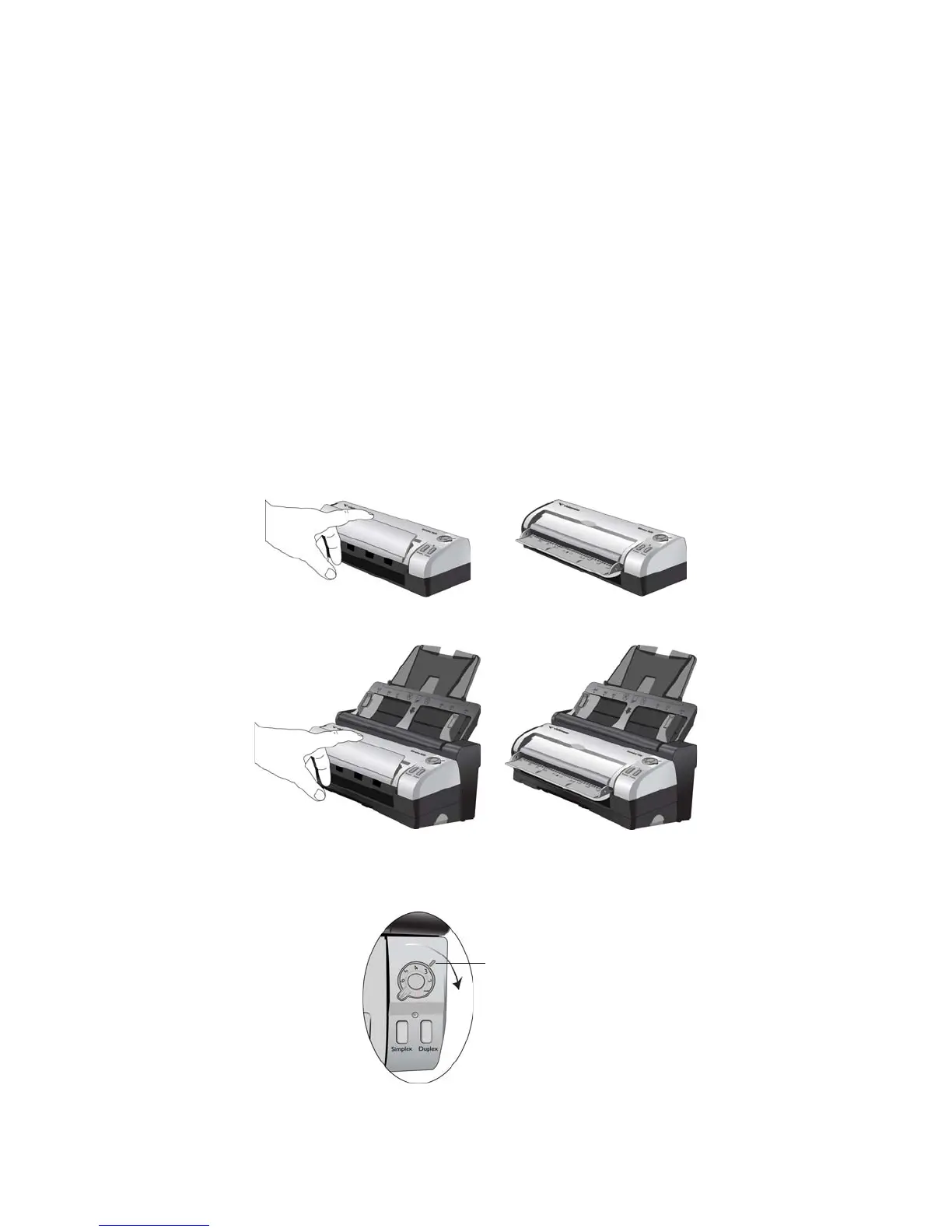
SCAN FROM THE FRONT FEED TRAY
Scan from the Front Feed tray when the scanner body is not attached to the Docking Station.
When the scanner is attached to the Docking Station, you can still scan using the front feed tray for single items
such as thick paper, embossed plastic cards, plastic identification cards, business cards, and other items.
N
OTE: Do not attempt to load documents into the Docking Station input tray while you have an item in the
scanner fed in from the front. You can only load items into the scanner from either the Front Feed tray or the input
tray at each scan time. The scanner will jam if you load paper into the input tray after an item has already been fed
into the front.
SCAN FROM THE ONE TOUCH BUTTONS
1. Flip open the front feed tray from the scanner body.
2. Turn the control dial to the setting you want to use to scan, align the number to the registration mark on the
scanner.














 To Next Page