LOADING DOCUMENTS TO SCAN
33
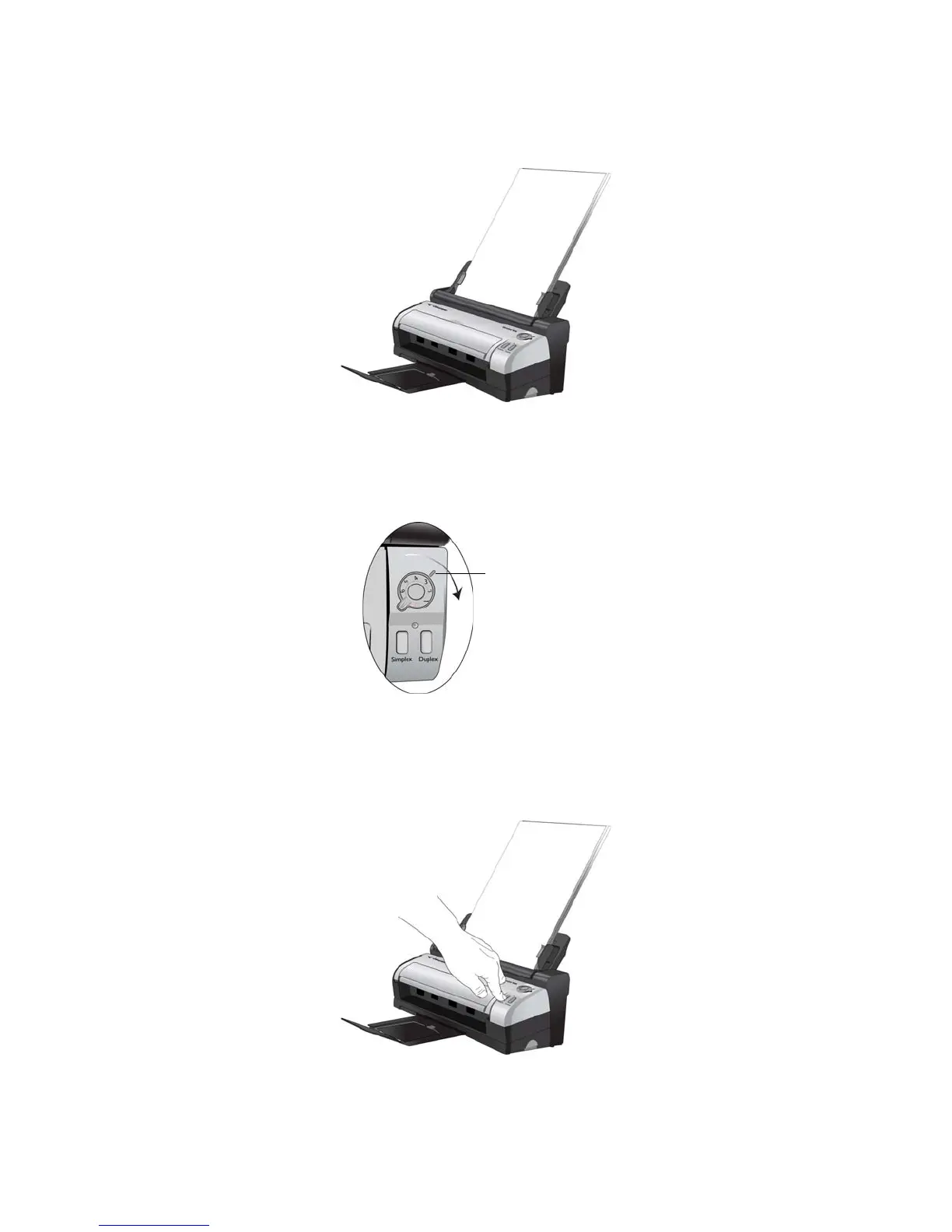
2. Load the documents into the scanner face down with the tops of the page inserted into the scanner.
3. Turn the control dial to the setting you want to use to scan, align the number to the registration mark on the
scanner.
4. For one-sided scanning press the Simplex button.
For two-sided scanning press the Duplex button.














 To Next Page