LOADING DOCUMENTS TO SCAN
37
SCAN USING AUTOLAUNCH
When you insert an item into the front feed tray, it is automatically scanned and the image is sent to a destination
location or application on your computer, or to a network drive.
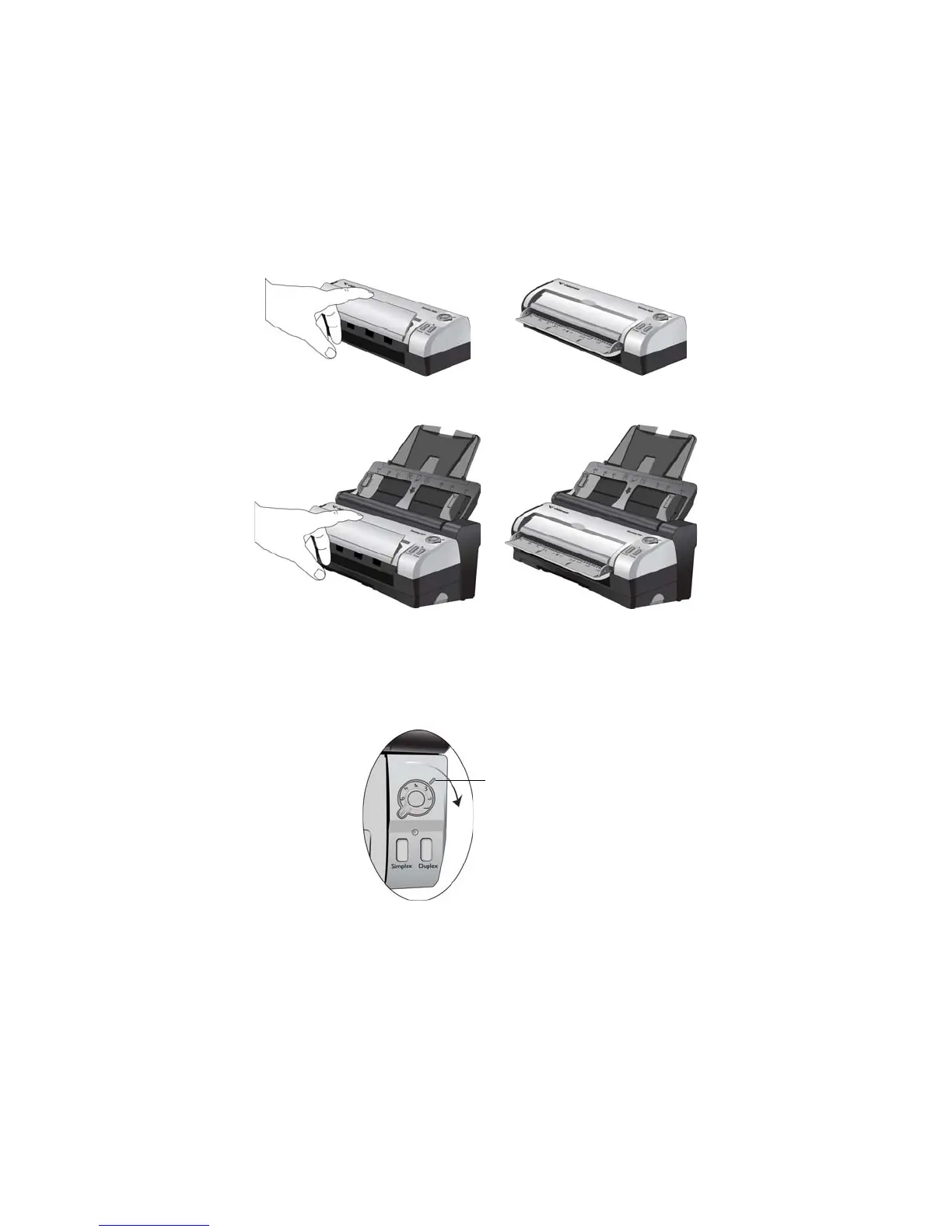
1. Flip open the front feed tray from the scanner body.
2. Turn the control dial to the setting you want to use to scan, align the number to the registration mark on the
scanner.














 To Next Page