VISIONEER STROBE 500 SCANNER USER’S GUIDE
126
HARDWARE PROPERTIES AND INTERFACE BEHAVIOR
You can use the scanner’s properties page to keep track of scanner maintenance, change some of the hardware
options, configure the scanner interface behavior, and adjust application options that may be available for your
scanner.
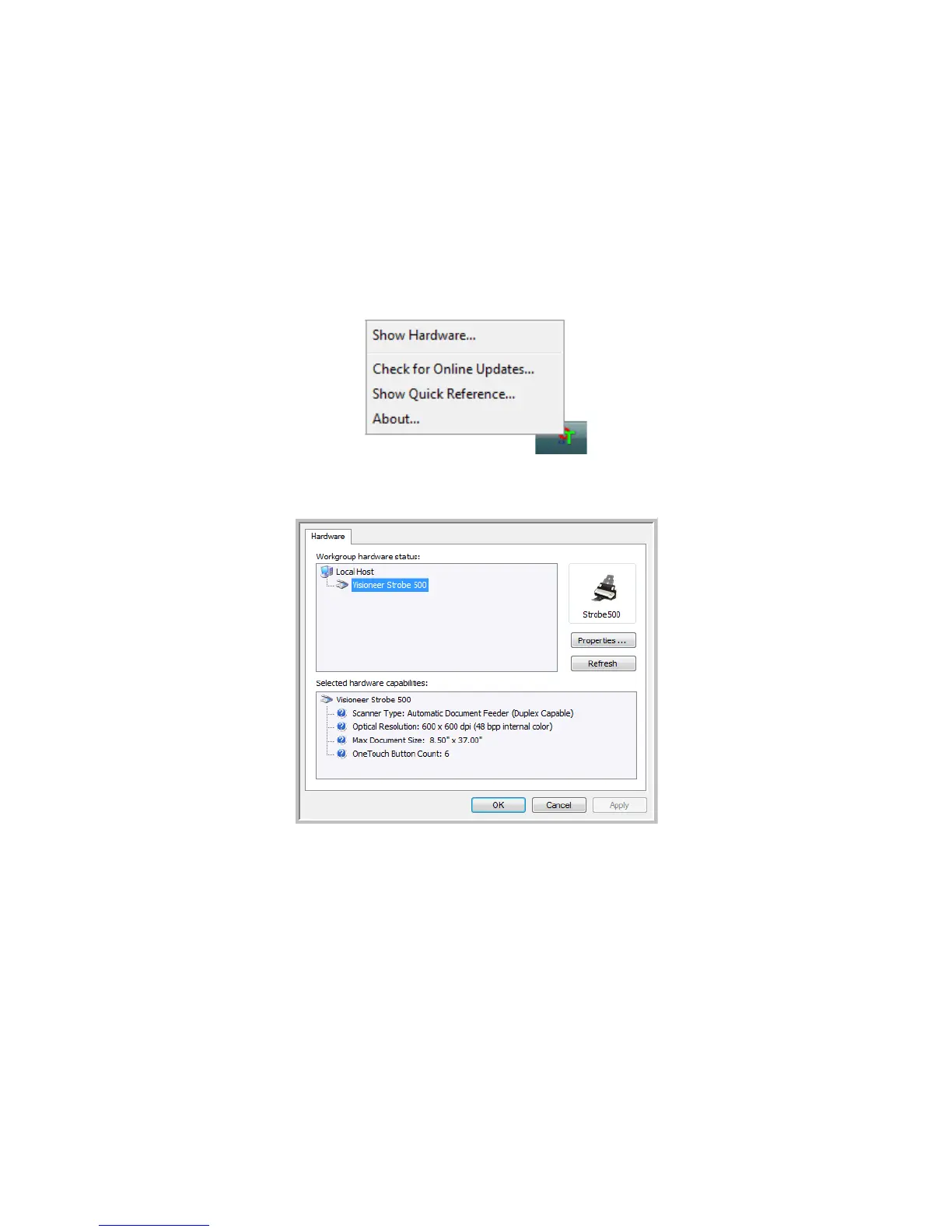
1. Right-click on the One Touch icon and choose Show Hardware from the pop-up menu.
2. The Hardware Properties dialog box opens and shows information about your Visioneer scanner.
3. Click the Properties button.














 To Next Page