SCANNING AND CONFIGURING ONETOUCH
125
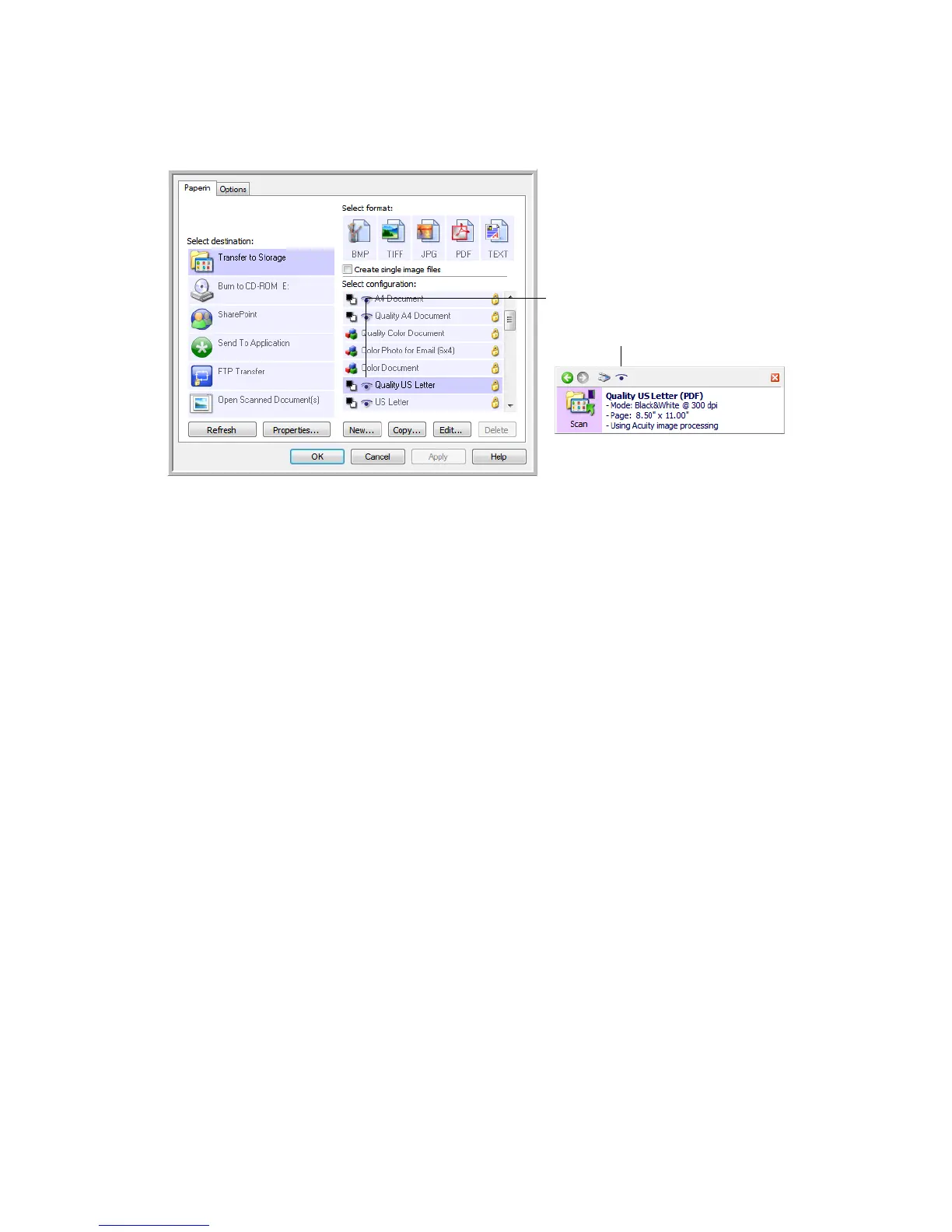
When a scan configuration includes Acuity options, the OneTouch Panel and the OneTouch Properties window
both show the Acuity icon as a reminder.
The Acuity icon on the top of the
OneTouch Panel and on the scan
configuration remind you that the
scan will use the Acuity settings.
The summary of the scan settings
also indicates Acuity settings.














 To Next Page