MAINTENANCE
183
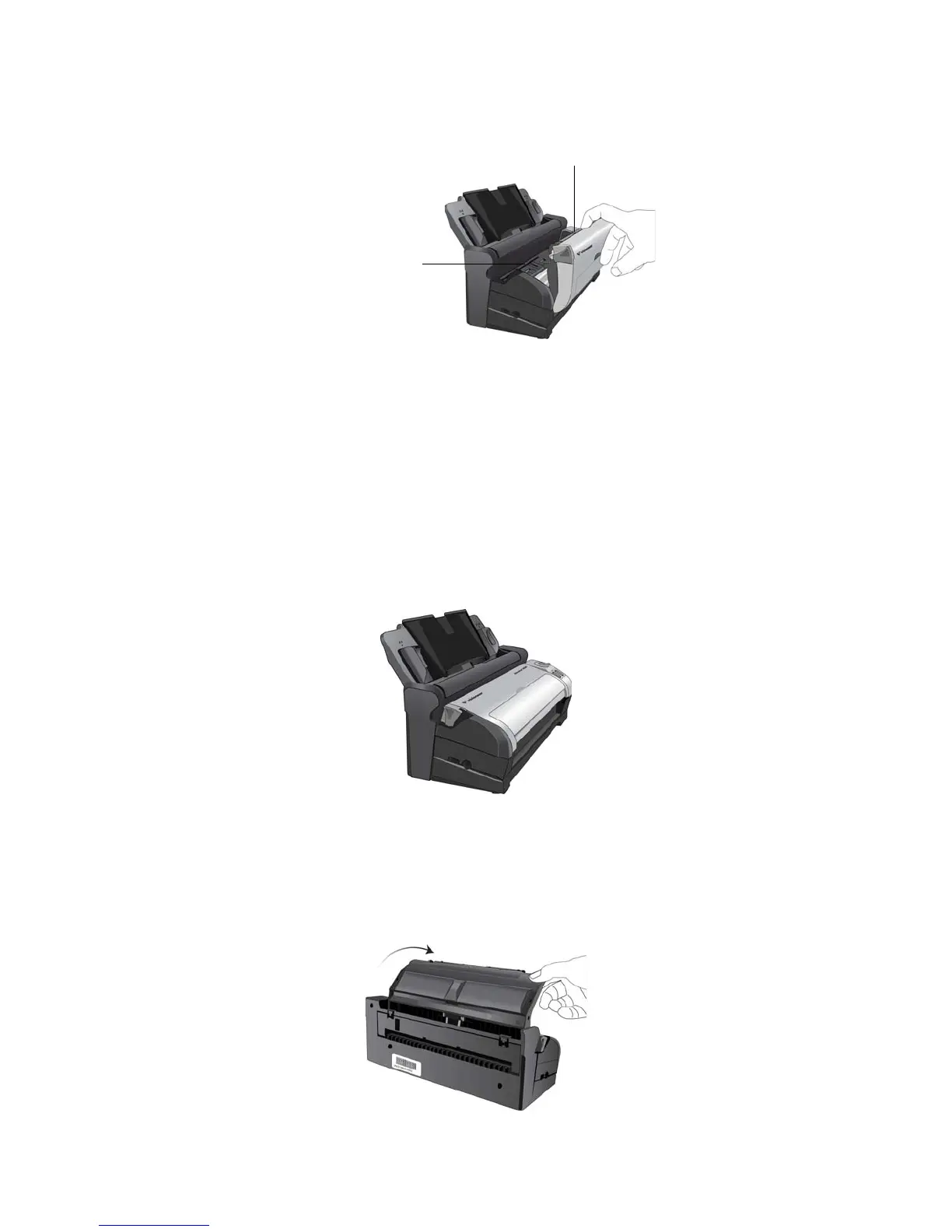
4. Wipe clean all of the rollers in the scanner. Be careful not to snag the cloth on the paper sensor.
5. Close the cover when you’re finished.
CLEANING THE DOCKING STATION
CLEANING THE INPUT TRAY:
1. Wet a soft cloth with some isopropyl rubbing alcohol (95%).
2. Wipe down the input tray with the cloth.
CLEANING THE ROLLER AND PAD ASSEMBLY:
1. Wet a soft cloth with some isopropyl rubbing alcohol (95%).
2. From the back of the scanner, lower the input tray.
Paper Sensor
Rollers (located in
both the body of
the scanner and
under the scanner
lid).














 To Next Page