VISIONEER STROBE 500 SCANNER USER’S GUIDE
184
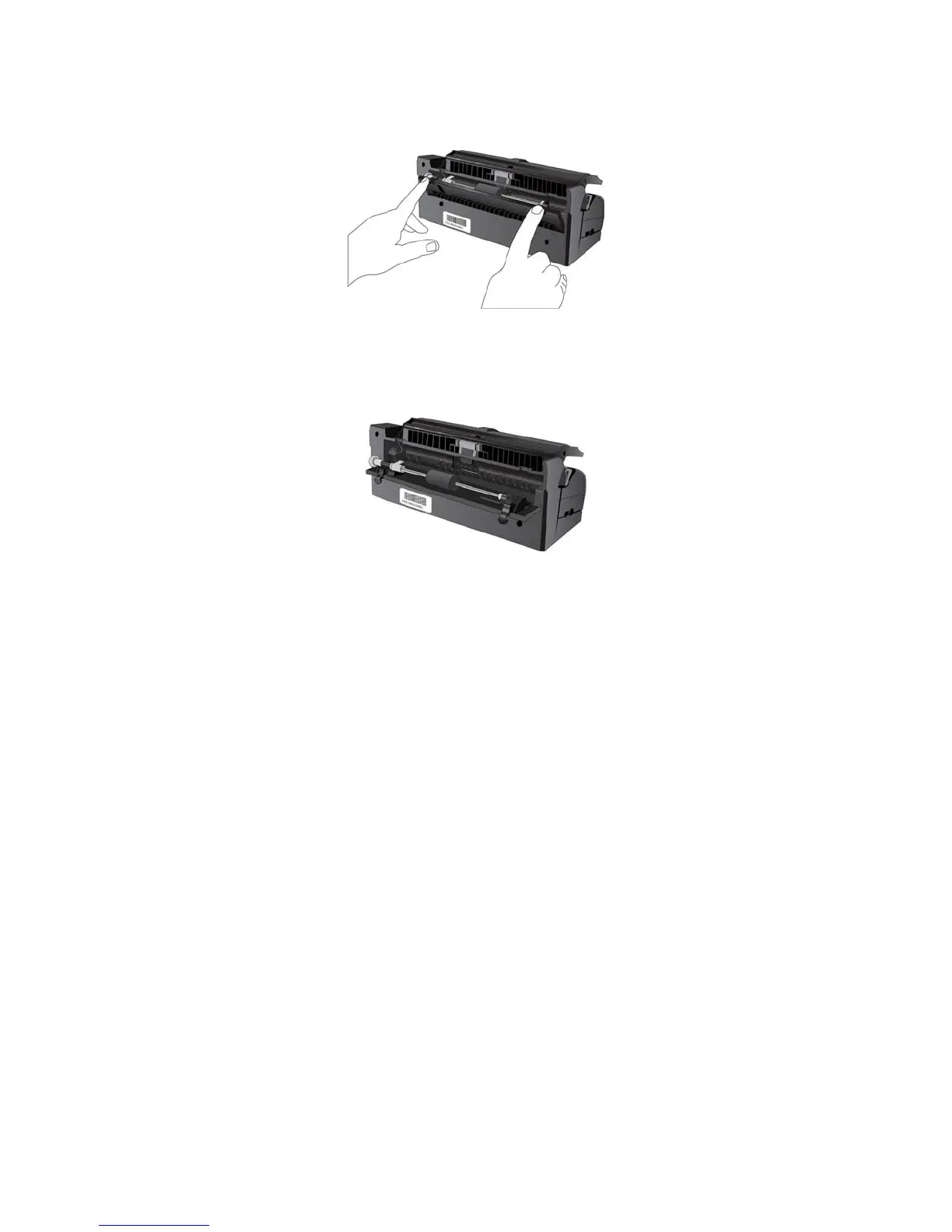
3. Press down on the two latches on the back of the docking station and lower the rear cover.
4. Wipe the feed roller from side to side. Rotate the roller to clean its entire surface.
5. Wipe the ADF pad from top to bottom. Be careful not to snag the cloth on the springs on either side of the
pad.
6. Wipe clean all plastic surfaces, then close the rear cover.














 To Next Page